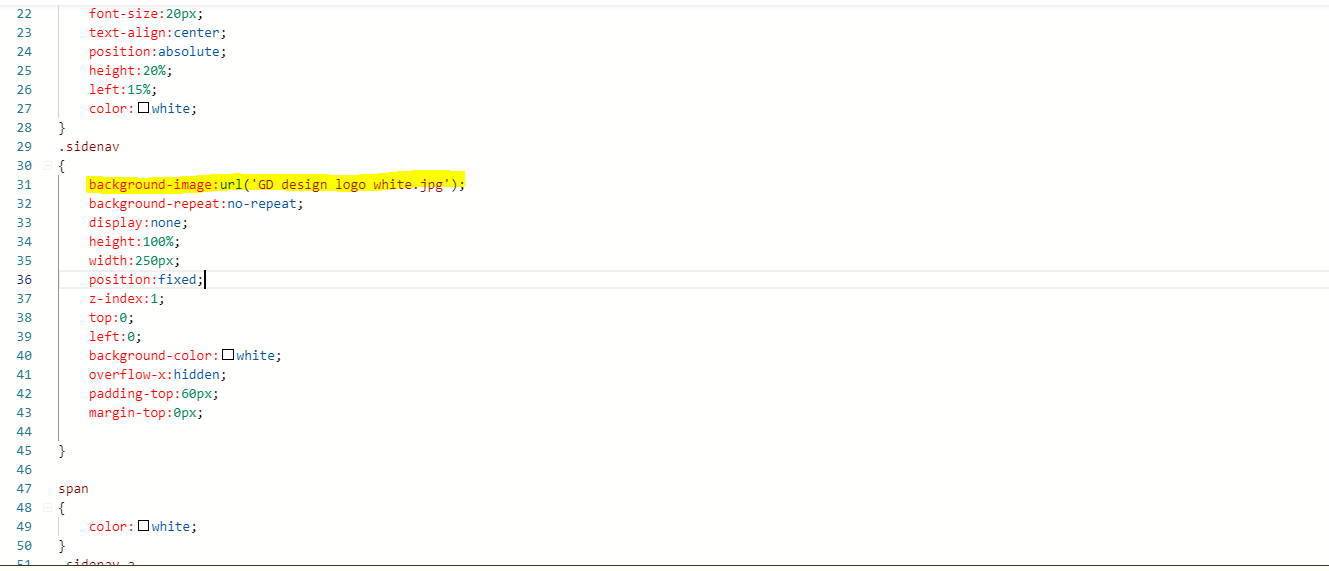
So here is the URL for my JPEG in the CSS coding,but it is not showing up on the website
Let me try that.
Replace the spaces with %20, because spaces aren’t allowed on links.
6 Likes
Try putting a ‘/’ symbol on every page, links or images on it.
1 Like
Thanks guys,looks like everything is working,one last question,lets say I want to update a webpage, I can just update the HTML on my pc and then upload that new HTML over the old one hey?
Yes, if you just updated the Home.html from your hard drive then just manually change or rename it to index.html and upload the updated file to your online file manager and overwrite the old html file, same as others.
This topic was automatically closed 15 days after the last reply. New replies are no longer allowed.