Welcome to the InfinityFree community forum! Good to have you here.
Most people answering here are volunteers. They’re often the fastest source of help. Admin (the only staff member) checks in about once a day for issues on our end.
Volunteers can’t see your account or website. Share what you actually see, like error messages and what happens when you try something. That’s more useful than your theory of what’s wrong.
AI tools often get InfinityFree wrong. If a volunteer’s advice differs from what an AI told you, please try the volunteer’s suggestion first.
Solving an issue is a joint effort. Try the suggestions you get and report back what happened.
Beep boop, I’m a bot! I dug through the forum to get you started. I sometimes get things wrong though, so do with this what you will until a human has a look.
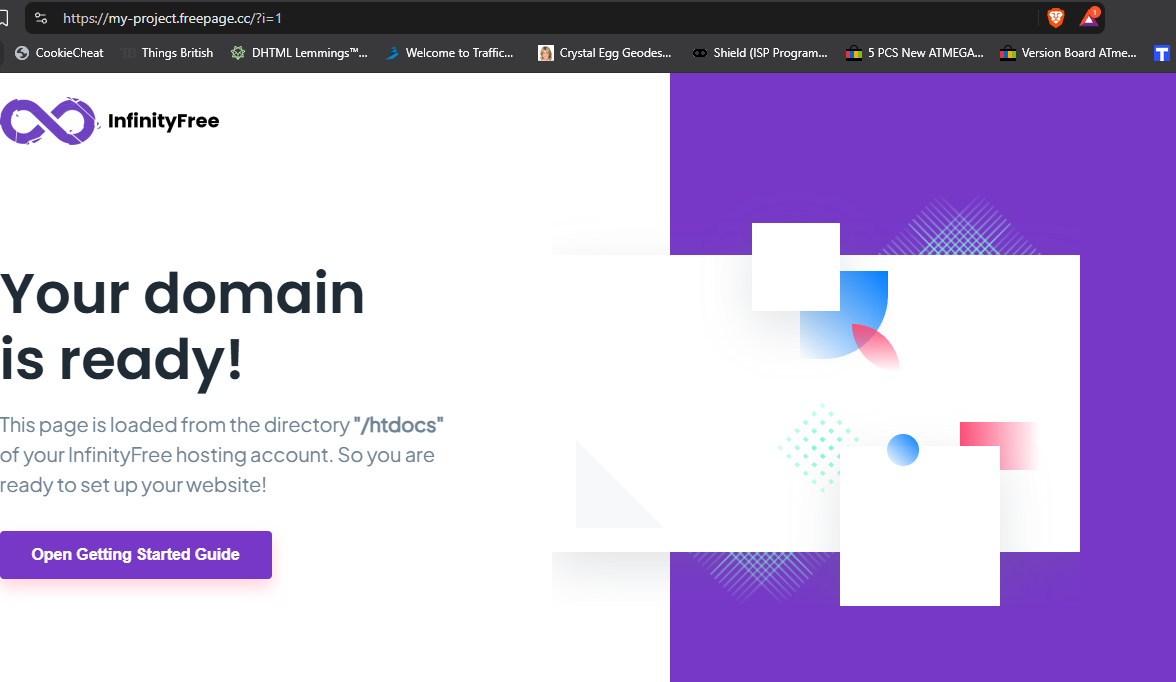
Your account was created about two days ago (on 23 November), so it’s still inside the 72-hour window our articles give for a new domain to start working everywhere. On a free subdomain there’s nothing to set up on your side. Your NXDOMAIN from 1.1.1.1 fits a lookup that hasn’t spread yet, but it could also be something else.
This article explains the wait, and what to do if it’s still failing after 72 hours:
Could you run my-project.freepage.cc through dnschecker.org with record type A and tell me what it shows? If most locations show a red cross, the problem is with the subdomain itself. If most show an IP address, your site resolves and something on your network or device is giving the wrong answer. The article below walks through both cases: