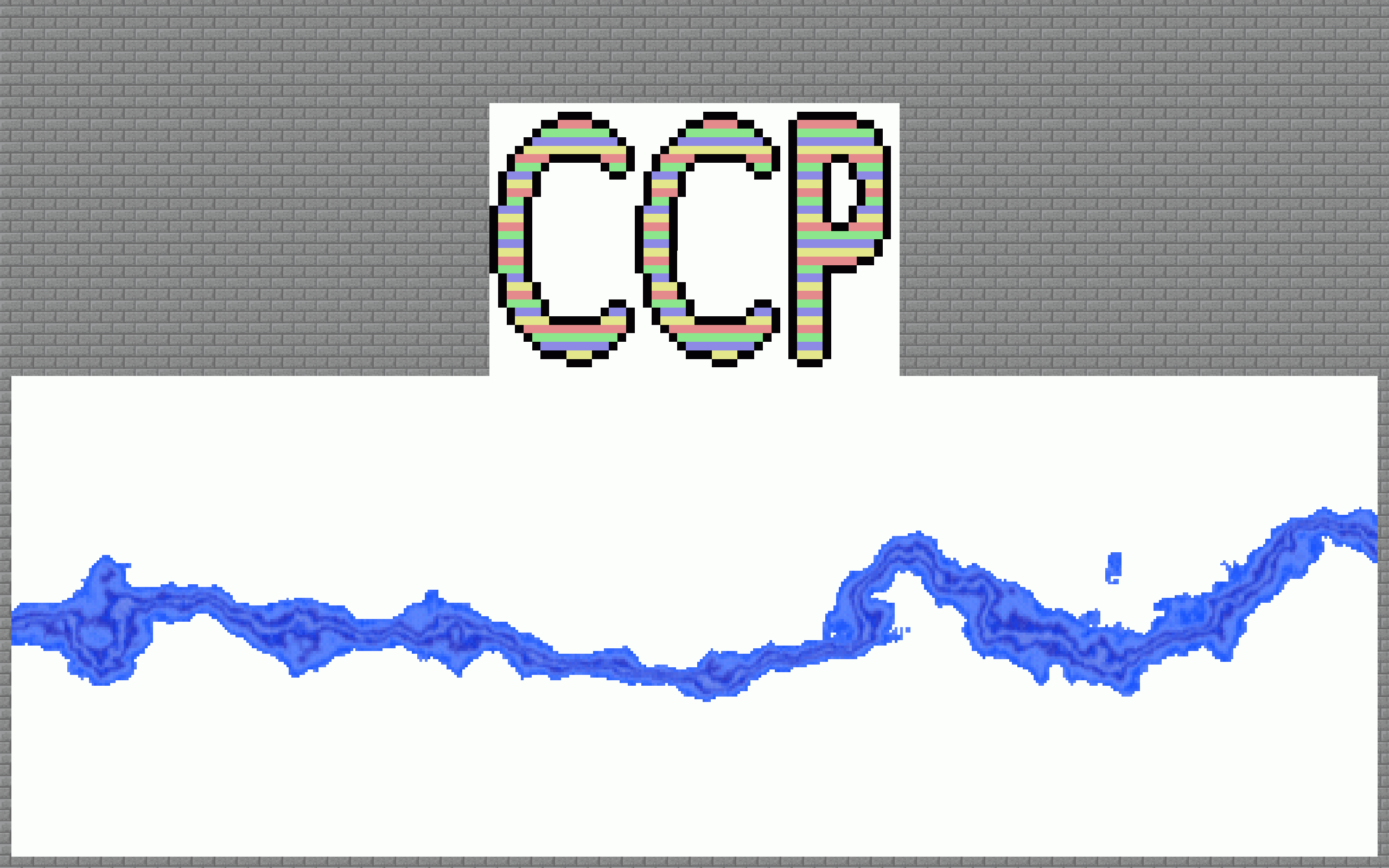
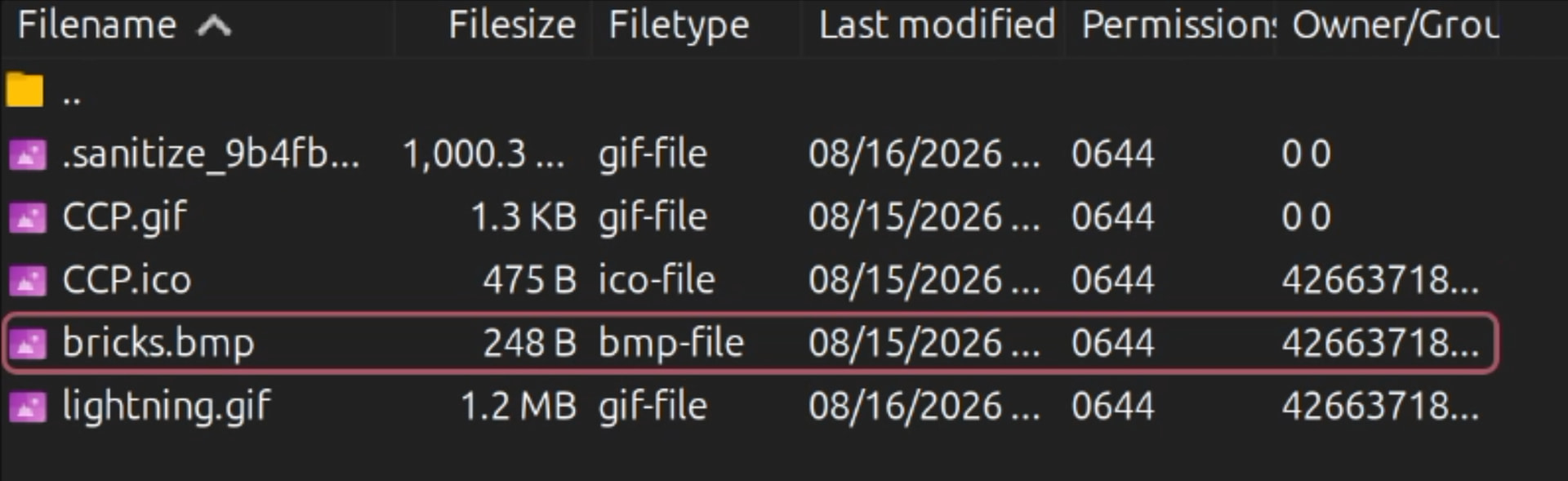
When uploading a gif with a transparent background to my site, the host appears to be automatically “sanitizing” it and giving it a white background instead.
Other Information
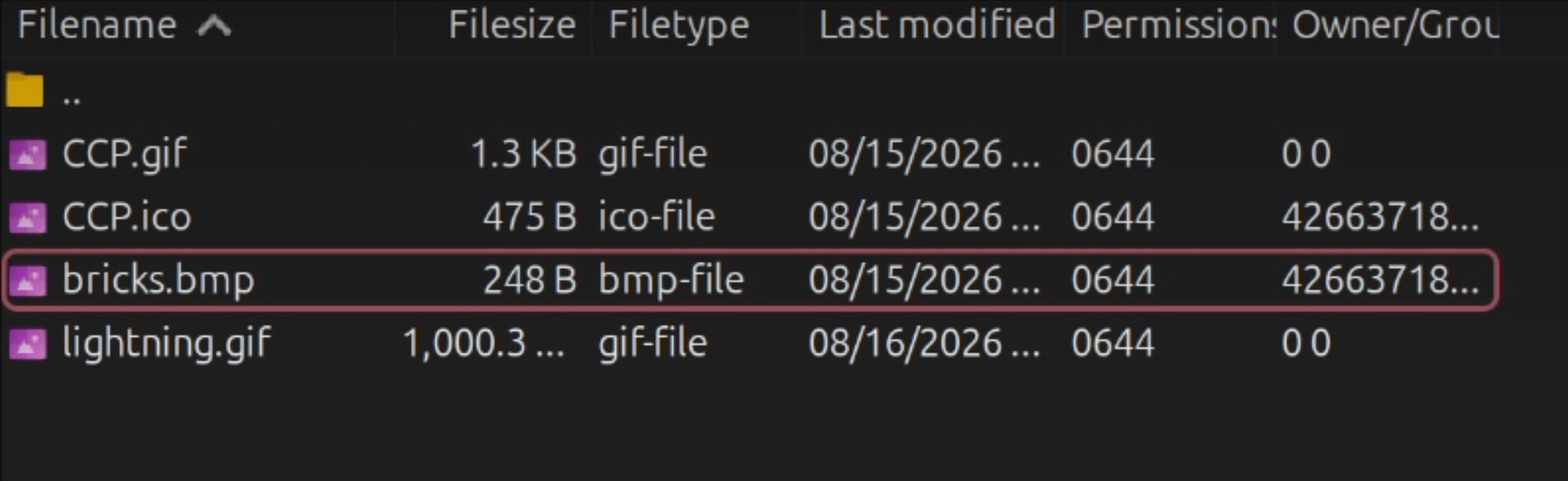
My file goes from a 1.2mb transparent gif, to a 1.0mb solid gif. It occurs both with the built-in file manager and through FTP. This doesn’t occur with PNG files, only with GIFs.
Downloading it again gives me the file with a white background. I can see that as soon as I upload it, a temporary “sanitize” file is created, then the file is replaced with the white background file with a shorter size.
Sorry for the delay. I had parked this case because I seriously couldn’t think of anything that would explain this. But a penny just dropped for me that reminded me of something that could be causing this, and I’ve sent out some messages to get this looked into.
I cannot tell you anything else at this stage. But I wanted to let you know that I am working on this.
The issue should be fixed now, and your images should be preserved on uploading.
Thee is no way to retroactively fix the images that were corrupted because of this bug. So please try re-uploading the file and see if it is stored correctly now.