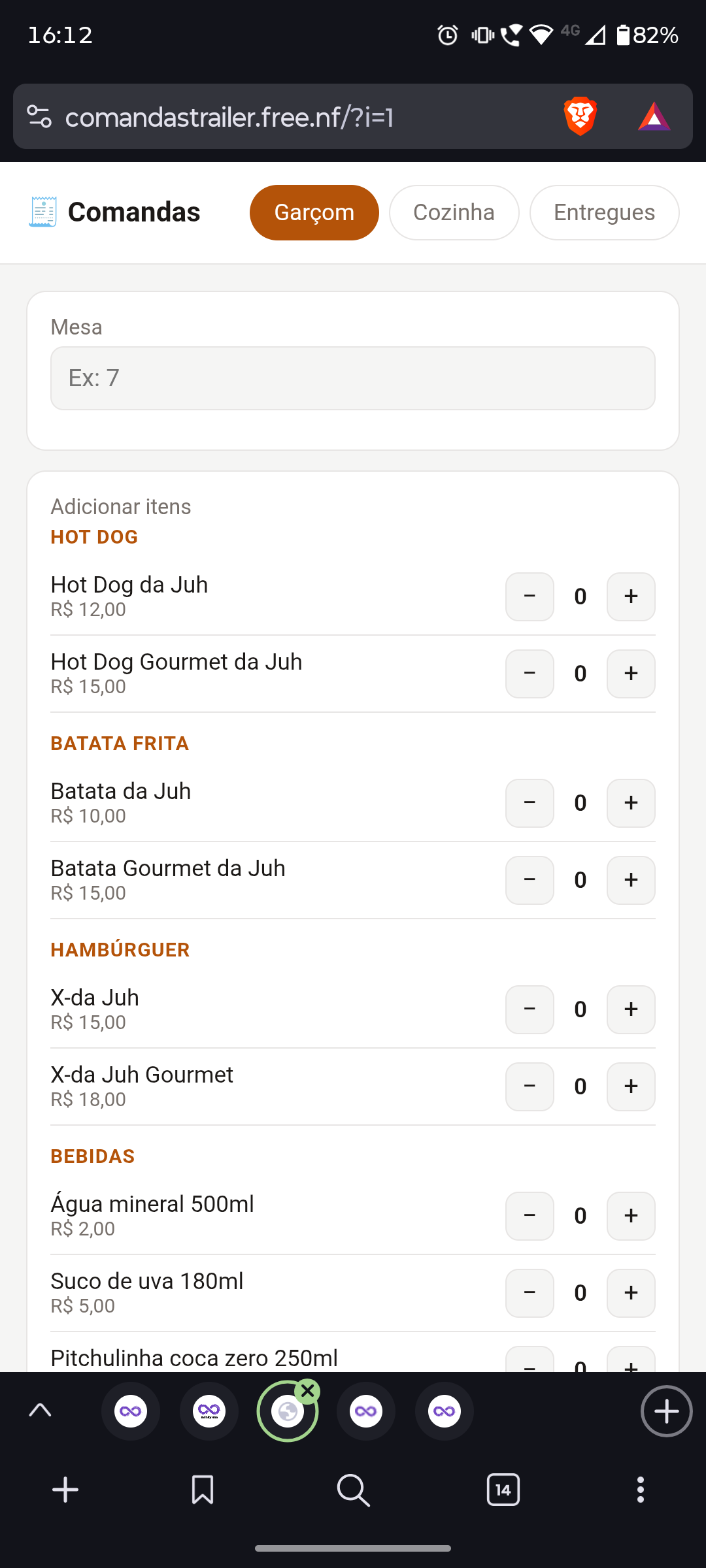
PHP scripts (both PDO and mysqli) cannot connect to my MySQL database - the connection always times out with “Connection timed out” / SQLSTATE[HY000] [2002]. This has been happening consistently for several days now, even after the status page showed SQL Servers as fully operational.
Account: if0_42149347
MySQL host: sql303.infinityfree.com
Databases affected: if0_42149347_comandas (and a newly created if0_42149347_comandas2, same result)
Important detail: phpMyAdmin connects and works perfectly (I can see my tables and data fine), so the database server itself is reachable - but any connection attempt from a PHP script running on my own hosting account to sql303.infinityfree.com via port 3306 times out, using both PDO and mysqli drivers.
This started around the time of the “Account stuck in processing” incident on 29 September 2026. Could you please check if my account’s database connectivity got stuck in a bad state from that incident?
Welcome to the InfinityFree community forum! Good to have you here.
Most people answering here are volunteers. They’re often the fastest source of help. Admin (the only staff member) checks in about once a day for issues on our end.
Volunteers can’t see your account or website. Share what you actually see, like error messages and what happens when you try something. That’s more useful than your theory of what’s wrong.
AI tools often get InfinityFree wrong. If a volunteer’s advice differs from what an AI told you, please try the volunteer’s suggestion first.
Solving an issue is a joint effort. Try the suggestions you get and report back what happened.
I had a very quick look at your website’s code, and the file at comandastrailer.free.nf/htdocs/api/config.php, which I would expect where your database settings are configured.
But that configuration file doesn’t have your database settings, it has placeholder values.
If that is the right file, then please add the right configuration values first and check again (connecting to a placeholder database hostname won’t work of course).
If not, then please share where the configuration is set, and if there is any place on your website where we can see this error for ourselves.