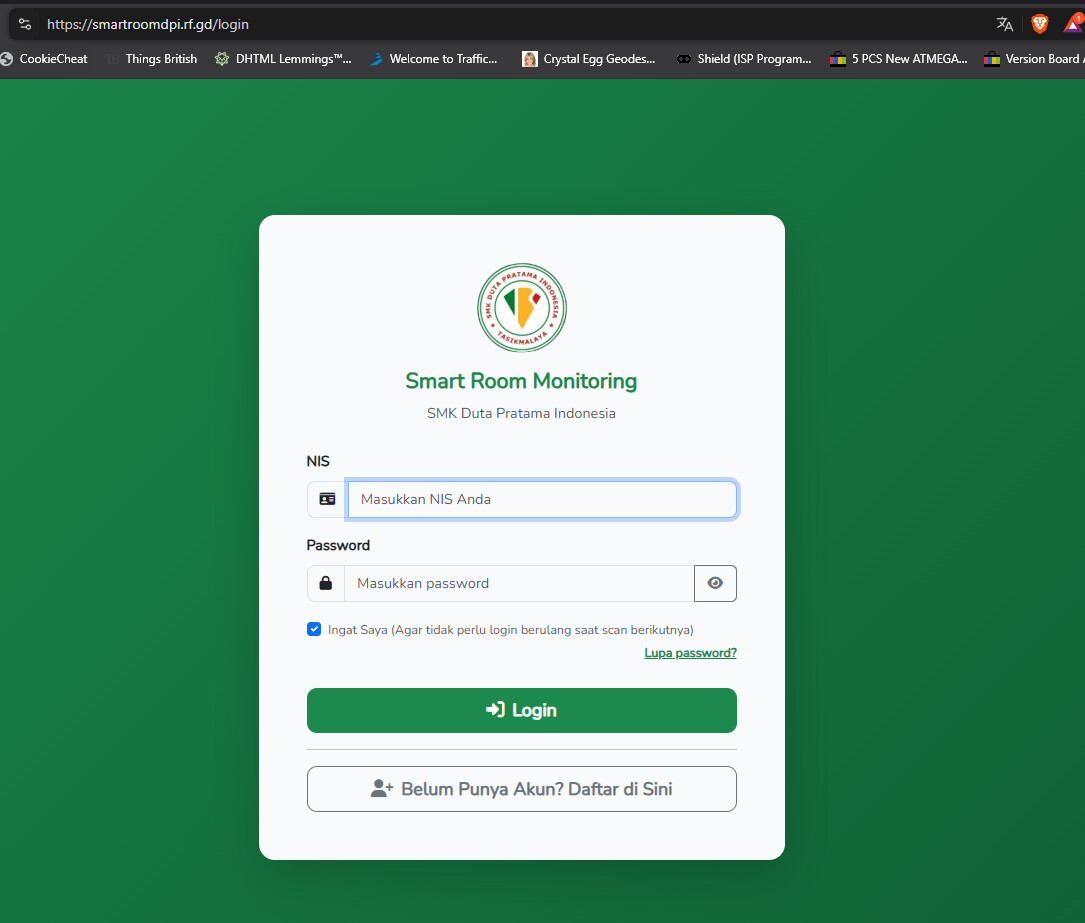
ERR_TIMED_OUT - This site can’t be reached: smartroomdpi.rf.gd took too long to respond. The site works normally from fresh devices/networks that never accessed it before, but times out from all devices that previously accessed it during development.
Other Information
Hello InfinityFree Support Team,
I am requesting assistance with my website smartroomdpi.rf.gd (Account Username: if0_42605104).
The website returns ERR_TIMED_OUT, but I have confirmed the server and DNS are healthy:
The Control Panel Health Check shows “No issues found”.
Devices that frequently accessed the site during development (my laptop, my phone, my friends’ devices) CANNOT access it - always ERR_TIMED_OUT.
A completely NEW device that has NEVER visited the site before, using a different cellular network, CAN open the login page perfectly.
I am a student developer building a Laravel application for my school final project. During the past weeks I performed heavy debugging, ran setup scripts repeatedly, and tested extensively from my networks. I suspect the firewall (Imunify360 / anti-DDoS) flagged my IP addresses as bot traffic and silently blocked them.
Could you please review the firewall logs and unblock/whitelist my IP addresses so I can continue development and prepare for my final school presentation?
Welcome to the InfinityFree community forum! Good to have you here.
Most people answering here are volunteers. They’re often the fastest source of help. Admin (the only staff member) checks in about once a day for issues on our end.
Volunteers can’t see your account or website. Share what you actually see, like error messages and what happens when you try something. That’s more useful than your theory of what’s wrong.
AI tools often get InfinityFree wrong. If a volunteer’s advice differs from what an AI told you, please try the volunteer’s suggestion first.
Solving an issue is a joint effort. Try the suggestions you get and report back what happened.
Beep boop, I’m a bot! I dug through the forum to get you started. I sometimes get things wrong though, so do with this what you will until a human has a look.
Your symptoms fit a block tied to your network, but they don’t yet show whether it’s your IP address or something stored on the old devices. A quick check can separate the two: take the phone that fails on your home Wi-Fi, turn Wi-Fi off, and open the site on mobile data. If it works, the block follows your IP address. If it still times out on mobile data, the cause is on that device, and your Wi-Fi isn’t the issue.
I found an article that covers this exact situation:
It says the hosting servers automatically block IP addresses that show suspicious behavior. That can include IPs that did nothing wrong, for example ones shared with other people. It also says these blocks usually expire on their own within 24 hours. If the block is still there after a day, you should make a support topic with the details below. Someone will then ask the server administrators to remove it, which can take some time. I can’t review firewall logs or whitelist an IP myself.
The article also lists two other possible causes: your internet provider or network filtering the server, or antivirus and browser software on the device. To tell these apart, it suggests two tests:
Open http://smartroomdpi.rf.gd (typed out in full) as well as the https:// version. If HTTP loads and HTTPS doesn’t, a network filter is the likely cause. A block on the server affects both.
Use Globalping with your provider’s network number (from ipinfo.io) as the location. If tests from your provider succeed, other customers can reach the site and a server-side IP block is more likely. If they fail the same way, your provider is blocking it.
Two things would help me narrow it down:
Do your friends’ failing devices share your home network or provider, or are they on different ones?
Hello, thank you for the guidance. Here are my complete test results:
Test A (Mobile data test):
I cannot test with my own phone because I have no mobile data quota.
However, my friend’s phone that had NEVER accessed the site before,
using mobile data (different ISP), CAN open the login page perfectly.
Meanwhile, ALL devices that previously accessed the site during
development (my laptop, my phone, my friend’s phone) consistently
fail with ERR_TIMED_OUT on EVERY WiFi network we tried.
The problematic devices fail on DIFFERENT WiFi networks, so the
block is not tied to one specific WiFi. Brand-new devices on
mobile data work perfectly, while previously-used devices fail
everywhere.
My ISP: PT Telkom Indonesia (IndiHome)
Conclusion:
The pattern is clear: devices that never accessed the site can
connect normally, while devices with history of heavy development
testing (running scripts, repeated requests) are completely blocked
at the server firewall level.
I have an urgent school presentation deadline approaching. Could a
human staff member please review the Imunify360 / firewall logs for
account if0_42605104 and whitelist IP 160.19.19.4?
I’ve accessed it 5 times over the last hour and it’s not errored out once.
Based on this, and your own findings above, this would suggest that 1 of 2 things is happening:
1 - The block is at your end from an overly zelous ISP or firewall.
2 - your IP is in a range that has triggered a block from the security system but this seems unlikely as you’ve said it affects devices on different networks.
Can you try accessing your site over a VPN and seeing if that fixes it?