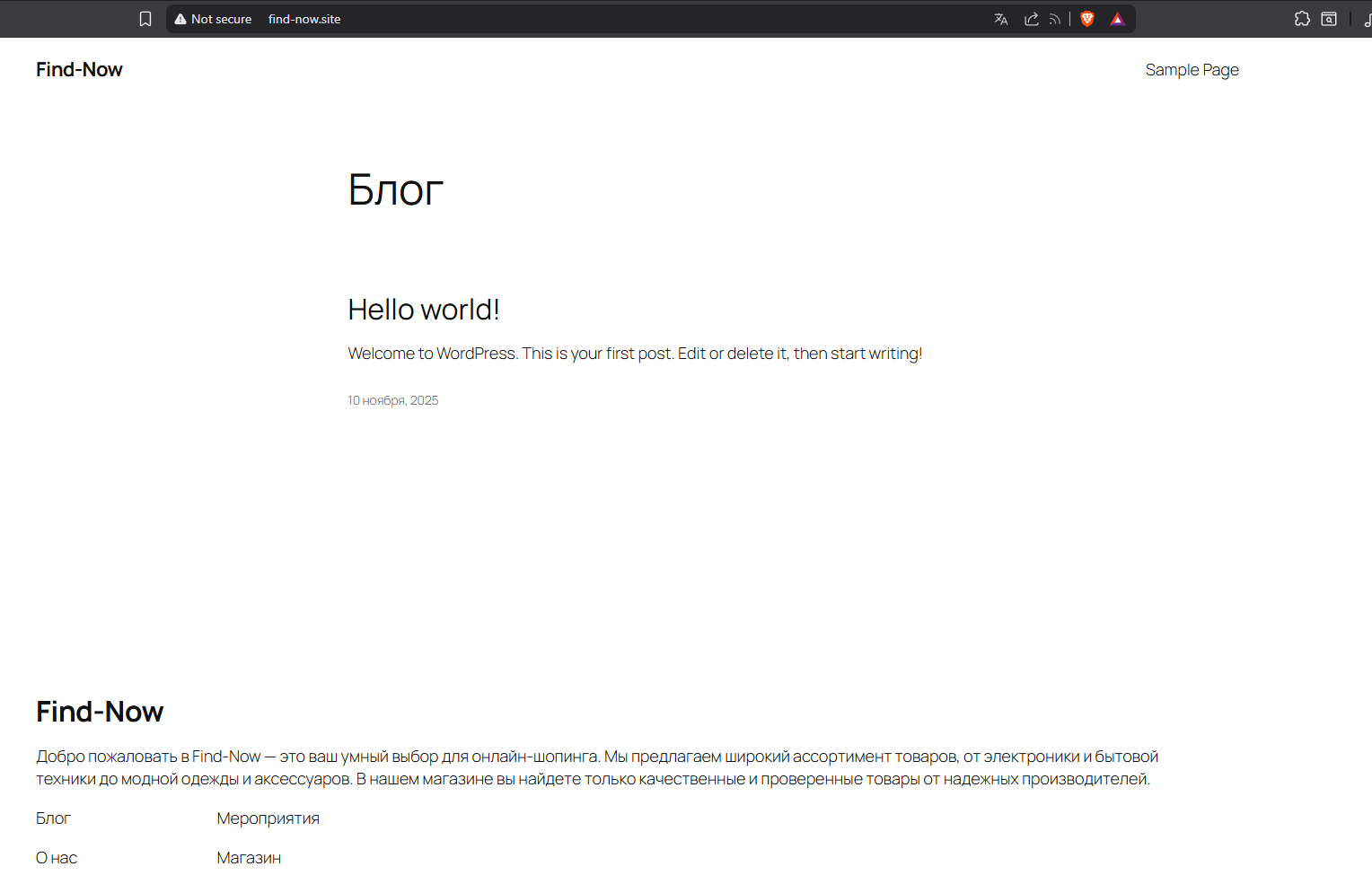
Domain “find-now.site” stuck in system — request manual removal

Title: Domain “find-now.site” stuck in system — request manual removal

Body:

I am requesting manual removal of the domain “find-now.site” from your system.

Facts:

  • I have only ONE active account: if0_40348888 (created under [email protected])
  • The domain “find-now.site” is NOT listed in Addon Domains, Parked Domains, Subdomains, or Redirects
  • I previously deleted all old accounts and changed nameservers away from InfinityFree and back again
  • I created a new account and tried to add the domain — still getting the error: “find-now.site is already assigned and in use”

Technical proof:

  • DNS cache fully flushed on Windows 11:

  • System rebooted

  • nslookup find-now.site returns: Server failed

  • ping find-now.site resolves to ::1 — localhost, confirming no DNS resolution

This is a residual assignment bug in your system. The domain is not assigned to any visible account, but your backend still blocks it.

Please manually remove “find-now.site” from your internal DNS/database so I can add it to my account.

This is not a user error. This is a system-level issue.

Thank you.

I checked it and as far as I can tell, the domain find-now.site indeed doesn’t appear to be in use anywhere, but I can see the system won’t let you add it.

I have escalated the issue upstream. I’ll let you know when I hear back from them.

7 Likes

The issue has been fixed now. It turns out that it was used as a separate reseller hosting brand which caused some trouble.

6 Likes

Hello. My domain find-now.site is correctly configured:

  • DNS points to 185.27.134.136
  • SSL is installed and active
  • index.php is in htdocs
    But I get ERR_CONNECTION_REFUSED from all networks. Please check routing or Apache status.

Hello. My domain find-now.site is correctly configured:

  • DNS points to 185.27.134.136
  • SSL is installed and active
  • index.php is in htdocs
    But I get ERR_CONNECTION_REFUSED from all networks. Please check routing or Apache status.

Are you pointing the domain directly at that IP or are you using a service like Cloudflare?

If youre pointing it directly at the IP, I’d recommend using the infinity free name servers
ns1.infinityfree.com
ns2.infinityfree.com

If you’re using Cloudflare, set the domain to the name servers, then re-add it to cloud flare to make sure the settings are correct.

1 Like

No issue

6 Likes

Its working for me too now. best guess, DNS propagation just took a little while.

5 Likes

Hello.

I have done everything correctly:

  • Changed nameservers to ns1.infinityfree.com / ns2.infinityfree.com

  • Re-added the domain find-now.site

  • Installed SSL (Let’s Encrypt)

  • WordPress is manually installed in /htdocs, with index.php and .htaccess present

Yet the site is still completely inaccessible — both HTTP and HTTPS return ERR_CONNECTION_REFUSED.

This is not a DNS issue. This is not a file issue. This is not a browser issue. This is a server-side Apache routing failure.

Please verify that Apache is correctly configured to serve find-now.site. I expect this to be resolved immediately.

— Ivan Technical Architect, Find-Now

Fist off, creating multiple threads about the same issue won’t help. I’ve closed your duplicate thread so we can answer here for you :slight_smile: That way all the needed information is in one place.

Your site is working fine here, this would suggest that something is blocking your connection.

If that were the case, it would affect everyone visiting your site. Given that I can access it fine without issue, my gut feeling is that this is either an IP block (that admin will be able to check for you when he’s on) or your ISP putting a block in place.

Given that this is a free hosting site, and is run by a single person, “immediately” isn’t something you can demand. If you want to be able to get instant support and insist on things being done “immediately” then you’ll end up paying for that privilege. Even IFastNet’s Premium Hosting plans don’t offer immediate support (although it is prety quick, the last few times I’ve needed them its been sorted in a couple of hours)

7 Likes

Given that you only added the domain earlier today, I’m putting my money on this simply being a DNS cache issue.

If so, it cannot be fixed immediately, and we cannot fix it for you, it will fix itself automatically within a day or two at most. For more information, please see this article:

If the issue hasn’t fixed itself within 72 hours, please come back here, because that might indicate a network block which we would need to investigate further.
8 Likes

10 posts were split to a new topic: Yandex indexing blocked by server restrictions