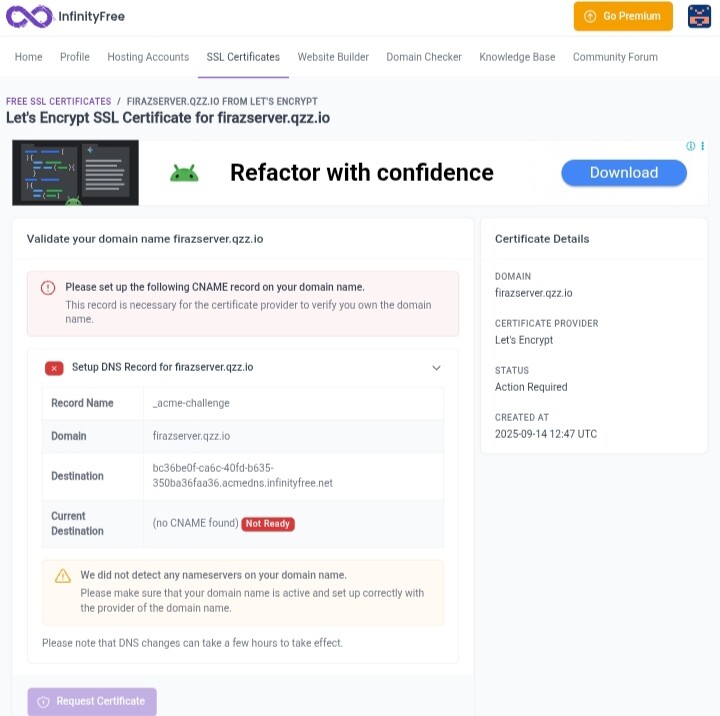
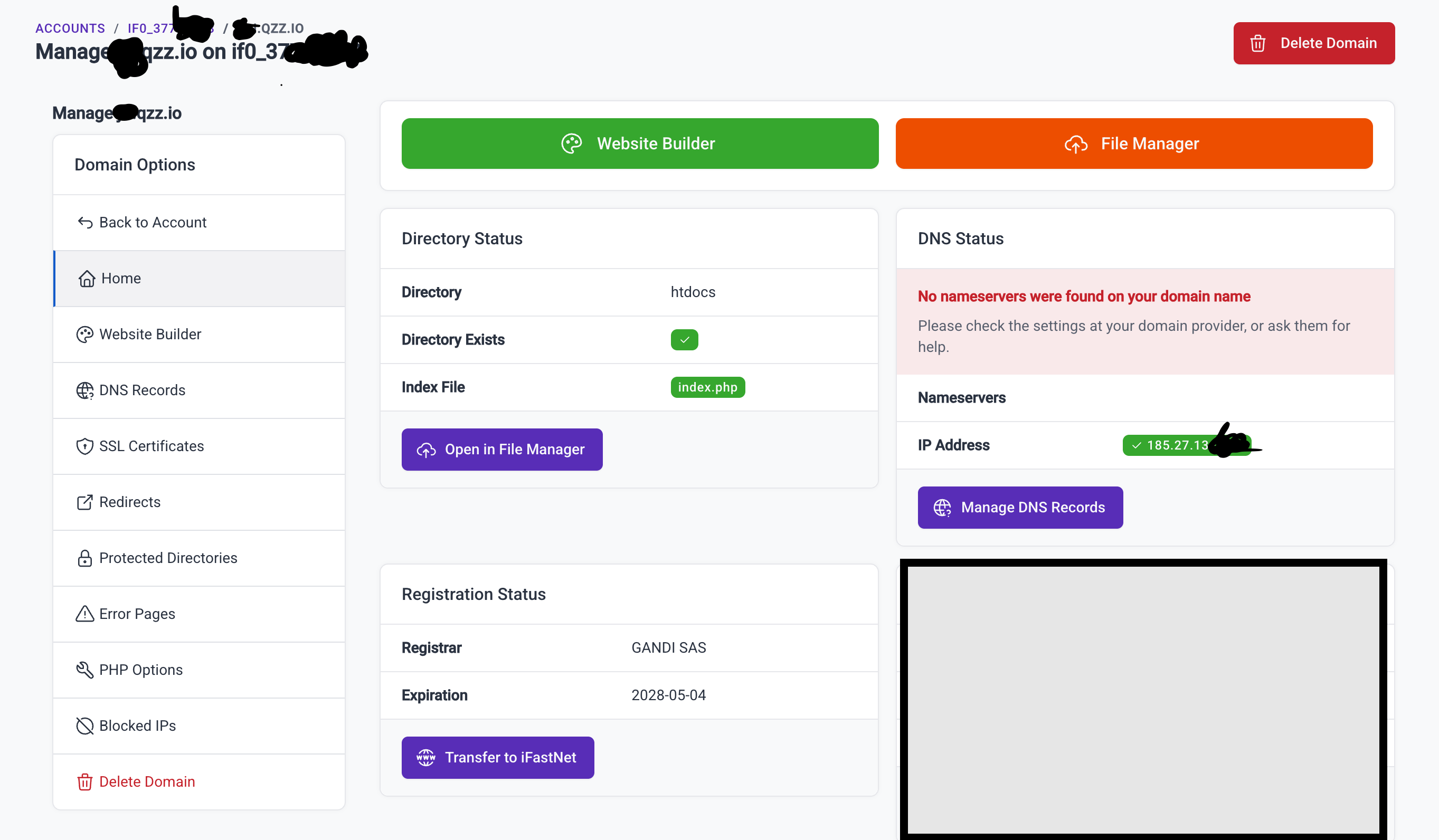
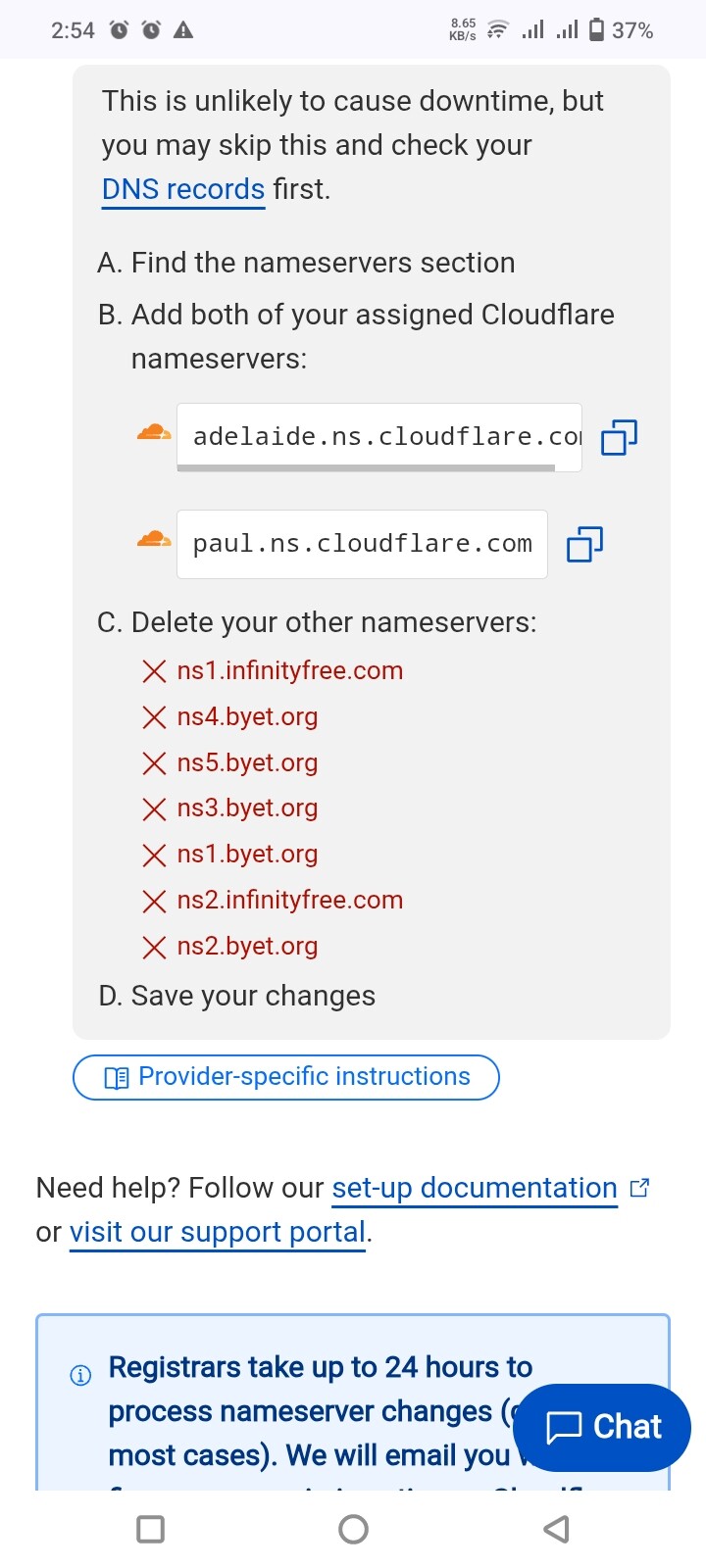
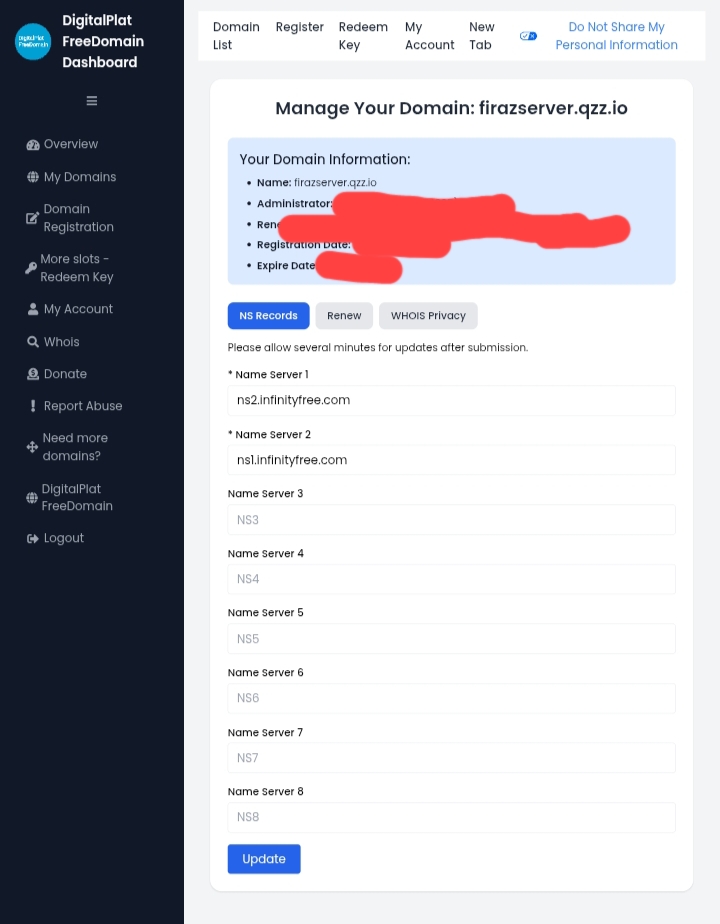
Hey admin(@admin), i have received this domain from DigitalPlat, i have pointed nameserver to ns1.infinityfree.com and ns2….., after adding, i have tried to add domain via infinityfree add custom domain panel, there is showing me that NS are not pointed to infinityfree and current NS coloumn is blank.
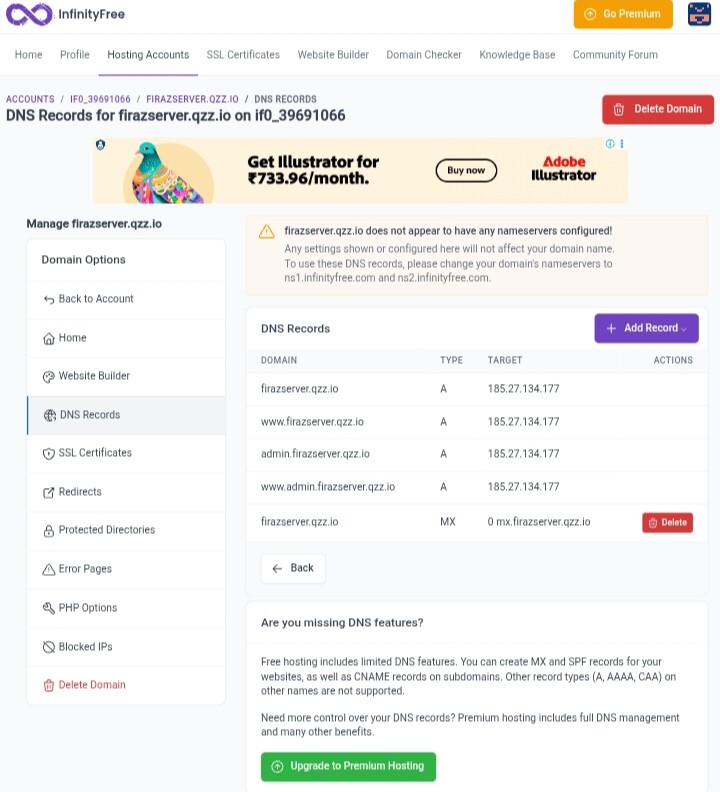
Then i have gone to Control Panel, and tried to add there, it succeeded, then it is start getting shown on my infinityfree manage domain panel, but when i have gone to dns section, it is showing me NS are not pointed to infinityfree.
Now, of NS are not pointed as per system, then how domain is added to my hosting, i have check again after 2 hours, it was still same.
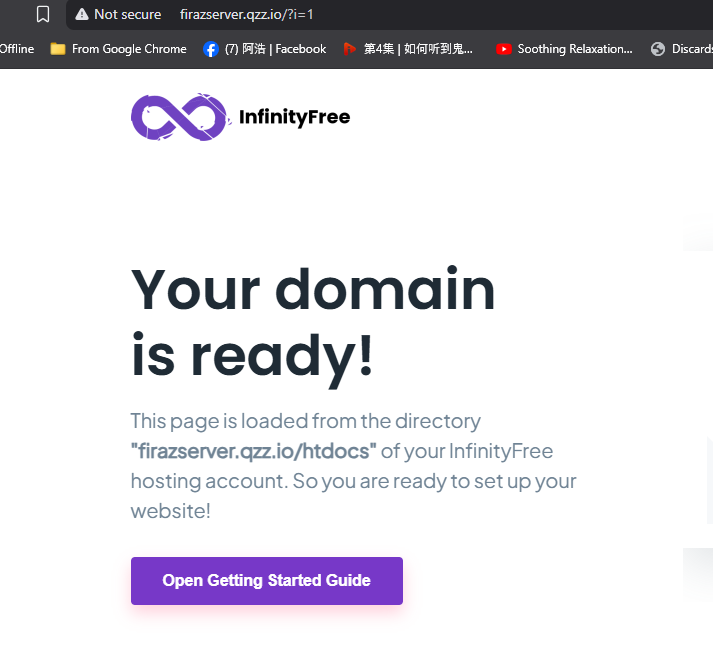
Screenshot has been attached in next reply for your reference.
Our ability to show and verify DNS information relies on the DNS of your domain actually working correctly, which doesn’t seem to be the case.
If this issue persist, please consider checking with DigitalPlat what the status is regarding this system degradation on their end.
And in case it wasn’t clear: this is not an issue on our end.
Please note that the DNS information shown in the client area is based on the actual DNS information of your domain. We do not use WHOIS information for this purpose (for a variety of reasons).
But if NS was not change as per the system, then how that domain was added to my hosting account, and when i have placed my domain in cloudfare, it was clearly showing me that ns1.infinityfree.com, ns2.infinityfree.com , then ns…byet… . {These was more than 2}.
Nothing is wrong with your settings (probably). The issue is 100% caused by DigitalPlat. Two of the three nameservers are down and the third one is not behaving as it should.
The only thing you can do is urge them to fix it. Or use a different domain, of course.
Admin, i an confused, your panel is telling no nameserver of infinityfree exist, cloudfare says both infinityfree nameserver exist , and when i am going to ssl, i am getting stop at Create Order Page, it is telling me to add CNAME, but automatically it is not adding, then NS error is coming again.
The simple answer: DigitalPlat’s servers are broken, and that’s causing all your confusion.
Here’s what’s happening:
2 out of 3 of DigitalPlat’s nameservers are completely dead
The 1 working server is misconfigured and behaving incorrectly
This means our systems get different answers depending on which server responds
Why you’re seeing conflicting information:
Sometimes our system contacts the broken servers → “no nameservers found”
Sometimes it contacts the working server → shows InfinityFree nameservers
Cloudflare is getting confused too because DigitalPlat’s servers are giving wrong information
Why SSL fails:
SSL setup needs reliable DNS responses
With broken nameservers, the validation fails randomly
This explains everything you’ve experienced: the inconsistent results, the SSL errors, and the conflicting information between our panel and Cloudflare.
Get a domain from a working provider (like a free subdomain from us, or buy a real domain).
The bottom line: nothing is wrong with your setup. DigitalPlat’s infrastructure is malfunctioning and confusing everyone’s systems, including ours and Cloudflare’s.
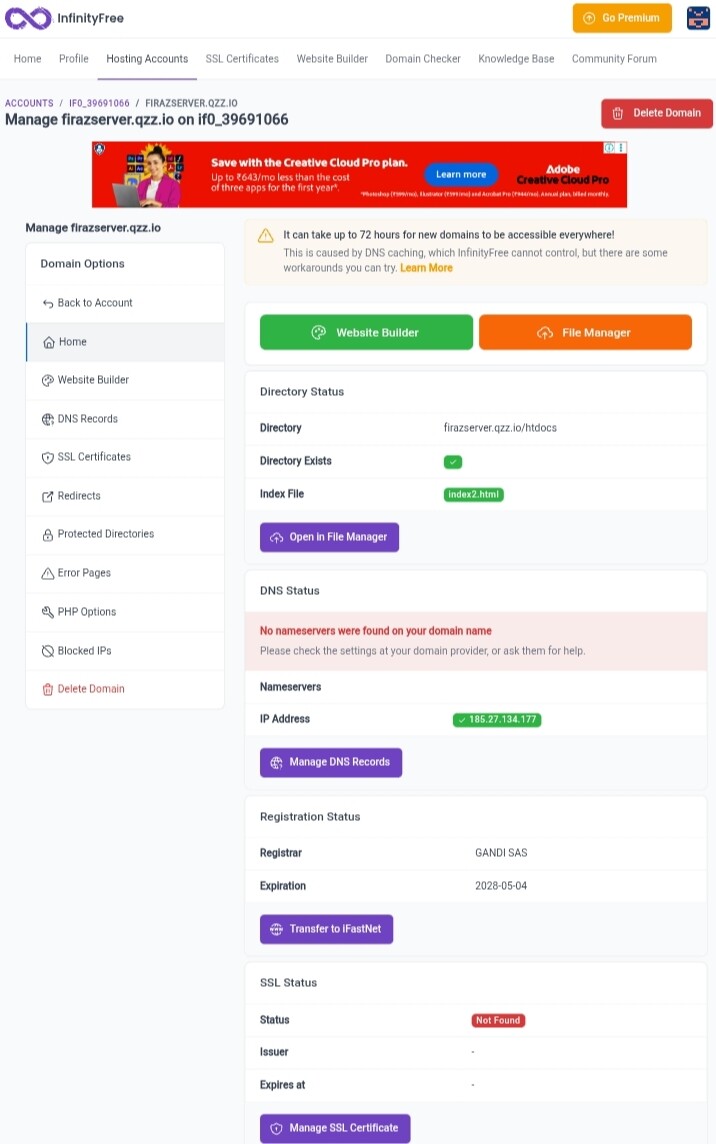
 that i also know, when i am going to add SSL or other things, you may see NS error