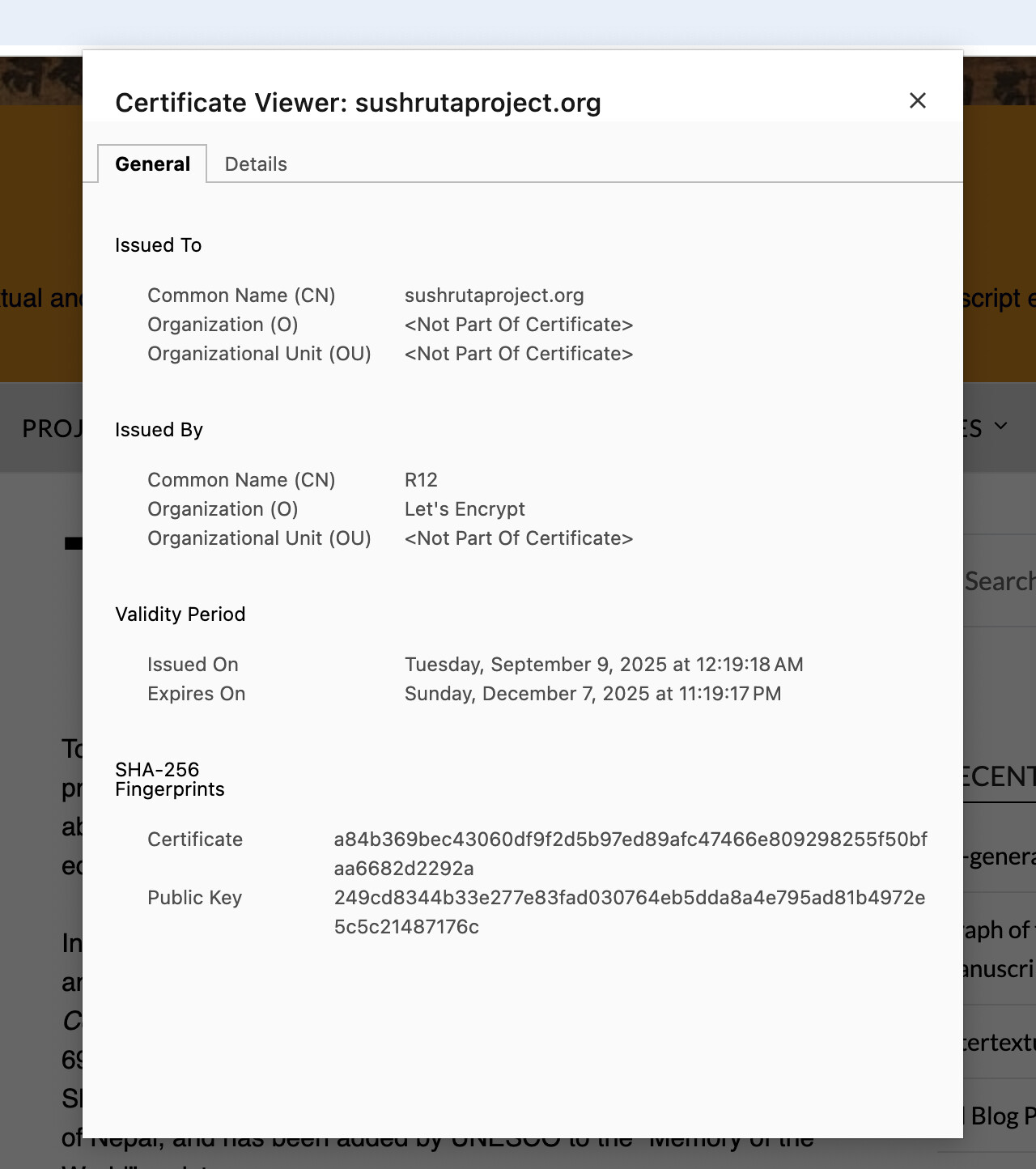
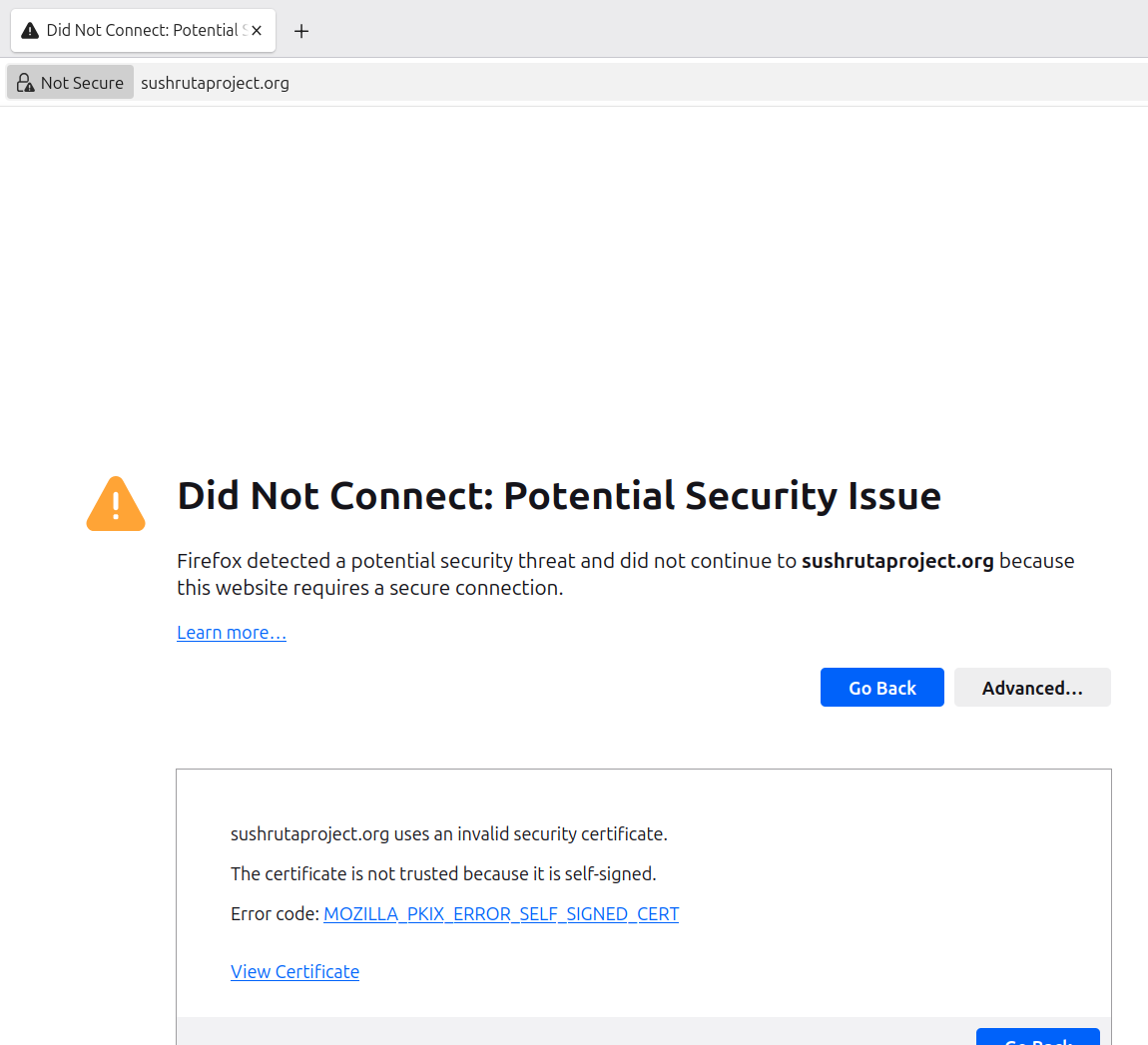
sushrutaproject.org uses an invalid security certificate.
The certificate is not trusted because it is self-signed.
Error code: MOZILLA_PKIX_ERROR_SELF_SIGNED_CERT
Other Information
I’m trying to migrate my website sushrutaproject.org to infinityfree’s hosting service. I’ve copied the Wordpress installation successfully. Now, all I need to complete the migration is to have the address sushrutaproject dot org point to the new infinityfree address, not my old host.
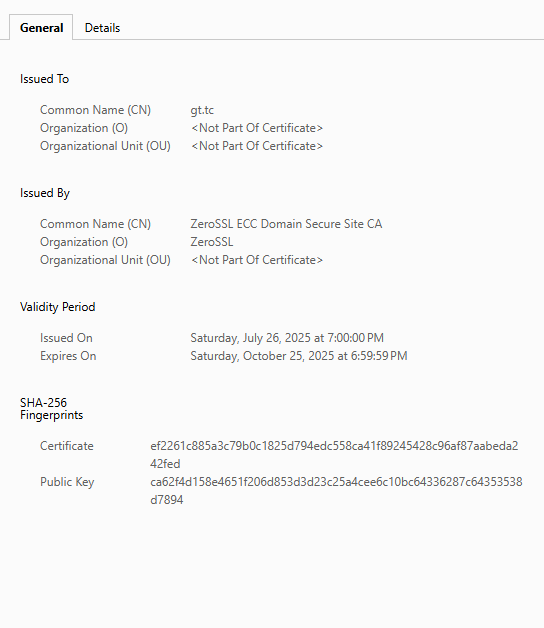
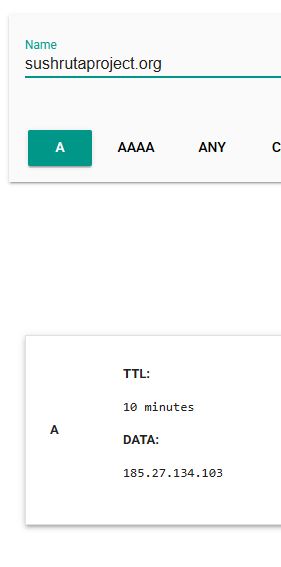
At the EasyDNS service where I have the name “sushrutaproject dot org” registered, if I set my DNS A record to the IP infinityfree address of my gt.tc website (i.e., A @ 185.27.134.103) then I get the above error.
I asked EasyDNS what the issue was, and they replied,
The error you see is due to your hosting service not installing a valid SSL certificate for your domain. You will want to contact them with the error. Your DNS apparently works if you were able to direct it at your host in order to receive the error.
Yeah, I tried that a couple of days ago. But you can’t “order” the SSL at step two, because you get a message “Custom SSL certificates are no longer supported for free subdomains. All free subdomains have SSL by default.”
I’m setting the sushrutaproject dot org site back to normal (not pointing to infinityfree) for the time being. I want the site to be available to users. I can’t solve the problem, even with the SSL documentation and trying CNAME instead of A DNS redirecting. I’m stuck. I can’t explain how you saw a good redirect above @EdwardSkunk .
I have looked up your domain name in our system and I see the issue: it’s not in our system.
For your website to work with correct HTTPS, you need to:
Add the domain name to your hosting account, so our system knows that the domain exists and it knows which website to show on it: How to add your own domain to your account
If you just point the domain name to your account’s IP address, you will indeed get the self-signed certificate warning, because that’s how the server responds to domain names it doesn’t have an SSL certificate for. And the server cannot have an SSL certificate for a domain if it doesn’t know the domain.
Everything on our end is working correctly. But please make sure to actually setup your domain name on our hosting if you intend to host it with us.