Both the root domain and www resolve to the expected IP through Google and Cloudflare DNS.
The directory contains WordPress files, including index.php, wp-admin, wp-content, wp-includes, and .htaccess. I also created a simple test file named diagnostic-check-731.html in the domain’s htdocs directory, but accessing it returns the same InfinityFree 404 page.
Could you please check whether the domain’s web-server mapping or virtual-host configuration is correctly pointing to daarusmartcleaningandlaundry.com/htdocs?
Beep boop, I’m a bot! I dug through the forum to get you started. I sometimes get things wrong though, so do with this what you will until a human has a look.
Can you tell me the exact path of diagnostic-check-731.html as your FTP client or the file manager shows it, starting from the very top of the account? And does the same test file load if you open it under your free great-site.net subdomain, which is on the same account?
The first answer shows whether the folder you uploaded to is the one the domain is linked to. The second shows whether the problem is specific to the custom domain.
Our article on this error says that a 404 on every URL usually means the domain’s linked folder doesn’t exist on the account. It can also mean the files aren’t in that exact folder. The article tells you to compare the folder listed on the Domains page of the client area with what’s actually in your file listing:
It also says a .htaccess rewrite rule can send everything to the 404 page. That’s less likely here, since a plain .html file fails too. The article is general, though, and I can’t tell from your post which of these applies to you.
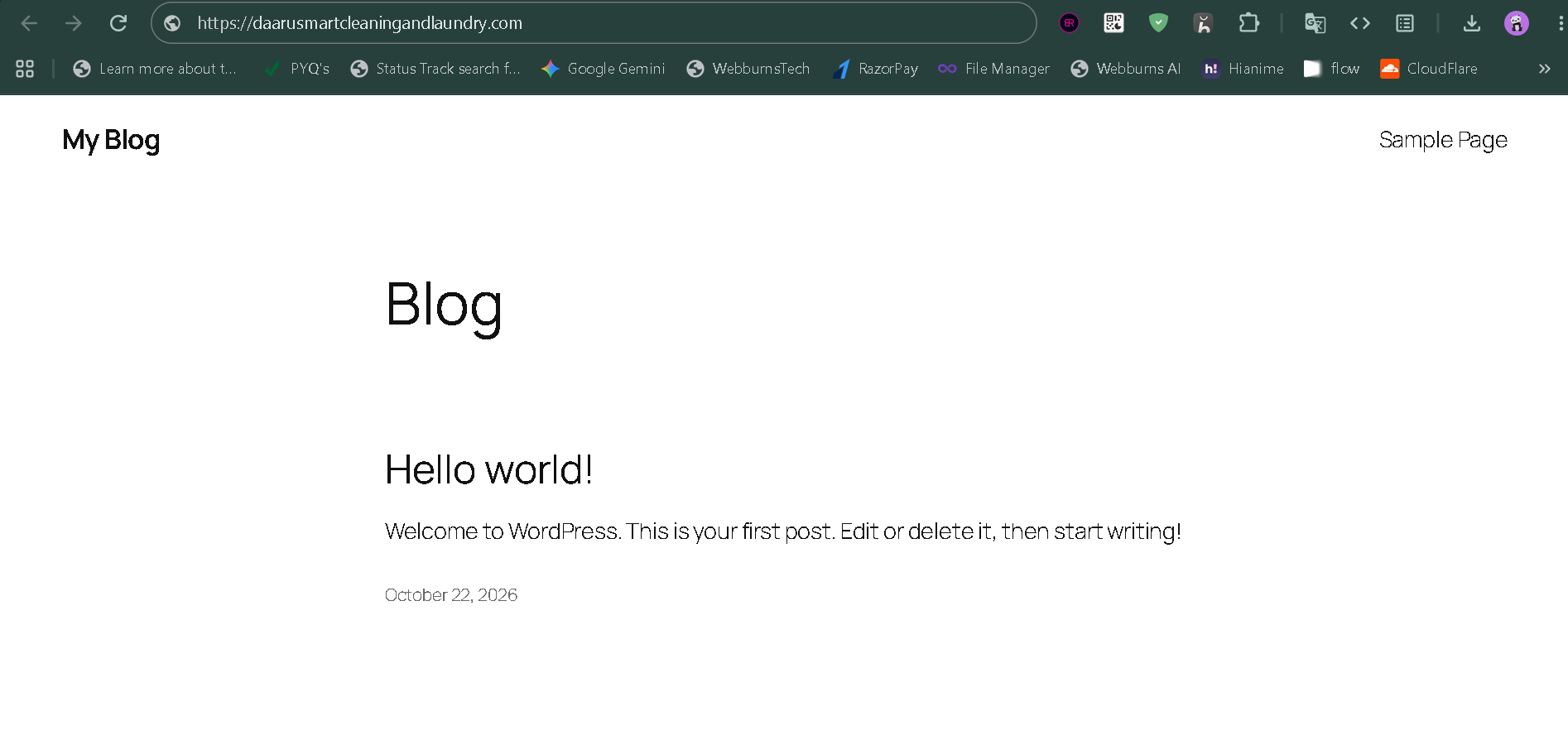
Thank you for the screenshot. It confirms that the custom domain can load a WordPress page. On my side, the custom domain is returning the InfinityFree 404, including for a standalone HTML diagnostic file. I’ll test the same file through the free subdomain to determine whether this is a domain-specific issue or a directory issue. I won’t reinstall WordPress or delete any existing files while investigating.
The current account was created less than 24 hours ago, and the domain was on a different account before then. It’s a known issue that when you remove a domain name, the domain will show a 404 error on the old IP address for a while.
When moving the domain name to a new account, it gets assigned to a different IP address. You generally don’t need to do anything, we make the required DNS changes in our nameservers, but it does mean that you have to deal with DNS cache, which means it might take up to 72 hours for all visitors to be able to reach your site again.
So nothing is wrong, and the issue will solve itself automatically in a day or two at most.
Just be aware that this happens when you move domains between accounts. I don’t know why you moved the domain to a different account, but keep in mind that the process is not seamless next time you consider going this route.
Both InfinityFree authoritative nameservers return 185.27.134.129 for the root domain and www. Google DNS and Cloudflare now also return the expected IP.
However, these direct connection tests fail:
HTTP: curl returns error 52, “Empty reply from server”.
HTTPS: curl returns error 56, “Failure when receiving data from the peer”.
My htdocs directory contains WordPress core files, including index.php, wp-admin, wp-content, wp-includes, and .htaccess. A standalone HTML diagnostic file in that directory also displays the InfinityFree 404 page.
Another forum member shared a screenshot showing WordPress loading on my
Beep boop, I’m a bot! I dug through the forum to get you started. I sometimes get things wrong though, so do with this what you will until a human has a look.
Your post got cut off after “Another forum member shared a screenshot showing WordPress loading on my”, so I’m missing the end of it.
Two things would help narrow this down:
In your FTP client, what is the full path to the folder that holds index.php and wp-admin? Is it /daarusmartcleaningandlaundry.com/htdocs/, or a plain /htdocs/ at the top level of the account?
Does the same standalone HTML file load if you open it on your free subdomain under great-site.net? That would show whether the files are the problem or only the custom domain’s link to them.
I’m asking because a 404 from the InfinityFree error page, even for a plain HTML file, usually means the server can’t find the file in the folder your domain points to. The knowledge base article on this says every URL on a domain returns the 404 page if its website folder is missing or the files aren’t in it:
Your DNS looks fine. The IP you quote matches the one for your active account, so I don’t think DNS is the problem.
The WordPress files and my diagnostic HTML file are in this directory. The diagnostic file still returns the InfinityFree 404 page. Please verify that the custom domain’s web server is mapped to this exact filesystem path.