Custom domain blocked by anti-bot JS challenge — breaks Cloudflare proxying and search engine crawl

Website URL

svcgthanhbinh.info.vn

Error Message

Domain: svcgthanhbinh.info.vn
Account: if0_42862331
Website IP: 185.27.134.149

Hi,

I believe this may be related to the ongoing incident “SSL Certificates on custom domains not taking effect” (Website IPs, identified 22 Sept 2026), but after installing a new SSL certificate (Google Trust) as suggested in the workaround, I’m still seeing a separate, blocking issue.

What I’m seeing:
Requests to my domain — both directly to the website IP and through my Cloudflare proxy — are being served an anti-bot JavaScript challenge page instead of my actual site content:

This site requires Javascript to work... (Server: openresty)

This only returns real content (HTTP 200 with actual page HTML) when the request has a normal browser User-Agent header. Requests with a plain/default User-Agent (like curl, or requests coming from my Cloudflare proxy) get an empty/reset connection instead of even reaching this challenge page.

Impact:

Cloudflare (in front of this domain) cannot complete requests to the origin — returns error 520 to visitors.
Search engine crawlers (Googlebot, and especially Bingbot, which doesn’t reliably execute custom JS challenges) cannot get past this challenge, so the site is barely indexed on Google and not indexed at all on Bing.
I never enabled any anti-bot / firewall / DDoS protection setting on this account myself — I couldn’t find any such option in the control panel either. So I’d like to ask:

Is this JS challenge part of a default protection layer on this account/IP, or a temporary measure tied to the ongoing SSL incident?
Could you disable it, or whitelist Cloudflare’s IP ranges and known search engine crawler user-agents (Googlebot, Bingbot) for my domain?
Thanks for your help — happy to provide more curl output/logs if useful.
Cloudflare works fine with our hosting and many people use it without any issues. The browser validation challenge works exactly as it does without using Cloudflare, and Cloudflare transparently proxies the challenge script and response cookie.

In short: the security system is mandatory, it’s permanent, and precautions have been taken to make sure that it works correctly with Cloudflare and that search engine crawlers can still access your website.

This KB article covers it in more detail:

Your website not being indexed yet is because it’s brand new, and search engines can take some time to index new sites. That’s not a problem with your website or our hosting, but just Google and Microsoft having finite crawling capacity and them not immediately and completely crawling any new website they find.

I can see it fine.
screenshot here

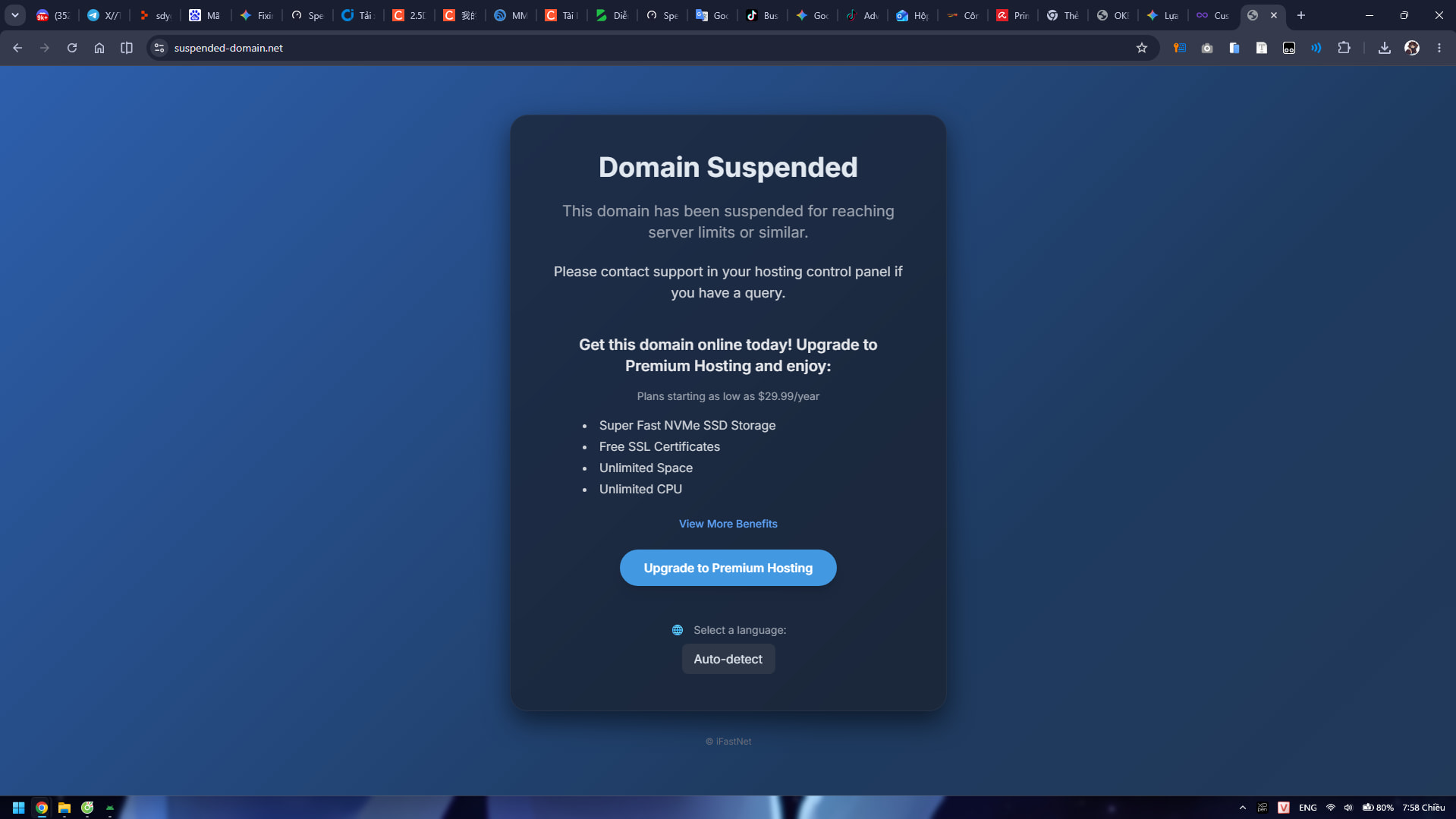
btw as i can see now (on 22 SEP 2026 | 12:56 PM), your domain is suspended…

yeah it just redirect to suspended page

@Admin

Thanks for the explanation and for checking. I re-tested directly against the origin IP just now, and I think I found something that doesn’t match what you described.

Account status: Active (confirmed in Account Details). SSL certificate is now Google Trust, and the TLS handshake to the origin now completes successfully (progress from before).

But: immediately after the TLS handshake, a plain request (curl’s default headers, no special “bot” signature beyond a generic User-Agent) gets the connection closed abruptly with no response at all — not served the JS challenge page, just dropped:

* Connected to svcgthanhbinh.info.vn (185.27.134.149) port 443
> GET / HTTP/1.1
> User-Agent: curl/8.14.1
* schannel: server closed abruptly (missing close_notify)

I see the same “connection dropped, no response” behavior on port 80 as well with a non-browser User-Agent — only a request with a full browser-like User-Agent header gets an actual response (the JS challenge page).

I also tried both Cloudflare SSL/TLS modes on my end — Flexible and Full (Strict) — and both still return error 520 to visitors through my domain, even after purging the Cloudflare cache. Since the connection reset happens before any HTTP response is generated, I don’t think this is an SSL/TLS mode issue on my side — it looks like the security layer is dropping the connection outright for requests that don’t look like a full browser, rather than transparently passing them through with a challenge/cookie response the way you described.

One more data point: the Health Check tool on my account’s Overview page is also failing right now, independent of Cloudflare or any external testing:

Unable to determine directory status
An error occurred while trying to check the directory of your website.

This is your own internal tool failing to check my account’s directory — which suggests something may genuinely be wrong on the server/account side right now, separate from the security-layer explanation.

Could you take another look at what’s happening for this specific domain/IP when a non-browser client (including Cloudflare’s own origin fetcher) connects? Thank you!
Account: if0_42862331
Website IP: 185.27.134.149

You can’t curl your site, this is blocked the same as pings.

Other than that, I can’t advise further so will wait for admin or someone else on the rest of that

I confirmed the site loads fine for real browsers through Cloudflare now — the 520s I was seeing were from my own testing tool not behaving like a real browser, not an actual outage. Thanks for your help getting SSL and the account working again.

The remaining concern is just about search engine indexing — since the JS challenge was blocking crawling for the past several days (while the site was down/suspended), Google and Bing have very little indexed. You mentioned crawlers are already accounted for — could you confirm Googlebot/Bingbot are able to complete the JS challenge reliably? I’ll request re-crawling on my end now that the site is stable.

Google and bing crawlers are whitelisted, and I belive bypass the JS challenge

Search engine crawlers can access your site, and they have always been able to do so. The JS challenge is not a problem and has never been.

Pointing out again what I wrote before:

Nothing is preventing search engines from crawling your site. Just because they can do it doesn’t mean that they will do it immediately.