I am getting this error when trying to connect Jetpack / WooPayments:
cURL error 56: SSL certificate OpenSSL verify result: unable to get local issuer certificate (20)
Please update the server’s OpenSSL root CA certificate bundle (cacert.pem) so PHP cURL can verify WordPress.com servers.
I am getting this error when trying to connect Jetpack / WooPayments:
cURL error 56: SSL certificate OpenSSL verify result: unable to get local issuer certificate (20)
Please update the server’s OpenSSL root CA certificate bundle (cacert.pem) so PHP cURL can verify WordPress.com servers.
I think this is different from the Browser Security System.
My issue is: cURL error 56 - unable to get local issuer certificate
This happens when WordPress/Jetpack tries to connect to https://wordpress.com
It means the server is missing the CA certificate bundle.
Other InfinityFree users had this fixed by staff updating the server certificates.
My account: if0_42260729
Domain: g-bay.gamer.gd
Can you please check if the CA certificates can be updated for my account/server?
Thank you
Can you provide a link to where you see this? Searching your error messages provides many similar topics to yours, unfortunately the security system is the cause here (Unrelated but I also don’t recommend jetpack, it’s quite a heavy plugin).
Just trying to understand the problem, is this an external server trying to connect to your site to complete verification? Because that will be blocked by the security system.
Or is your site making an outbound connection and pulling from an external site?
The certificates are up to date and do seem to be working properly, so I can’t see how they would be the cause of the problem
No, it’s not an external server connecting TO my site.
It’s the other way around.
My server is trying to connect OUT to the WordPress dot com servers.
The error on my WordPress dashboard is:
cURL error 56: unable to get local issuer certificate
This means PHP cURL on server if0_42260729 cannot verify the SSL certificate of WordPress dot com because the server is missing the root CA certificates bundle.
This breaks Jetpack and WooPayments completely because they need to call WordPress dot com APIs to work.
This is a server side SSL certificate issue, not the browser security system.
Could you please check if the ca bundle crt can be updated on my server?
Other InfinityFree users had this fixed by admins before.
Account: if0_42260729
Domain: g-bay.gamer.gd
This is urgent. I have client orders waiting for 2 days.
If I can’t process payments I will lose customers and get negative reviews.
Can you share an example of this? Because I can’t find one.
And either way, I don’t have the power to do that. I’m a community member like you, not InfinityFree staff.
Ultimately you’ll have to wait for admin to come on
In the nicest way, you probably should have verified this was working before taking orders. Ive not used jetpack, but I know most payment processing plugins haveb the ability to test the connections first
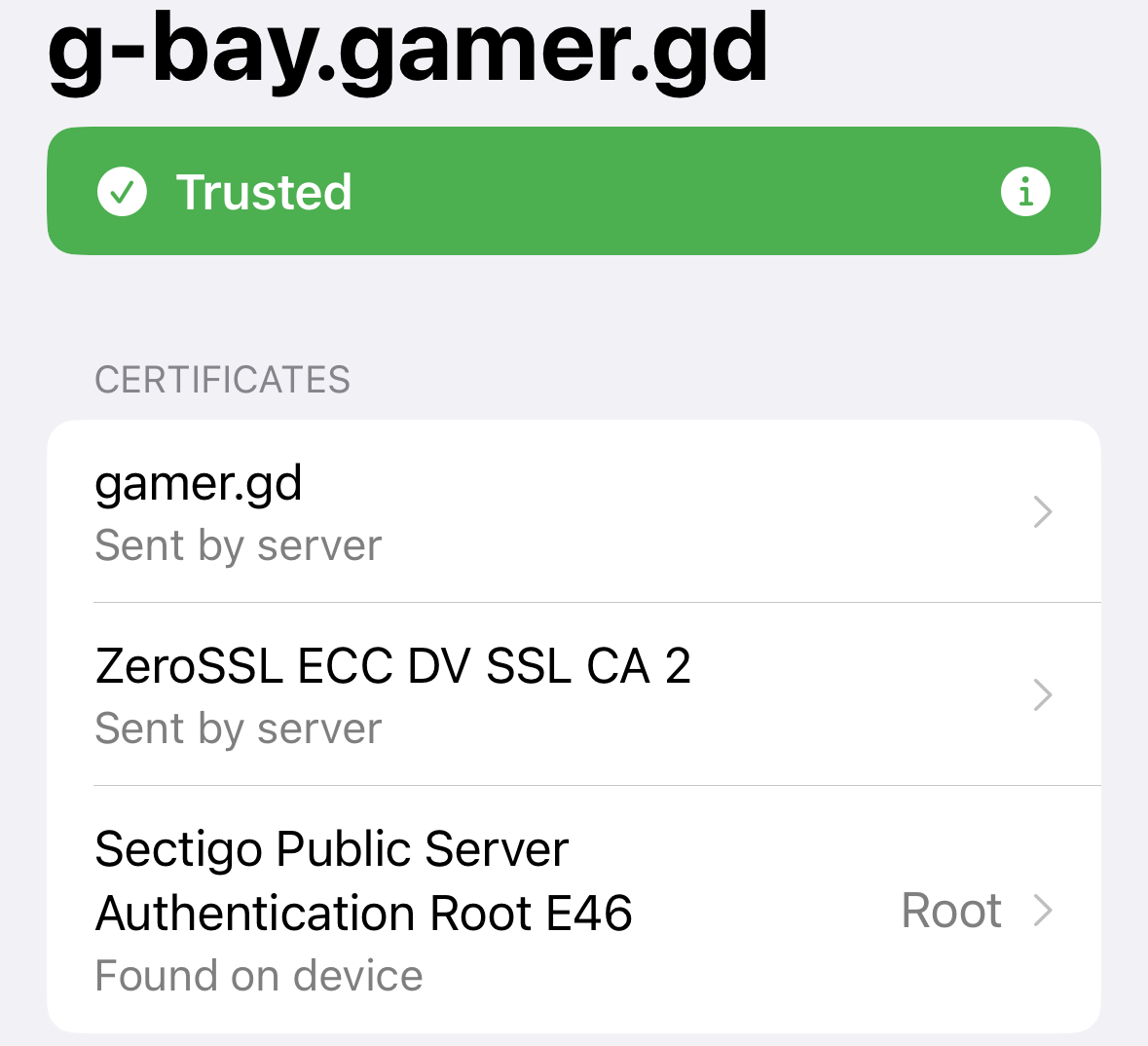
The wildcard SSL for gamer.gd is fine (it’s valid until August 25th of this year) and CA bundles are not supported by InfinityFree. And yes, this includes being installed by Admin, InfinityFree’s only staff member. It’s a limitation of the underlying hosting platform InfinityFree is built on. I’m not sure where you’re seeing that people have had this problem solved that way before, because if you search the forum for your problem you’ll find that the opposite is true.
While I can see why the error message you’re getting would be confusing, it is in fact known to be caused by the security system.
To be blunt, the source that’s told you otherwise is incorrect. In the event you asked an LLM, it’s worth knowing that they can give you wrong answers without warning.
Adding to that, remember you are not paying any money. Expedited support and escalation is not available, usually that’s something you only get on expensive enterprise plans.
BTW, you still have not answered my question from before about where you got your information.