Website URL
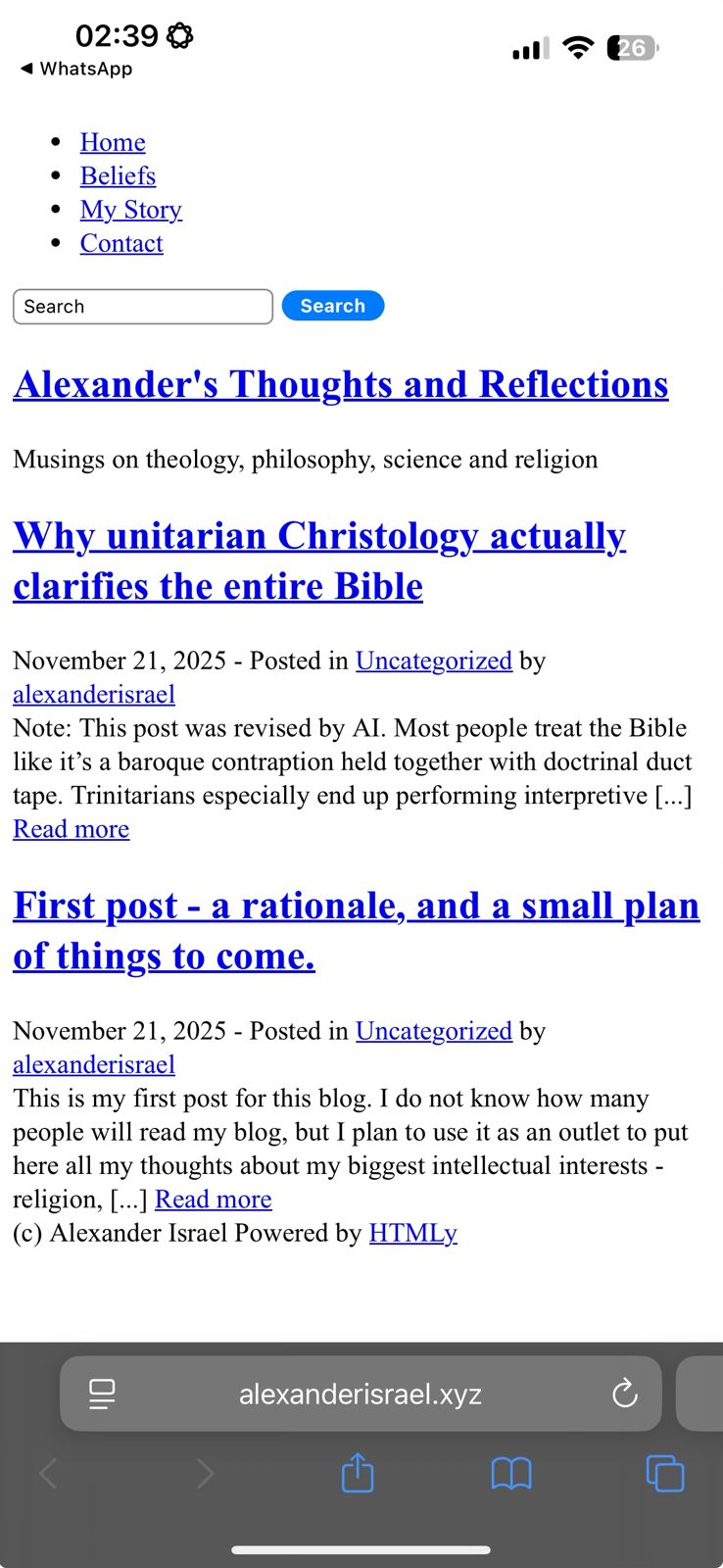
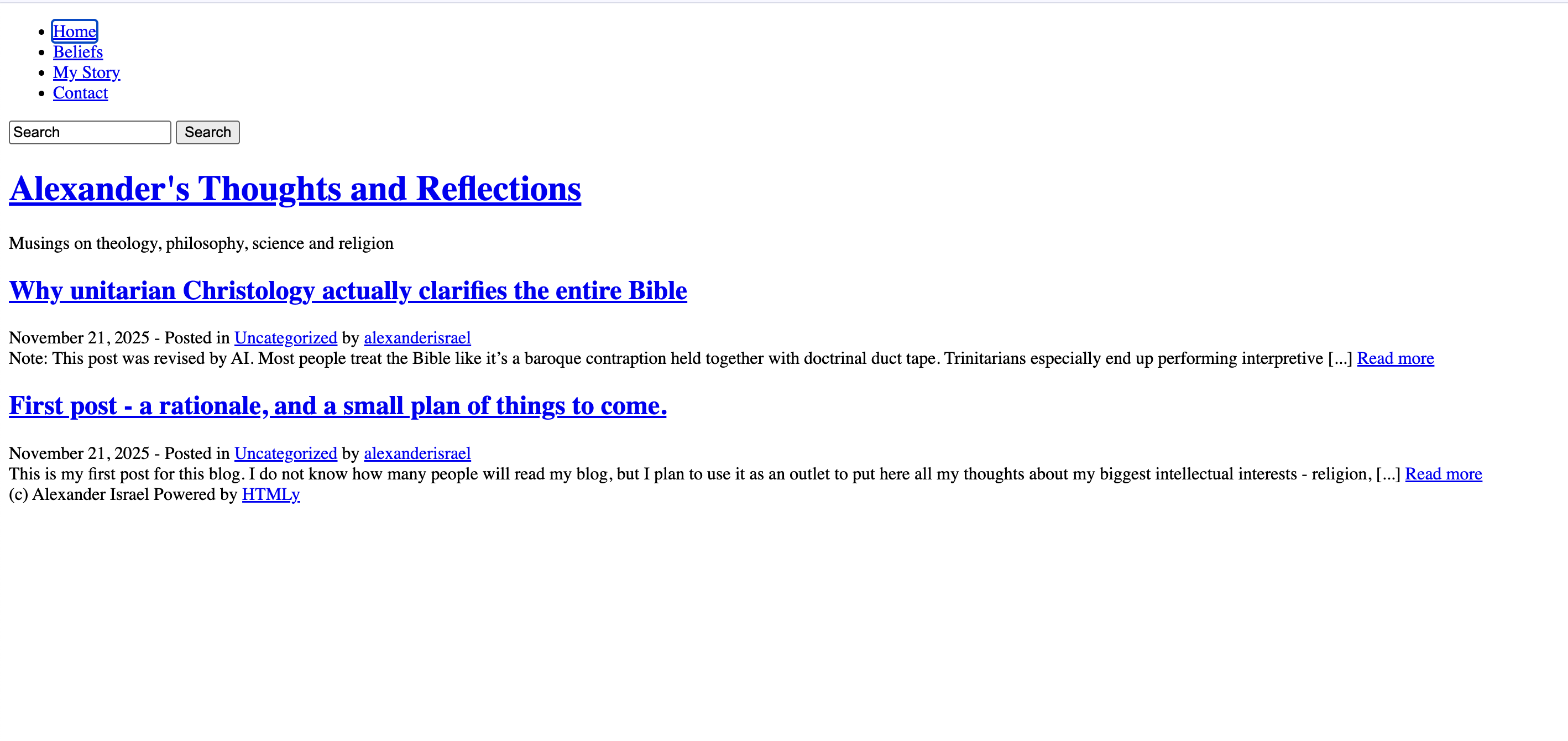
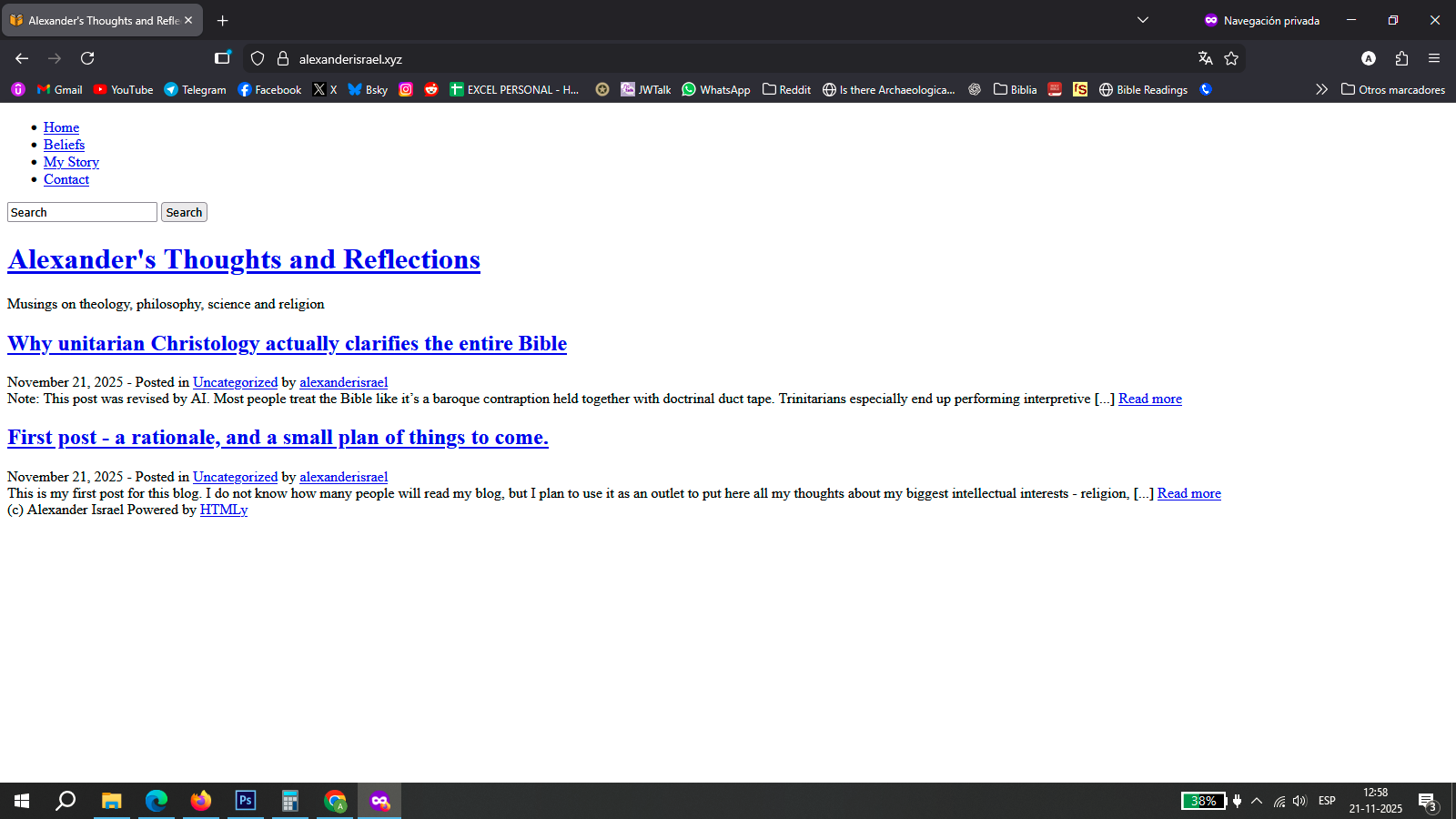
I set up an HTMLy website on my free hosting, pointed with my custom domain, but several browsers open like this:
Hello, and Welcome to the InfinityFree Forum @AlexanderIsrael!
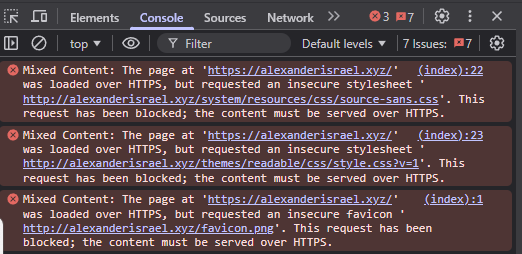
When I check the console, I see this:
You’ll have to update things to use HTTPS, or remove HTTPS redirect.
Thank you for pointing out this. I’m very inexperienced with web development so pardon my ignorance - what’s easier here, removing the redirect or updating this code? And what are the steps to remove the https redirect?
I suggest updating the code to load everything over HTTPS and keeping the HTTPS redirect so your visitors access your site with the secure protocol, since you already have an SSL certificate.
This depends on whether you would prefer HTTPS security, or you would prefer to go insecure.
I would recommend updating everything to use HTTPS, as most browsers may try to automatically upgrade the site to HTTPS for user security.
Thank both of you again.
I have installed the HTMLy (http://www.htmly.com) CMS to manage this website. I have searched at its files index.html, index.php, and several other important-looking files but I can’t find the code that calls for the stylesheets. Are you guys able to point to where the errors are so I can fix em? Or should I contact the HTMLy team?
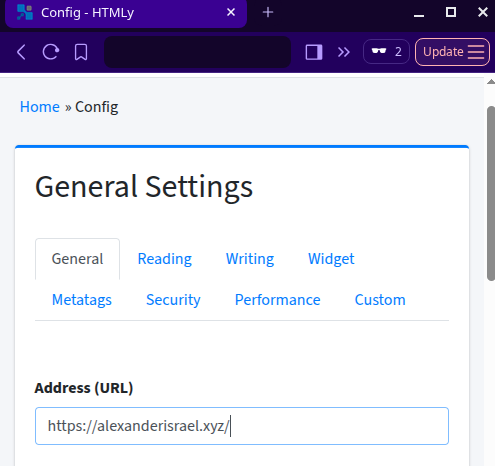
There should be a setting in the CMS where you can update your site’s address to use the HTTPS version.
Touching CMS code directly is generally a bad idea.
Thank you.
Unfortunately it doesn’t have that option - so I have posted this as an issue at their github platform.
Thanks to everyone who helped and pointed out why this issue is caused.
Actually, it seems that it does.
In the config/config.ini file is the setting site.url. That’s probably set to http://alexanderisrael.xyz/, so changing that to https://alexanderisrael.xyz/ should fix the issue.
Unfortunately, that did not fix it.
Hello.You can try logging in your CMS admin panel. Inside, on the left side panel, Settings →Config → General Settings →Address (URL) → https://alexanderisrael.xyz/
Save config → Logout. Open a new incognito tab and try again.
Did something change?
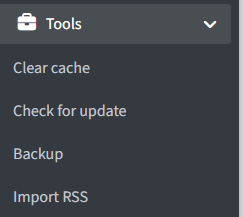
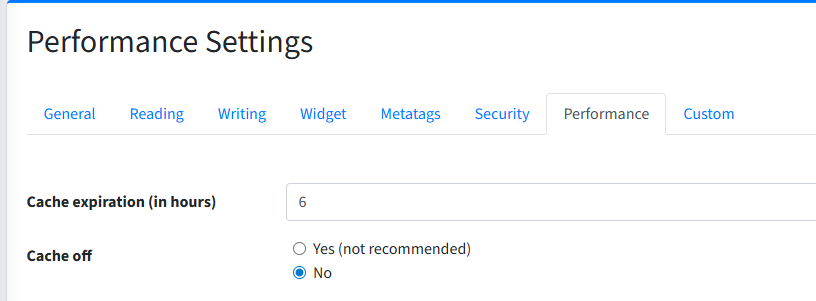
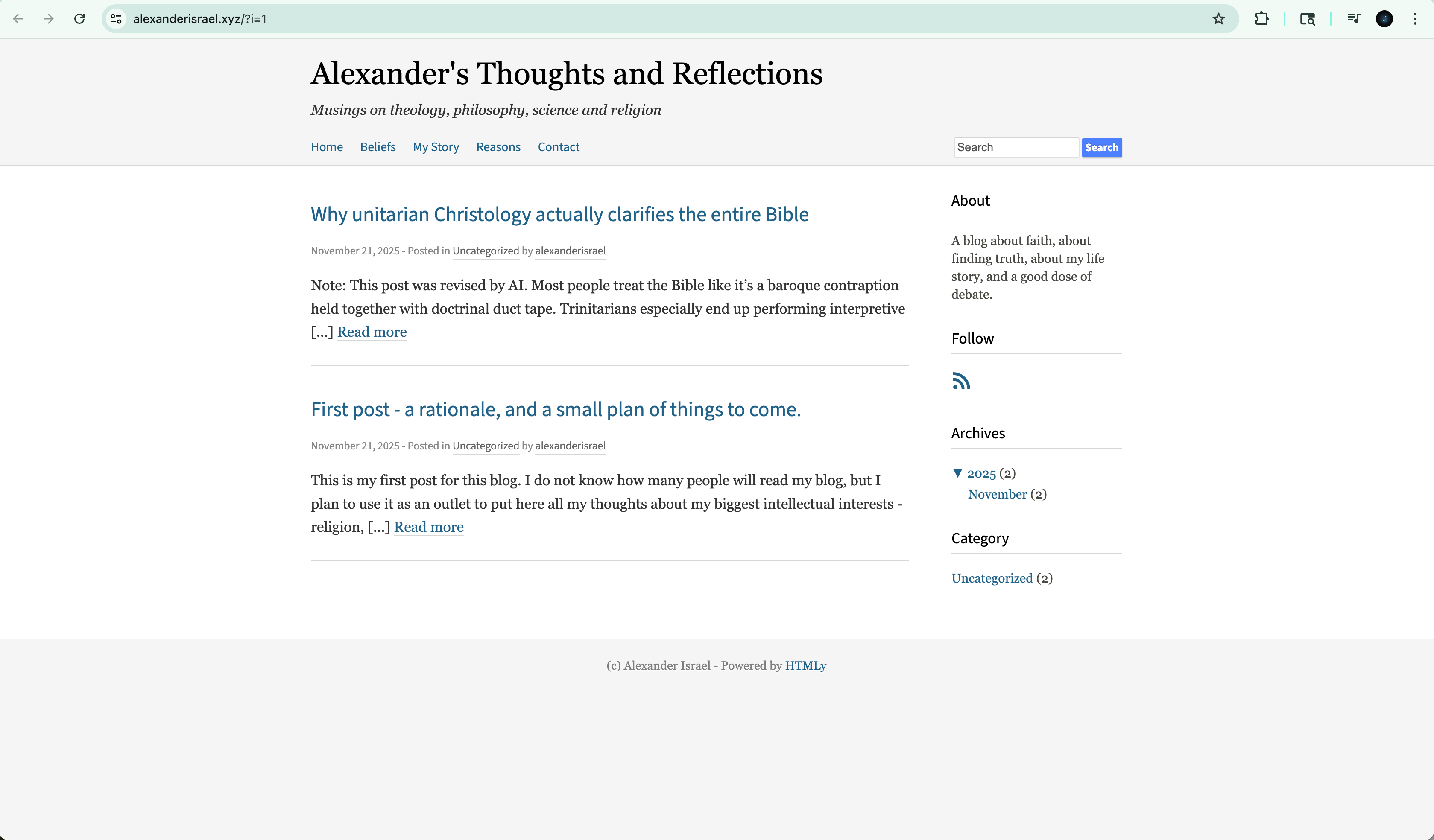
It seems the CMS has its own cache. Kindly login again. On the left side Tools→Clear cache. Logout and on a new incognito tab enter your address in https://alexanderisrael.xyz/
I think it is now solved - anyone seeing the same?