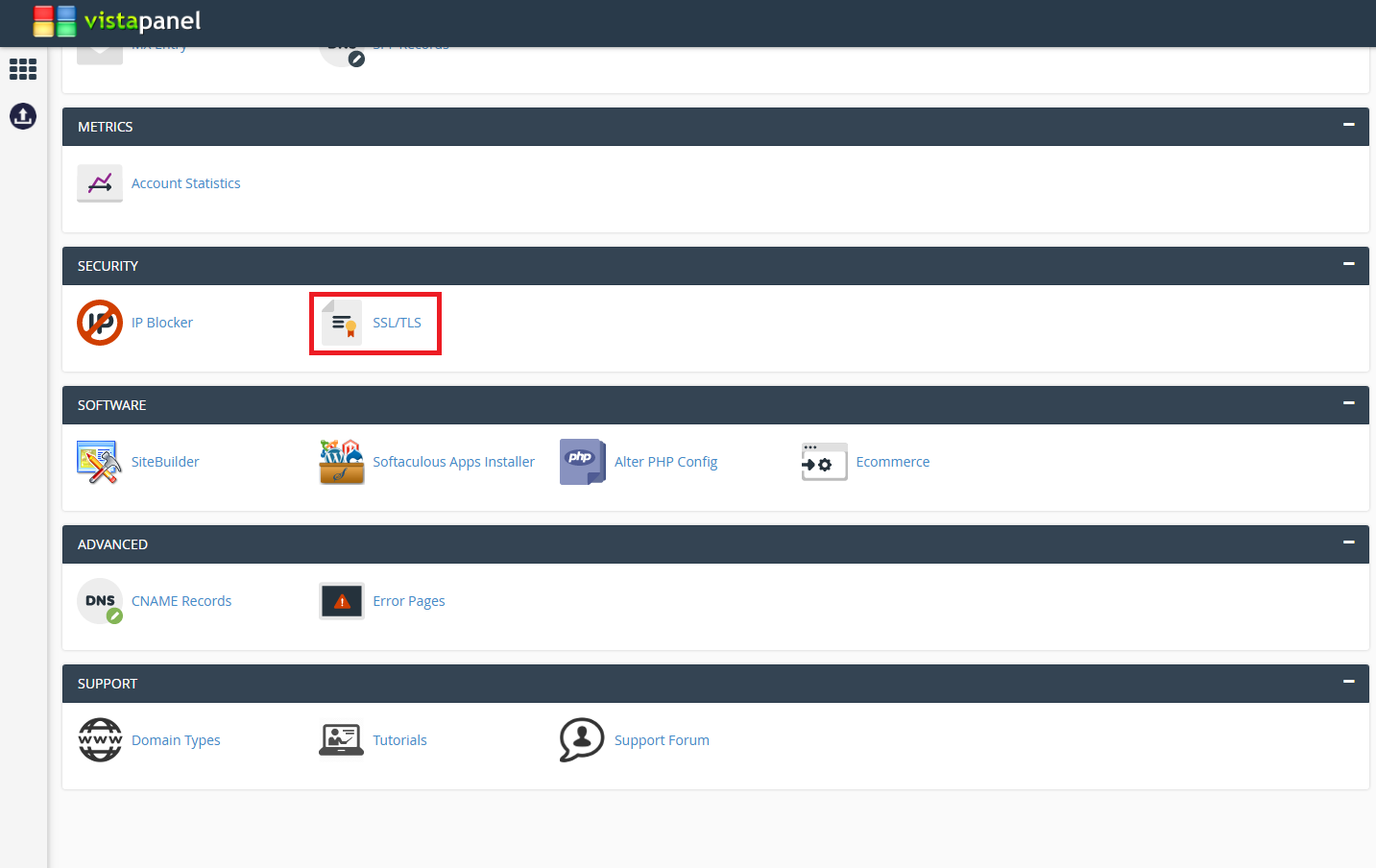
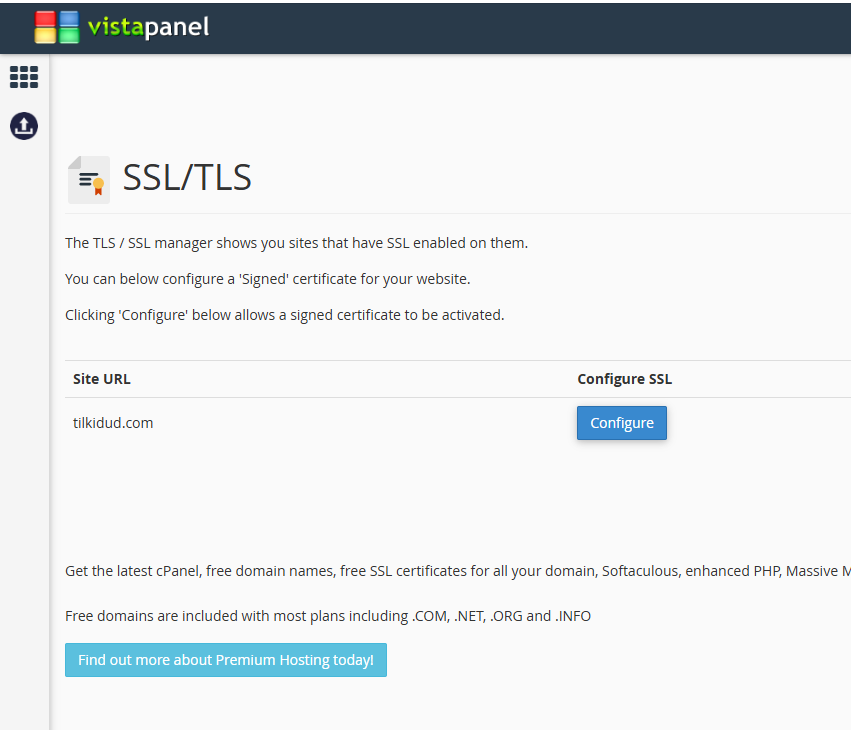
Hello InfinityFree Support,
I have the same issue with Narruto. My website hosted on ip: 185.27.134.130 (tilkidud.com) down since yesterday. Until yesterday I try to ping my website ip, however, it gives time out. I also tried to ping my website ip via vpn. Could you check? Thank you.
Hi Tilkidud, and welcome to the forum
I’ve moved your post to its own thread, so we can provide more support, since the problem Narruto was having has been fixed, and this seems to be an unrelated issue.
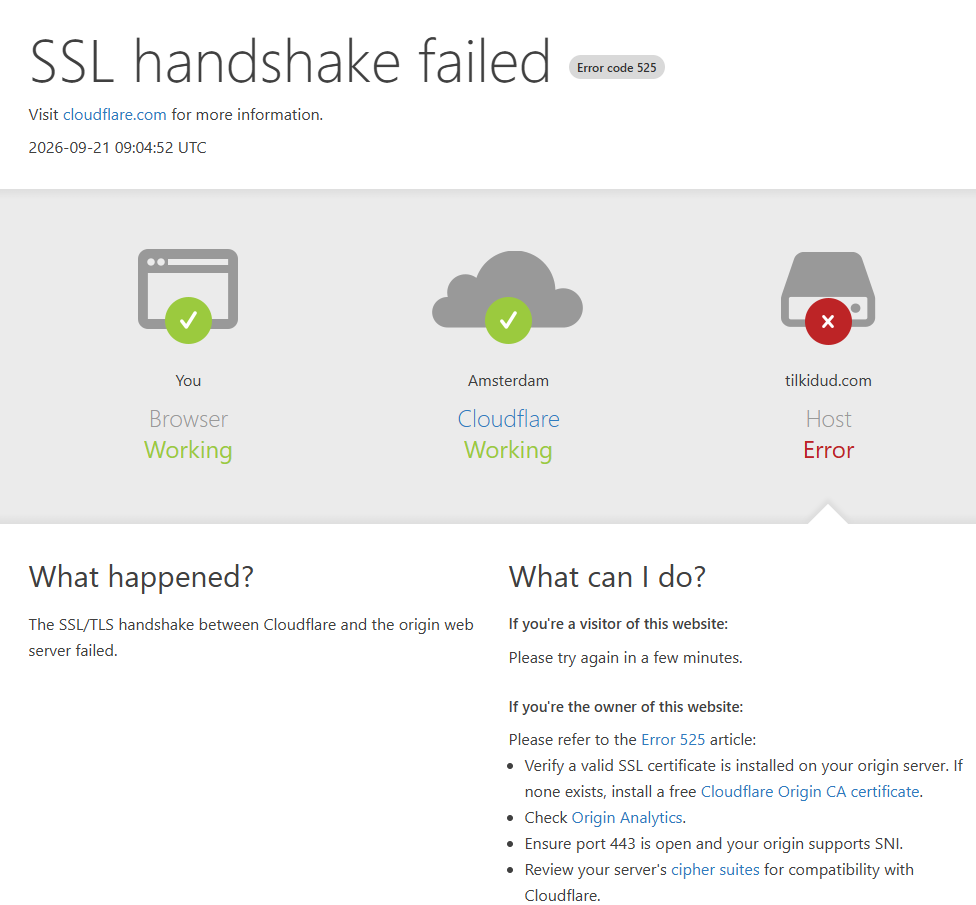
Looking at your site, I get the “host error 525” cloudflare error page.
This means that it couldn’t complete the SSL handshake with InfinityFree. This is verry telling, and strongly suggests that the issue is with your cloudflare setup, not a hosting issue.
In your DNS setup, have you set it to “Full (Strict)” by any chance? (or Autonmtic)
Because in order to work with InfinityFree, it should be “full” like this:
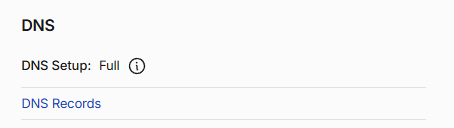
If you go to “SSL/TSL” in your cloudflare dashboard, then click “configure” you should have these options:
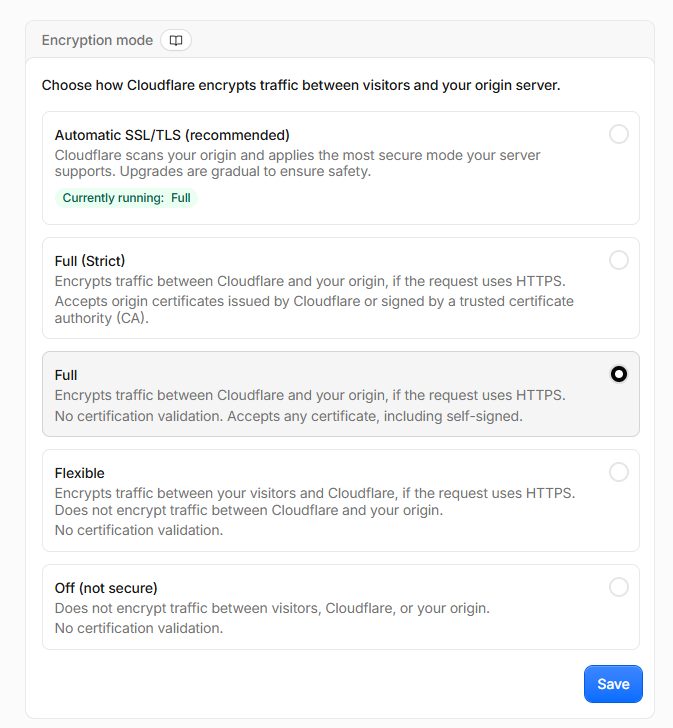
And make sure that is on Full.
Lots of different things to unpack here.
Firstly, being unable to ping your website is expected, and doesn’t say anything about the status of your website.
Secondly, you say your website is “down”, but what does that mean exactly? What do you see?
When I check your website, I get a “SSL handshake failed” message. Is that also what you see?
Yes, in my cloudflare dashboard, encryption mode is in Full mode.
Yes, the error I see when I enter tilkidud.com is “SSL handshake failed” message.
I uploaded the error screenshot.
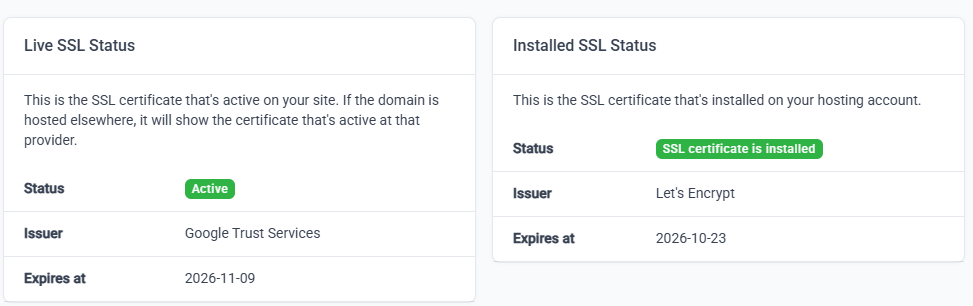
I also configured a Let’s Encrypt SSL certificate until 2026-10-23 from my infinityFree dashboard.
Also I’m suspicious about Google Trust Certificate as Live SSL Status. It seems configured in Cloudflare automatically. You can check that issue from my screenshot. Maybe these two certificates coincided. Would that possible?
If Cloudflare is on Full (not Full Strict) mode, then you don’t actually need the lets encrypt certificate on the InfinityFree side.
I can’t remember if you can disable the certificate once it’s installed? If so, try disabling it temporarily and see if that fixes the problem.