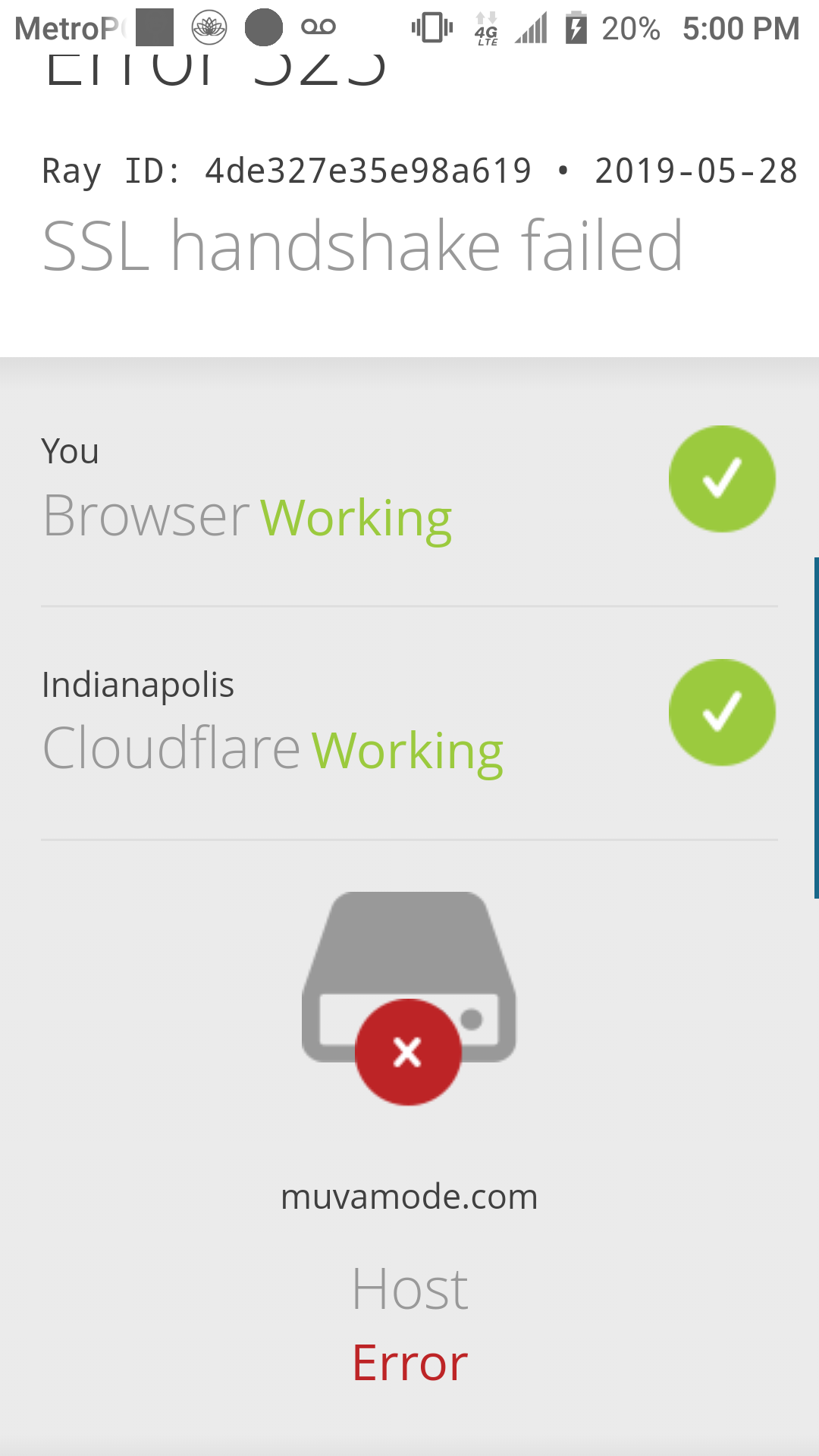
Additional information:
I have no clue what this means lol. Is it cause I haven’t changed the site address in WordPress yet? My cloudflare crypto setting is at SSL full not flexible or full strict.
I checked your account, and it seems to be working fine. I checked your website directly on the server (bypassing Cloudflare) and didn’t get any SSL issues. So if your website is truly using “Full” SSL and not “Full (strict)”, I don’t know what could be causing this.
Maybe you could ask Cloudflare why they are having trouble connecting to your hosting account? Because I don’t see anything on our end that could explain this.
@Admin so I don’t need to try sslforfree? cause I went that route and got the bot error even though I own my domain name. Also I had generated a CSR via vistapanel should that be removed?
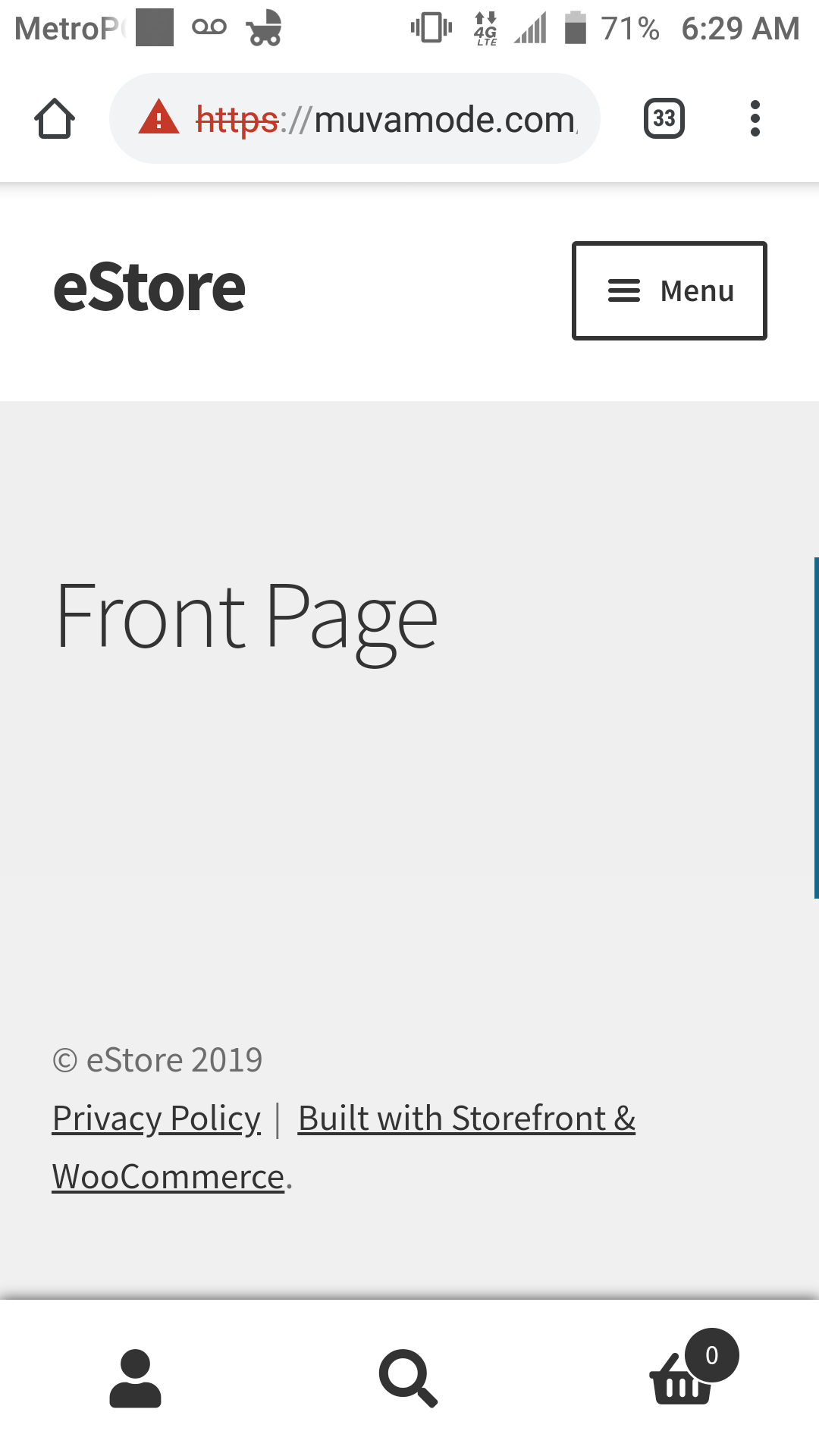
Eureka I see the correct green https!!! As I suspected it hadn’t registered the server change and was still pointing to my old host🤦🏾♀️. This had been killing me for days