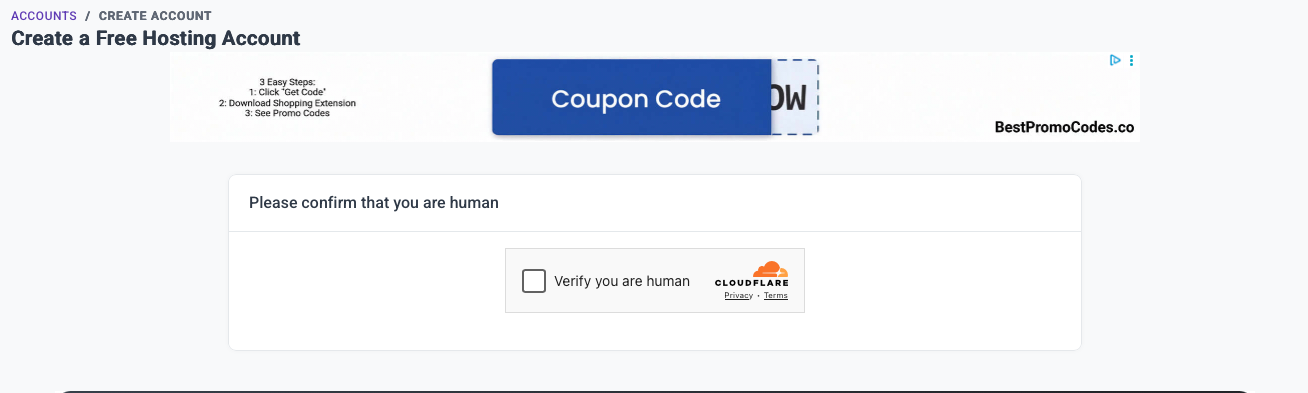
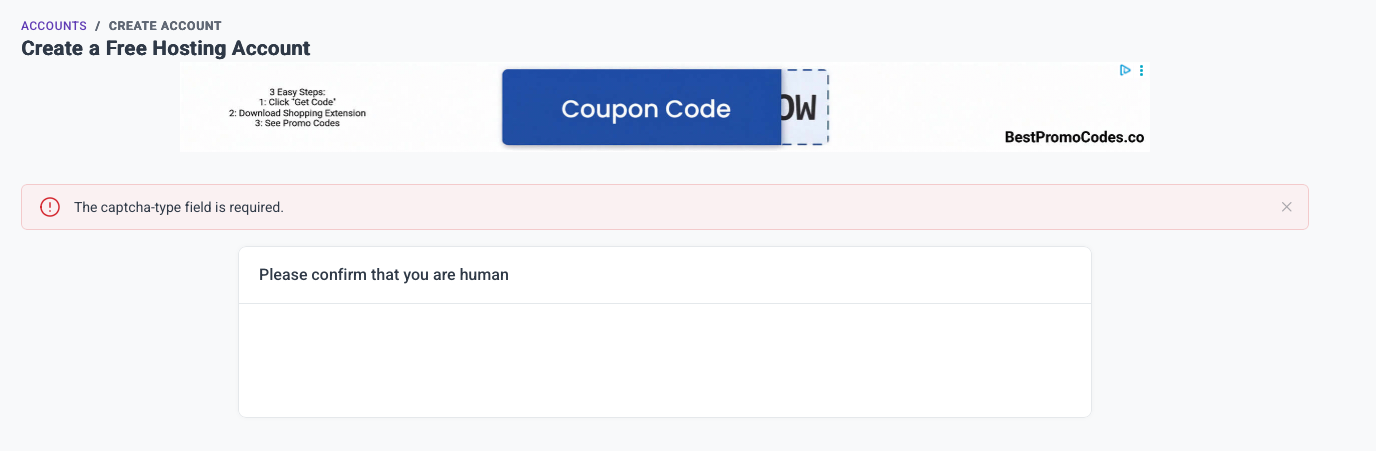
I created an account successfully, then when I went to create a hosting account (on Log in to your account - InfinityFree), I click the purple “+ Create Account” button, select the free option, then a CloudFlare ReCaptcha appears saying “Please confirm that you are human” with a checkbox saying “Verify that you are human.” I click the checkbox, CloudFlare thinks for a second, I get a momentary “success” message, then an error message saying “The captcha type field is required.”
… except there was no type field. It was just a checkbox. Which I completed successfully.
Any help here? Obviously if I can’t create a hosting account I can’t use InfinityFree.
It’s definitely not a Cloudflare bug because the captcha type field is a client area specific feature (mainly having to do with the system supporting multiple captcha types). As to why you would get this error, I have no idea, it should not be possible.
Reading through the forums, there are other threads here where folks have had issues with the CloudFlare Captcha not working correctly. As TiffanyLynch suggested (thank you again, Tiffany), it should probably just be default advice to try in a different browser, because CloudFlare does seem to have issues (especially recently).
While that’s true, that’s a different issue. Usually the problems with the Cloudflare CAPTCHA specifically result in the widget either not loading at all, or just not letting you pass. This particular issue is 100% specific to us.