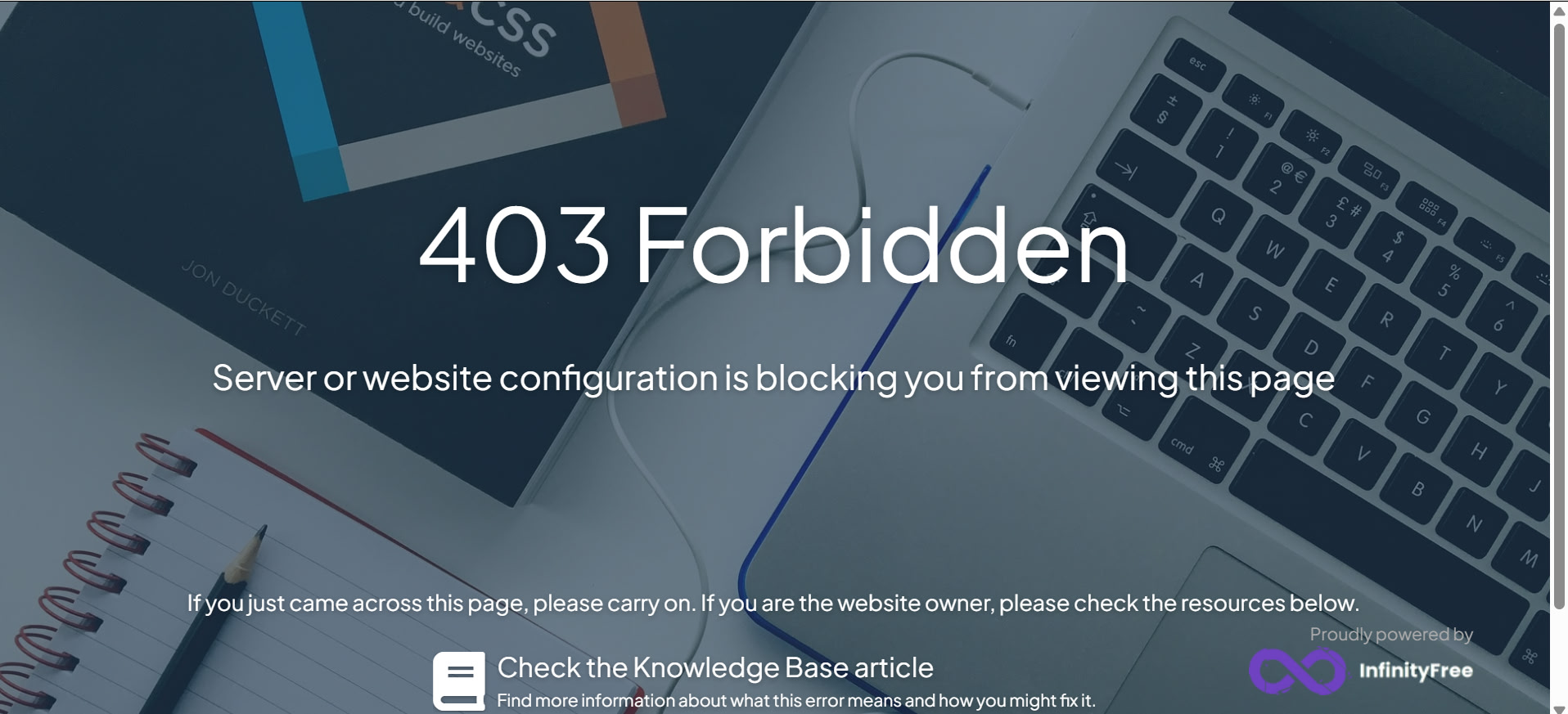
Server or website configuration is blocking you from viewing this page.
Our website chatbot also displays “Server error: 403” whenever a customer sends a question. The affected endpoint is /chatbot_api.php. A separate PHP test works successfully, but the chatbot endpoint remains blocked.
Other Information
We are developing a website for our school business project, RJB Store. The website works properly, but our chatbot cannot respond to customer inquiries because it returns a 403 Forbidden error.
We have already tried the following:
Checked the chatbot_api.php file.
Modified the fetch request in main.js.
Changed the request format from JSON to URLSearchParams.
Updated the PHP code to accept POST requests in both formats.
Checked the .htaccess configuration.
Tested a separate PHP file, which worked successfully.
Refreshed the website and tested the chatbot again.
Unfortunately, the 403 Forbidden error still persists.
Could you please help us determine whether this issue is caused by InfinityFree’s security restrictions, file permissions, or server configuration?
Welcome to the InfinityFree community forum! Good to have you here.
Most people answering here are volunteers. They’re often the fastest source of help. Admin (the only staff member) checks in about once a day for issues on our end.
Volunteers can’t see your account or website. Share what you actually see, like error messages and what happens when you try something. That’s more useful than your theory of what’s wrong.
AI tools often get InfinityFree wrong. If a volunteer’s advice differs from what an AI told you, please try the volunteer’s suggestion first.
Solving an issue is a joint effort. Try the suggestions you get and report back what happened.
Beep boop, I’m a bot! I dug through the forum to get you started. I sometimes get things wrong though, so do with this what you will until a human has a look.
Does https://rjbstore.site.je/chatbot_api.php also show the 403 when you open it directly in a normal browser tab? And in the browser’s developer tools (Network tab), what status does the chatbot request get? Does the response mention aes.js, or redirect to errors.infinityfree.net? That will show whether the request is being stopped before it reaches your PHP code or whether your script is returning the error.
I’m asking because a separate PHP file working doesn’t rule out the hosting’s security check. That check is described here:
It only lets through requests from a real browser, and a browser on the same domain passes. Cross-domain requests, such as a page on one of your other sites calling rjbstore.site.je, are blocked. So please also tell me which exact address the page making the request is loaded from, and which address main.js fetches.
If chatbot_api.php calls an external chatbot or AI service, the 403 could also come from that service. Is that the case?
The chatbot is loaded from https://rjbstore.site.je/ and main.js uses fetch(‘/chatbot_api.php’), so the request is on the same domain.
The PHP script has an optional external OpenAI integration, but it also supports database-based product inquiries and FAQ responses without external AI.
A separate PHP test file works successfully.
Could you please help me identify why this particular PHP file is being blocked?