Username (e.g. epiz_XXX) or Website URL
Error Message
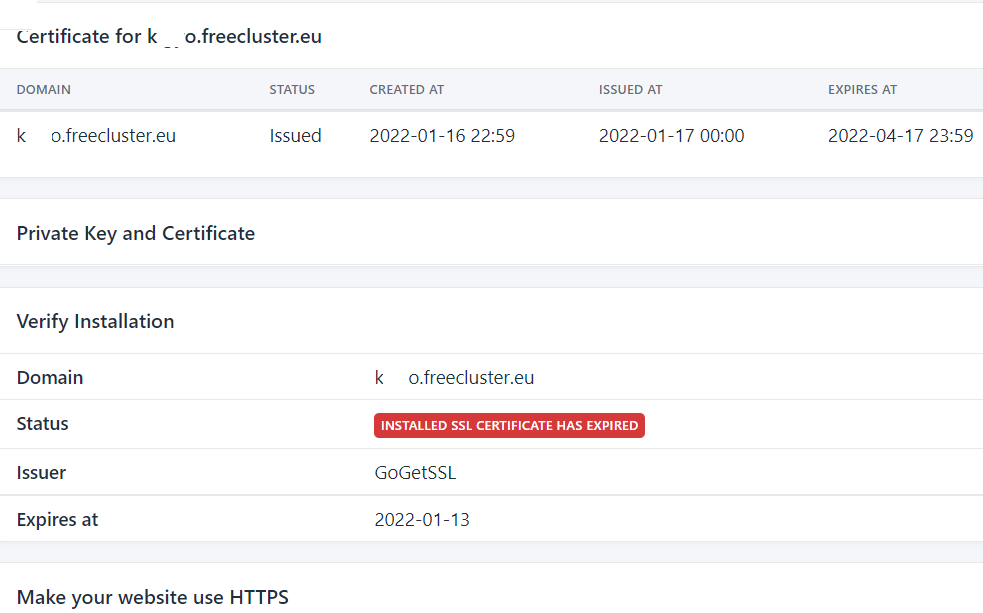
INSTALLED SSL CERTIFICATE HAS EXPIRED is shown In the end of process of Verify Installation
Please try requesting a new certificate.
I did .But same result.
And also can’t delete old certification from my site.
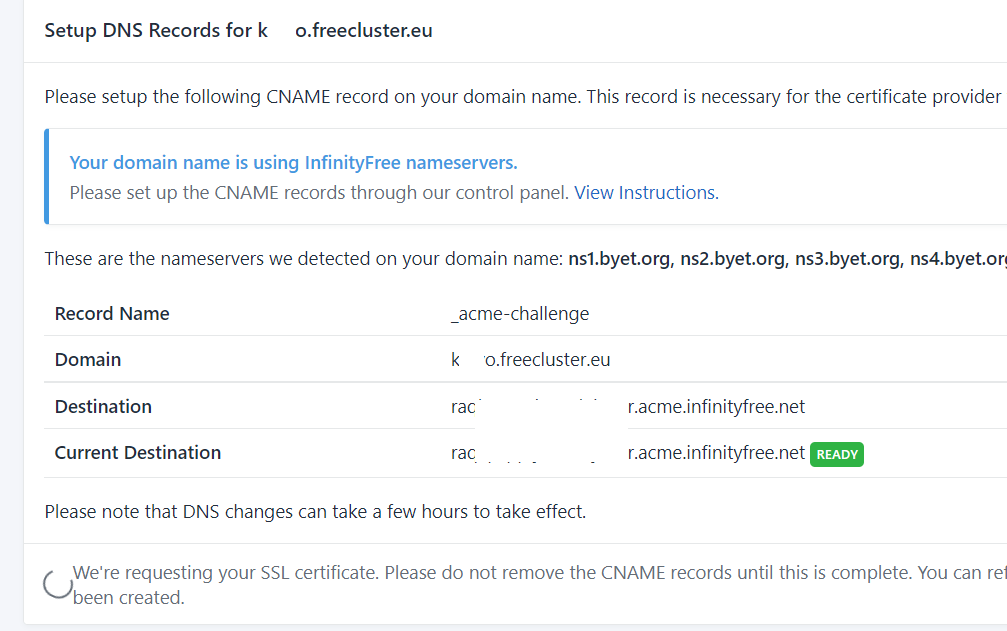
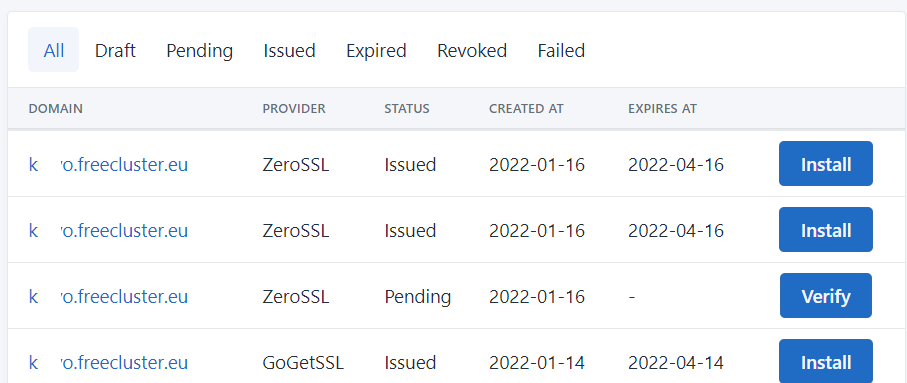
You need to provide more info. This is not enough. Which SSL provider are you using? Screenshot will be better
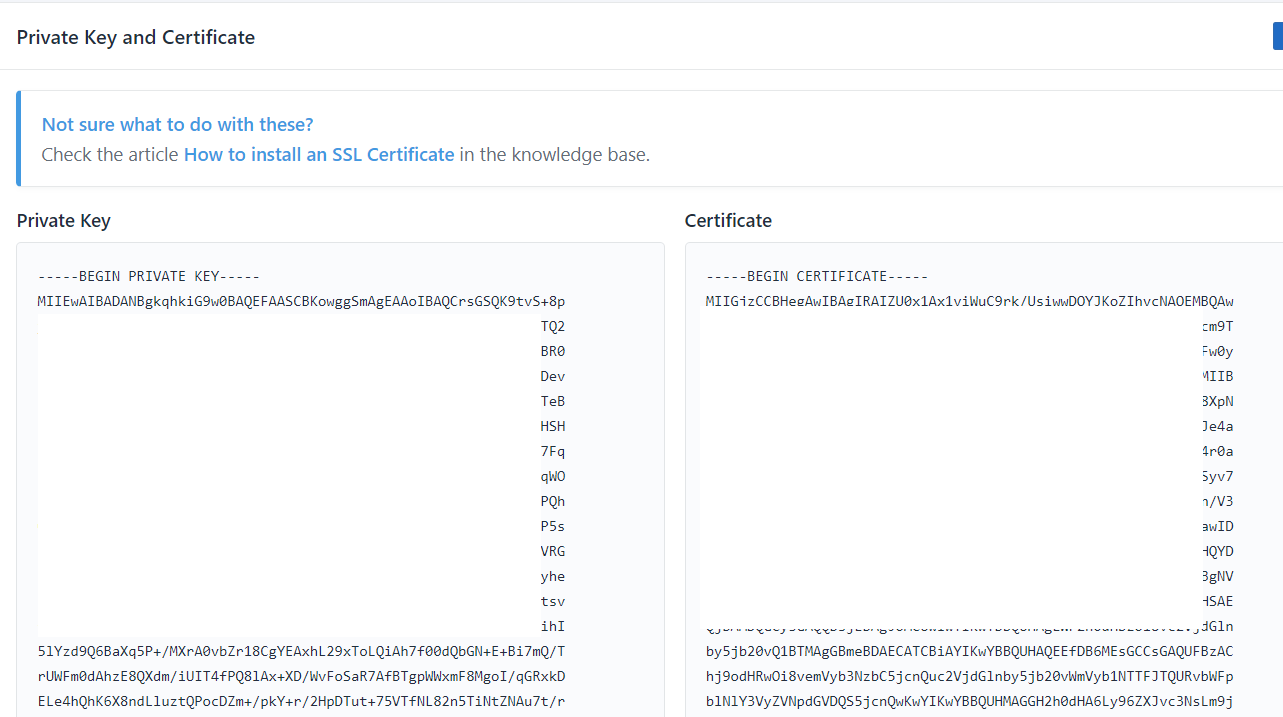
You need to install private key and SSL cert in the VPanel
Try using another browser? Make sure you copy the private key exactly. Do not include extra space etc.
Ensure the private key and SSL cert are meant for your specific subdomain
A few things to note:

* When uploading the certificate and private key, there are lines at the top and bottom like `--- BEGIN PRIVATE KEY ---`. These lines must also be included when uploading the private key and certificate.
I had used InPrivete window.
After I changed to use normal window and upload private key/ certification, I got SSL certification successfully.
Thank you for your advice.