Error Message
Hi, I tryed runnig a script on windows powershell to downlode all files for a backup:
Windows PowerShell
Copyright (C) Microsoft Corporation. All rights reserved.

PS C:\Users\ernie> $ftpServer = "ftp://ftp.epizy.com"
PS C:\Users\ernie> $username = "-hidden for security-"
PS C:\Users\ernie> $password = "-hidden for security-"
PS C:\Users\ernie> $downloadPath = "C:\Users\ernie\Downloads\beinnovations_files.zip"
PS C:\Users\ernie>
PS C:\Users\ernie> # Create FTP request object to download a file or list directory
PS C:\Users\ernie> $request = [System.Net.FtpWebRequest]::Create($ftpServer)
PS C:\Users\ernie> $request.Method = [System.Net.WebRequestMethods+Ftp]::ListDirectoryDetails
PS C:\Users\ernie> $request.Credentials = [System.Net.NetworkCredential]::new($username, $password)
PS C:\Users\ernie>
PS C:\Users\ernie> try {
>>     $response = $request.GetResponse()
>>     $reader = [System.IO.StreamReader]::new($response.GetResponseStream())
>>     $result = $reader.ReadToEnd()
>>     $reader.Close()
>>     $response.Close()
>>
>>     [System.Windows.MessageBox]::Show("Successfully connected and listed directory contents!")
>> } catch {
>>     Write-Error "Connection failed: $_"
>> }
try {
    $response = $request.GetResponse()
    $reader = [System.IO.StreamReader]::new($response.GetResponseStream())
    $result = $reader.ReadToEnd()
    $reader.Close()
    $response.Close()

    [System.Windows.MessageBox]::Show("Successfully connected and listed directory contents!")
} catch {
    Write-Error "Connection failed: $_"
} : Connection failed: Exception calling "GetResponse" with "0" argument(s): "The remote server returned an error:
(530) Not logged in."
    + CategoryInfo          : NotSpecified: (:) [Write-Error], WriteErrorException
    + FullyQualifiedErrorId : Microsoft.PowerShell.Commands.WriteErrorException

PS C:\Users\ernie>
Other Information
origanle comand:
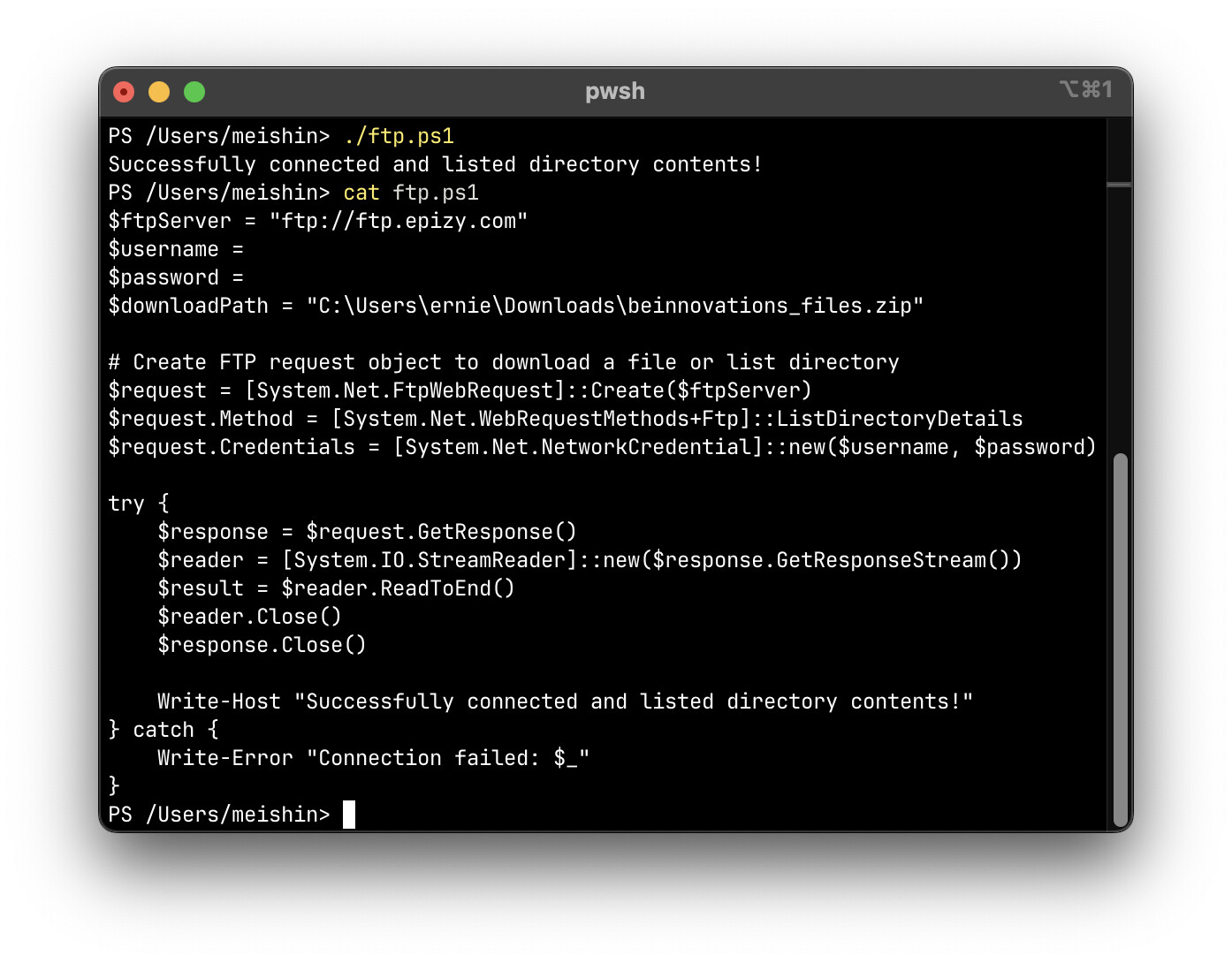
$ftpServer = "ftp://ftp.epizy.com"
$username = "-hidden for security-"
$password = "-hidden for security-"
$downloadPath = "C:\Users\ernie\Downloads\beinnovations_files.zip"

# Create FTP request object to download a file or list directory
$request = [System.Net.FtpWebRequest]::Create($ftpServer)
$request.Method = [System.Net.WebRequestMethods+Ftp]::ListDirectoryDetails
$request.Credentials = [System.Net.NetworkCredential]::new($username, $password)

try {
    $response = $request.GetResponse()
    $reader = [System.IO.StreamReader]::new($response.GetResponseStream())
    $result = $reader.ReadToEnd()
    $reader.Close()
    $response.Close()

    [System.Windows.MessageBox]::Show("Successfully connected and listed directory contents!")
} catch {
    Write-Error "Connection failed: $_"
}