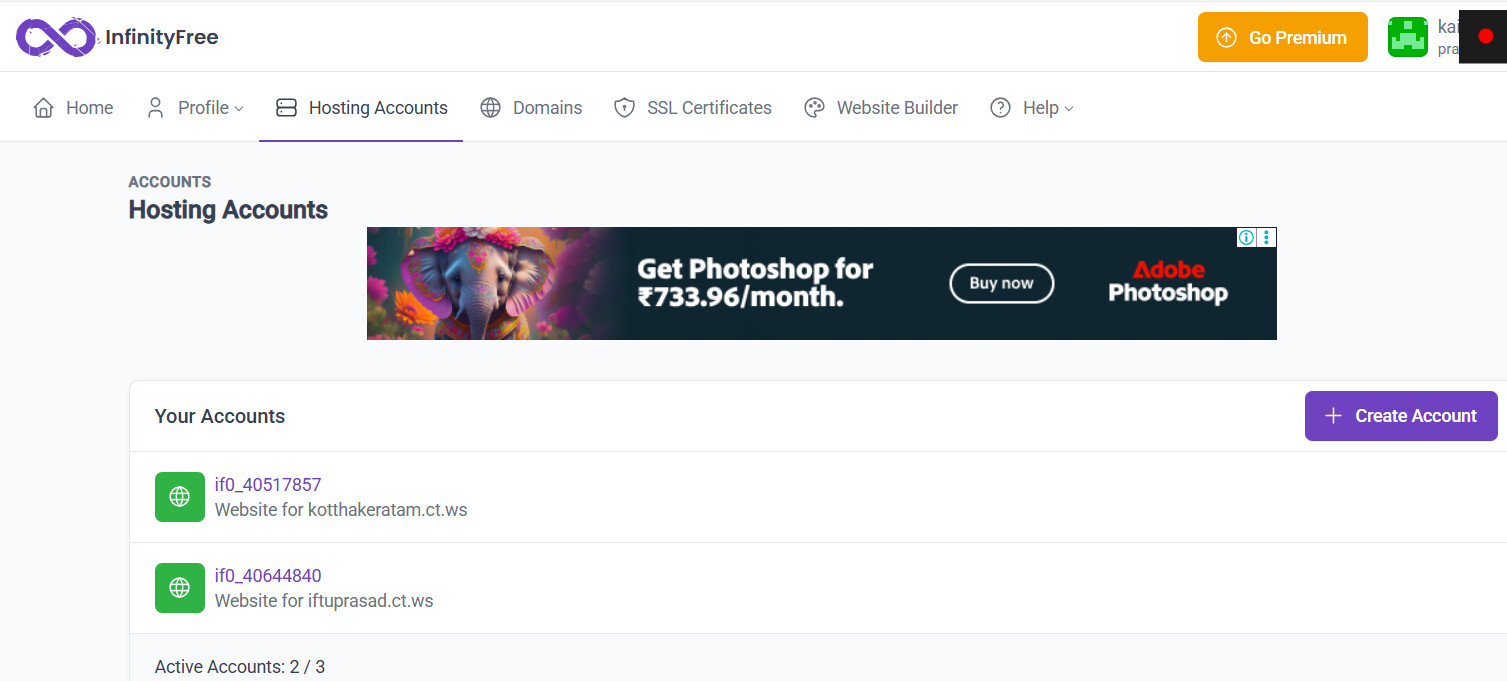
I am facing a similar issue. I changed my site name from ‘kotthakeratam.ct.ws’ to ‘iftuprasad.ct.ws’. Now I can’t find it. I waited for 3 days but I can’t access the new site. I was very frustrated and disappointed. I didn’t know what to do. I created another hosting account with the new domain ‘iftuprasad.ct.ws’ thinking something will happen. Now I am completely clueless. I can’t access the new site and I can’t access the old site. I don’t know what to do. I worked so hard on the original website. I just wanted to change the URL from ‘kotthakeratam.ct.ws’ to ‘iftuprasad.ct.ws’. How can I move ahead now? Please help.
Welcome to the forum.
Please don’t hijack other peoples posts. you’ll get a better answer if you start your own thread. I’ve moved your post for you 
The good news is that kotthakeratam.ct.ws is still there. Since you’ve set up a new account with iftuprasad.ct.ws your best bet is to use a tool like filezilla to back up your site to your own computer, then reupload it to the new account.
this should help:
A common misconception is that you can “change” the domain of a website by simply tweaking some settings.
You cannot actually change the domain of a website, you must migrate it, and whatever you had done have most probably broke your site.
Can you please share the steps you have done when “changing” the domain?
@Meishin Hi, I changed the URL in the settings section of ‘kotthakeratam.ct.ws/wp-admin’.
I have changed these two and the site title.
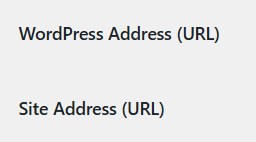
I have changed it from ‘kotthakeratam.ct.ws’ to ‘iftuprasad.ct.ws’.
Then I waited for 2-3 days. Nothing happened. So yesterday, I created a new hosting account for ‘iftuprasad.ct.ws’, thinking something would happen. This might have been a mistake.
This is all I did. Please help.
@dan3008 Sorry about that. And thank you for your answer.
Just as I expected, you screwed up your site.
Domains needs to be registered in the hosting system before they can be used anywhere. WordPress is by no means linked to the hosting, changing them inside WordPress doesn’t register them to the system.
As you have created an account with that domain you’ve made everything more nasty, but it’s still possible to fix it.
- Remove the domain from the newly created account. Don’t deactivate the new account, that’ll make things even worse.
- Forget about the new account.
- Add the domain to your existing hosting account.
- Follow this guide to move your website into the new place:
Okay, I will try to do this. Thank you.