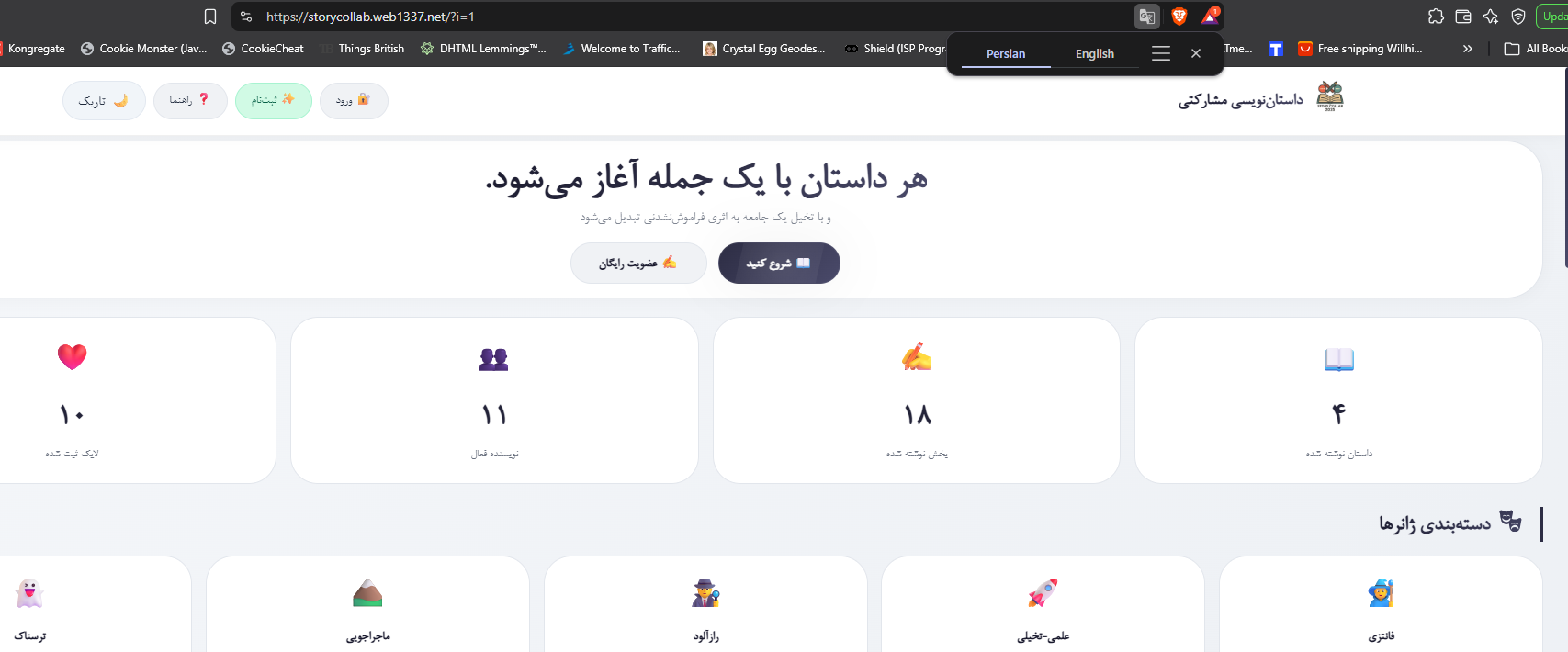
Website URL
http://storycollab.web1337.net/
Error Message
Hello,
I have a connectivity problem with two free subdomains on the same InfinityFree hosting account.
Account:
if0_39689522
Domains:
The InfinityFree dashboard shows the hosting IP as:
185.27.134.205
However, both domains resolve to the private IP 10.10.34.36, even when using public DNS servers.
DNS test with Cloudflare:
nslookup storycollab.web1337.net 1.1.1.1
Result:
10.10.34.36
DNS test with Google:
nslookup storycollab.web1337.net 8.8.8.8
Result:
10.10.34.36
The second domain has exactly the same issue:
studyos.web1337.net → 10.10.34.36
HTTP connection also fails:
curl -I http://storycollab.web1337.net
→ Failed to connect to port 80
HTTPS also fails:
curl -I https://storycollab.web1337.net
→ Failed to connect to port 443
The same HTTP problem occurs with studyos.web1337.net.
Both domains are assigned to the same hosting account, and the InfinityFree dashboard reports:
Health Check: No issues found
The website files are present in the correct htdocs directory, including index.php.
Could you please check the DNS / virtual host configuration for these web1337.net subdomains?
It appears that the public DNS is resolving both domains to 10.10.34.36 instead of the hosting IP shown in the dashboard (185.27.134.205).
Thank you.