
Hello,
First of all, I’d like to say that I’m a beginner.
I had already used InfinityFree, and the first time everything launched correctly.
I created a second account. But after installing WordPress via Softaculous, I get this screen (see image).
I can’t access the WordPress site or dashboard.
Could you please help me?
Your website works fine for me, please note that it will take up to 72 hours in order for your website to show to anyone.
Adding this article to what @anon42008019 said:
Oh, okay thank you for your answer. I will be patient, wait and see in few days
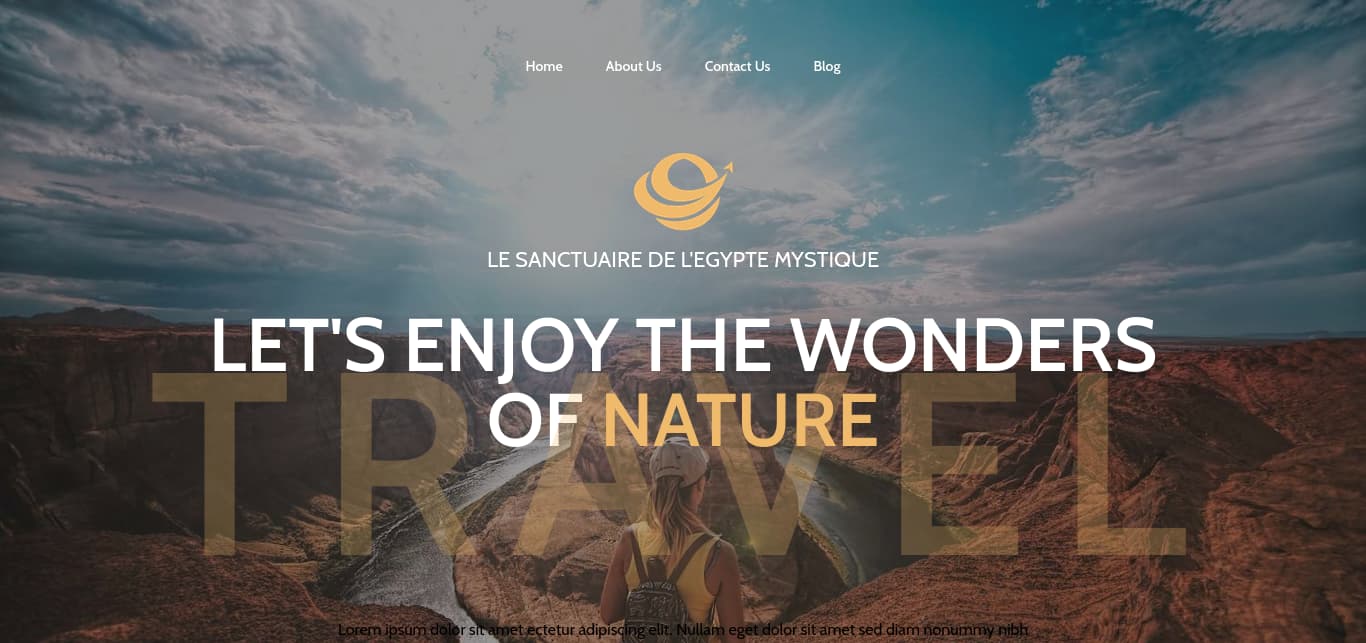
Omg, how it’s possible ??
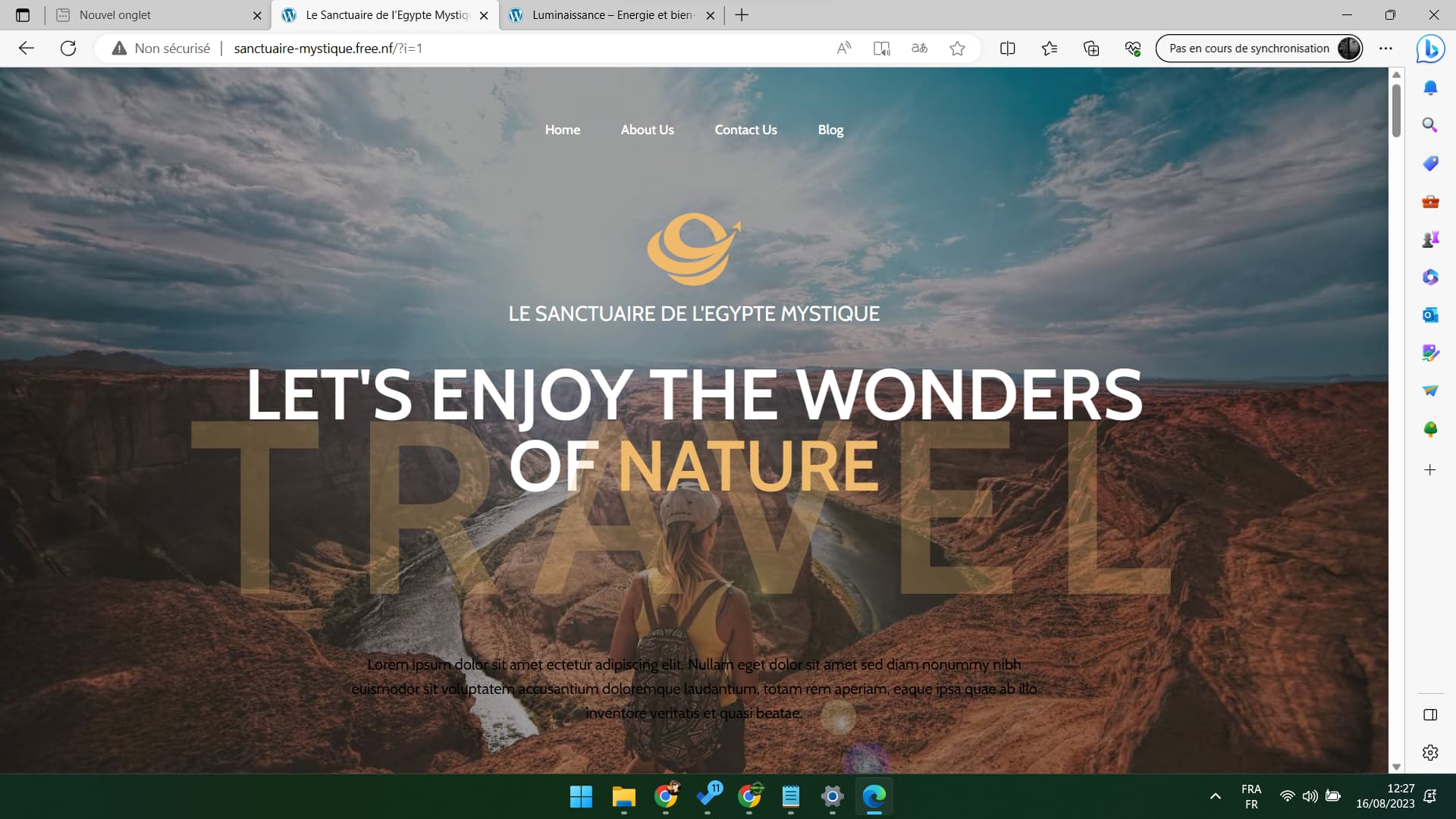
For me it’s not, i get the same “FREE.NF” screen 
Tested on Chrome, on EDGE, and two differents smartphone : same result here…
Some suggestions?
It’s maybe about the domaine provider “.free.nf” ?
The fact is that my other website which domain ended by “.rf.gd” is running perfetcly here
Clear your DNS cache.
DNS cache is just how the internet works. As long as you know what it is, you can recognize it and know the workarounds, that’s the best you can do.
Knowing how to clear your DNS cache helps, and perhaps switching to a DNS resolver that doesn’t keep cache as long may help too.
Thank you for your answer 