would like to know about shortcut that can i use in file manager like for comment crtl+/ etc. thanks !
Welcome to the forum.
In my experience not, the browser seems to handle all shortcuts itself, and doesnt seem to pass them to the file manager
7 Likes
The file manager itself doesn’t really use keyboard shortcuts as far as I’m aware. The code editor does have some shortcuts, but I’m not quite sure what shortcuts are actually available.
7 Likes
I know ctrl F “works”, but the functionality and implementation are poor.
5 Likes
would be goood if you guys add some shortcut like for comment etc
also if you chage the UI for this
i don’t think that the header and footer of this editor need to be that big
instead provide a bit more space for code to avoid unnecessary scrolling 
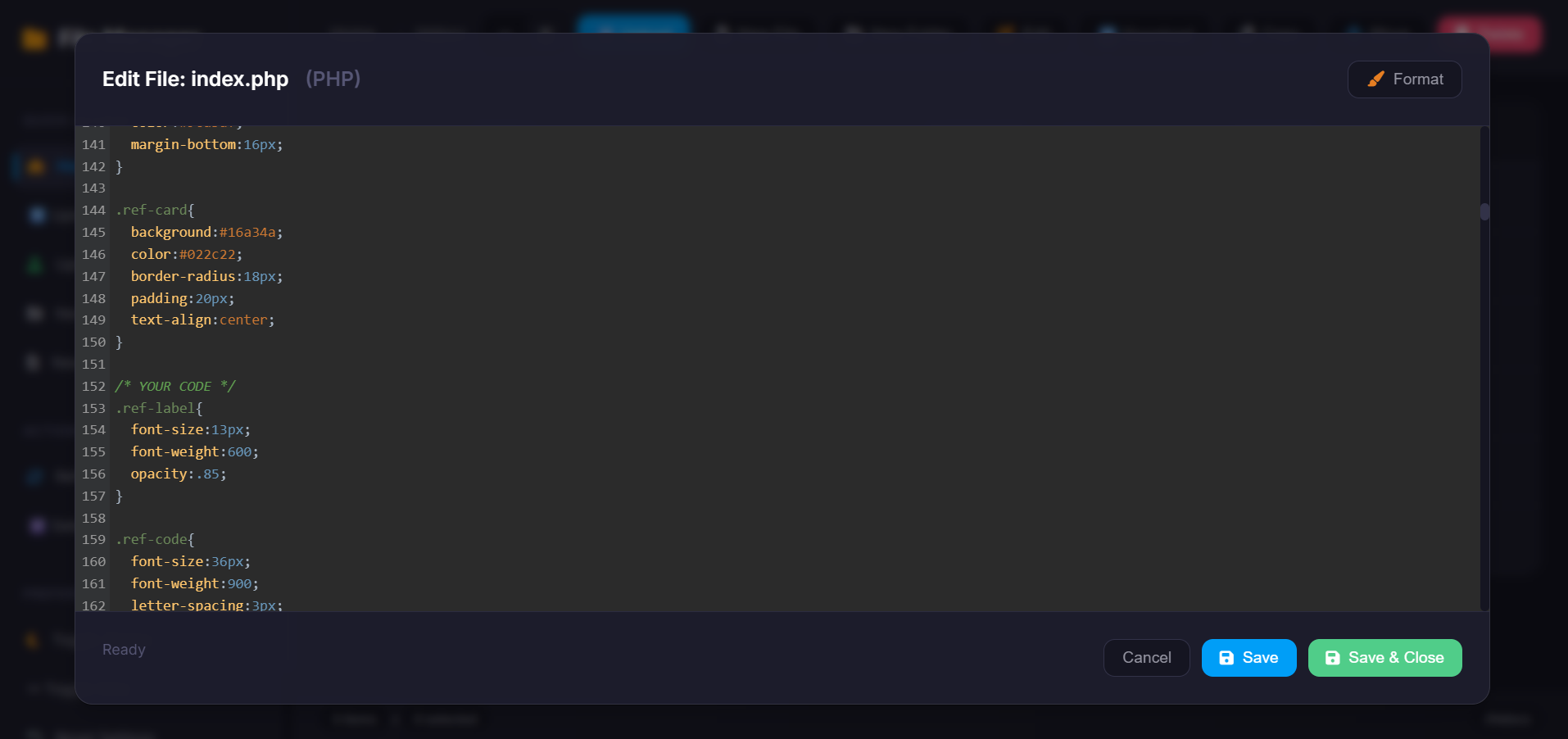
4 Likes
We are using Code Mirror 5, for shortcuts
I haven’t tried it but the commenting/uncommenting code seems to be a part of addon/comment/comment.js. It is not enabled on live. Maybe we can request admin/ifastnet to add the lines 
https://cdnjs.cloudflare.com/ajax/libs/codemirror/5.65.16/addon/comment/comment.min.js
https://cdnjs.cloudflare.com/ajax/libs/codemirror/5.65.16/addon/comment/continuecomment.min.js
5 Likes
This topic was automatically closed 15 days after the last reply. New replies are no longer allowed.