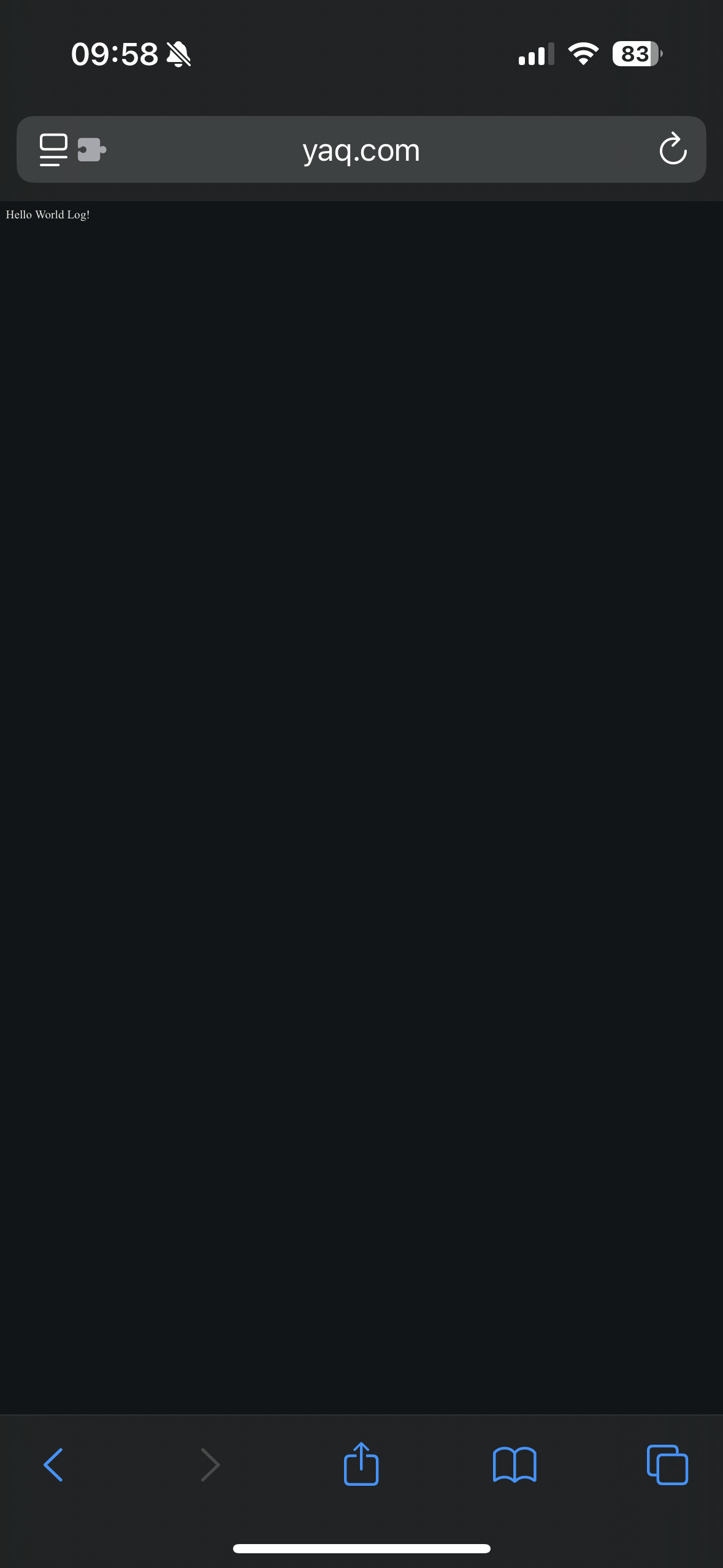
HTML works. PHP was great, but stopped working 2 days ago. I can access everything on FTP.
I had tested and reloaded quite a few pages that day, and uploaded a lot of thumbnails of hotels, and that work is completely finished now and I’m on to less intensive finishing touches. Is it possible there are some hung processes that need a reboot of PHP? Or is there some blocking mechanism? I checked via proxy and was unable to connect via proxy also.
The timeouts affected my other sites also hapisands and redabra.
Any help would be very appreciated. I think your service is excellent and a life saver so far and I will upgrade as soon as I can afford it.
Could you please verify if you are able to reach your website from another network (like a VPN)? It might be that your IP address was flagged in our system for abusive traffic and blocked.
Wow. The proxy had my urls cached with “www” at the beginning, so I took the default, it came back as unreachable, and I tried with two different proxies, which confirmed my bias that the site was unreachable… but I was incorrect. Sorry.
I guess my IP is blocked then. I had been offline a few days working on those images , and I uploaded the normal ones in one day, then I later changed everything to a much smaller thumbnail size, re-uploaded, re-checked it on multiple scripts… so maybe that’s how it happened? I was finished working on it by then, so I didn’t expect a block. Hm.. I don’t remember testing any php params or anything like that.
Scripts now work perfectly when I switch wifi off on my phone and use the mobile network.
IPv6: ? 2001:4860:7:1516::fb IPv4: ? 37.228.245.246
I just cant access the site on my computer at home via browser. FTP works OK though.
Guys…. I’m having the same problem AGAIN!!!
Whatever you did yesterday worked like a charm. Thank you.
I updated my scripts and fixed a lot of things.
Today it was fine, until I launched Chrome browser and it loaded about 4 of those website pages which were cached from the last time and suddenly, I lost ALL access again.
I don’t know why this happens, but this would never have happened a few years ago when traffic was really important (i.e. the last time I ran a website was quite a while ago). I’m guessing it’s a cloudflare thing or whatever.
Your IP address was indeed blocked on our end, and was unblocked yesterday. But whatever you were doing may have resulted in the IP address being blocked again.
This security measure is fairly new, so you might not have run into it a few years ago. But know that it is a necessary measure, it was implemented to help combat a series of nasty DDoS attacks, and this system is very effective at blocking those.
To update here, my account has been completely inaccessible for a few days now. My IP keeps getting caught in the DDoS protection and now I’m seeing “Account Suspended for Abuse” when checking through a proxy. FTP and the control panel are both blocked, so I can’t access or manage anything.
Just to be clear, the site in question is not even live yet. It’s a development build with some PHP scripts, but nothing abusive or resource-heavy. Everything runs smoothly on my local machine, and I’ve been careful to keep the load low. It looks like the automated system may have flagged it incorrectly - but I want to follow your rules.
I understand the free hosting limits and I’m not trying to push them. My plan now is to move the larger YAQ project elsewhere, but I’d really appreciate it if the account could be reinstated long enough for me to remove that project and replace it with a much smaller, lightweight site that will stay well within your limits. I also have two other InfinityFree sites running fine, and I’d like to keep things clean and compliant across all of them.
My plan - In Summary: (I have 3 sites).
I would like re-use the subdomain for a much smaller website. (I will move the big project elsewhere).
Two sites are still functioning fine. No problems there.
If you can restore access, and enable FTP - I’ll clean up the account and replace with something much smaller, and make sure everything stays within acceptable usage.
It would have been admin, not me who unblocked the IP
Abuse can take many forms. Hopefully it was just a false positive from an automated check, and they’ll review it as part of your ticket, and they’ll restore your access
I checked the status of your account and it’s indeed suspended. The client area only says “suspended for abuse”, but I checked it, and according to our data, your account received orders of magnitude more traffic than a free account can have.
Considering this fact and the fact that your IP address is probably blocked again, I think that there is a single explanation for both: something happened on your computer or website that generate a very large amount of traffic between you and your website, triggering both a block on your IP address and on your account.
As for what happens next, I cannot tell you. You’ll need to submit a ticket from the client area and wait for the staff there to tell you what happens next.
im assumming the wappalyzer extension is the cause, sometimes it is quite glichy that it just spam a bunch of requests to the current site for no reason, maybe check your extension list and turn off wappalyzer plugin