mr.ark
August 29, 2023, 8:24am
1
Website URL
http://vidyadhanam.epizy.com/
(please specify the URL of the site on which you are experiencing the problem)
Error Message
(please share the FULL error message you see, if applicable)
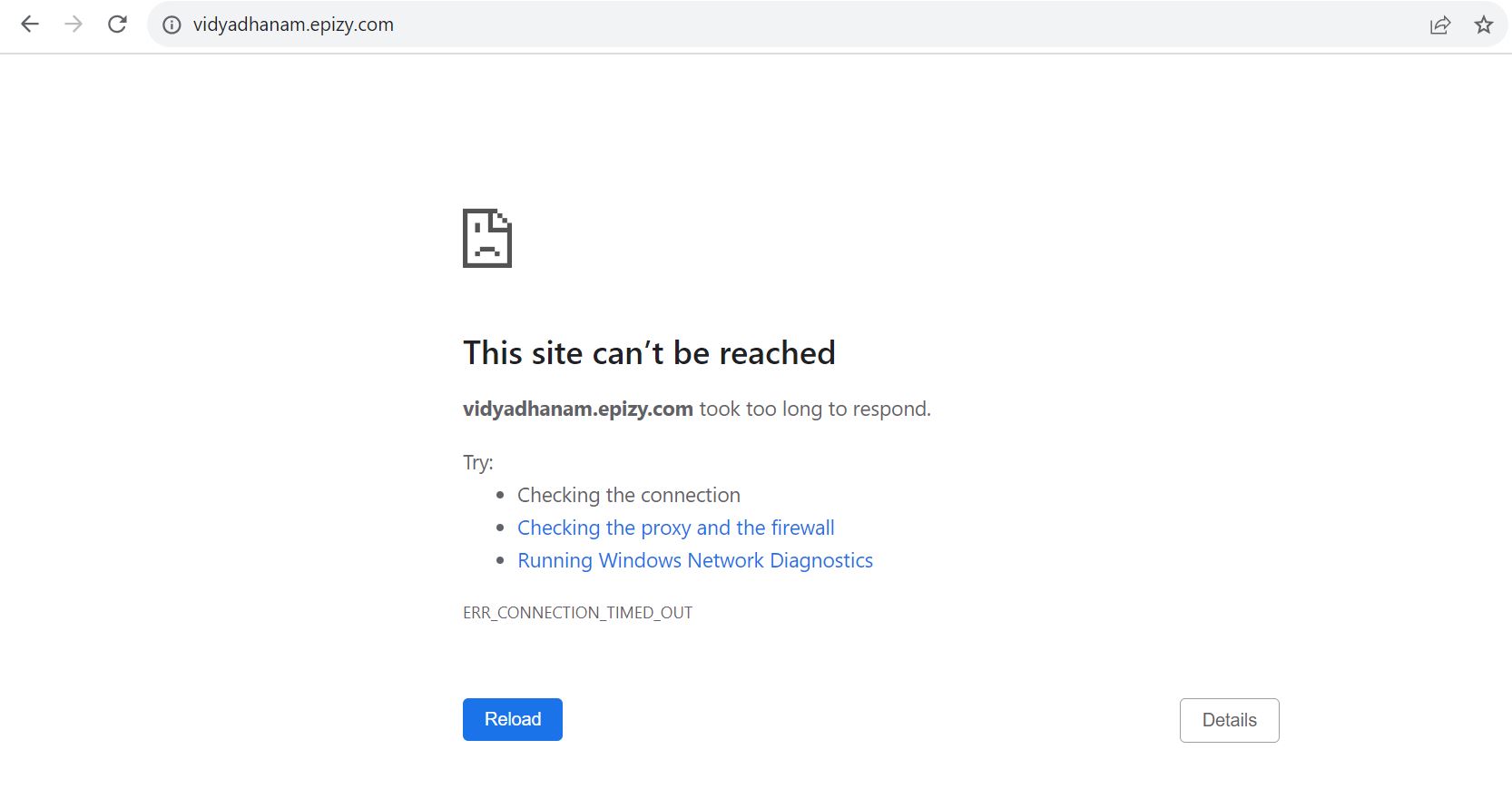
This site can’t be reached
vidyadhanam.epizy.com took too long to respond.
Other Information
(other information and details relevant to your question)
The website was working properly but as it wasn’t used, it became deactivate. After successful reactivation, the website is not working. Above error is shown as the site is not loading. Please help immediately.
It says 403 forbidden for me.
If you are expecting a directory listing then please add
Options +Indexes
into your .htaccess file in your htdocs. Notice that the .htaccess in your root folder cannot be edited.
If there’s none then create one in your htdocs.
4 Likes
No, you can edit the .htaccess file in your root folder (htdocs). Don’t edit the .htaccess file that is outside your root folder.
2 Likes
I think you don’t understand me.
In fact we are referring to the same thing: /.htaccess. But you mistake my “root” into the website root — I’m talking about the account root.
5 Likes
mr.ark
August 29, 2023, 3:52pm
5
Provided solution is not working.
This article might, then:
Getting a 403 error means the server is refusing to show your webpage. Here are the most common causes and how to fix them:
1. Website Files Are in the Wrong Location
The Issue: Your domain might be pointing to an empty or non-existent folder.
How to Check:
Log into your InfinityFree client area
Go to Accounts → [Select your account] → Domains → [Find your domain] → Manage
Find the Directory Status card, and look at the Directory displayed there
Understanding the folder structure:
Your fi…
If not, can you send a screenshot of the content of your htdocs folder?
5 Likes
mr.ark
September 5, 2023, 2:12pm
7
Attached the screenshots for the error. Please help immediately.
It was working properly before deactivation. Suddenly, after reactivating, the site stopped working. Contacted the developer team but found that error is from Hosting provider’s end. Kindly help as soon as possible.
What is inside your htaccess file?
1 Like
KangJL
September 5, 2023, 2:20pm
9
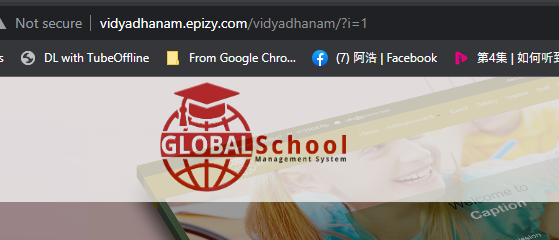
See this?
This is the url to use
http://vidyadhanam.epizy.com/vidyadhanam/?i=1
Issue is on your end. So fix it yourself
6 Likes
mr.ark
September 5, 2023, 4:12pm
10
Don’t know how is it working on your side, it is not working anywhere on our side. Requesting the team for help.
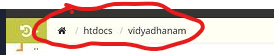
http://vidyadhanam.epizy.com/ now works fine for me, as it seems you moved the content:
Try clearing your browser’s cache.
If you are still facing issues, please describe what isn’t working and provide more information (screenshots may also help).
6 Likes
mr.ark
September 6, 2023, 3:28pm
12
Hello, application is not working for a particular IP. Can I get possible help regarding the issue?
What do you mean by “not working”?
1 Like
mr.ark
September 6, 2023, 3:58pm
14
For a particular network connection, the website is showing - This site can’t be reached.
For other network connections, it is working fine. I want to run website on all network connections.
You might have to get this sorted out with the ISP you’re using, or configure a fast DNS resolver on your computer, like 1.1.1.1 or Google Public DNS .
3 Likes
mr.ark
September 6, 2023, 4:03pm
16
Getting the same issue on other devices using same network connection also.
This is too simplified, such thing can mean anything. Show a screenshot.
3 Likes
Could be that your internet service provider has blocked the website.
3 Likes
mr.ark
September 6, 2023, 4:41pm
19
Following error is displayed while accessing the website using same network on any devices. I cannot change the network. Please help. Website was accessible using that network too before getting deactivated.
KangJL
September 6, 2023, 5:10pm
20
Then we cannot help you. Issue is likely on your end
3 Likes