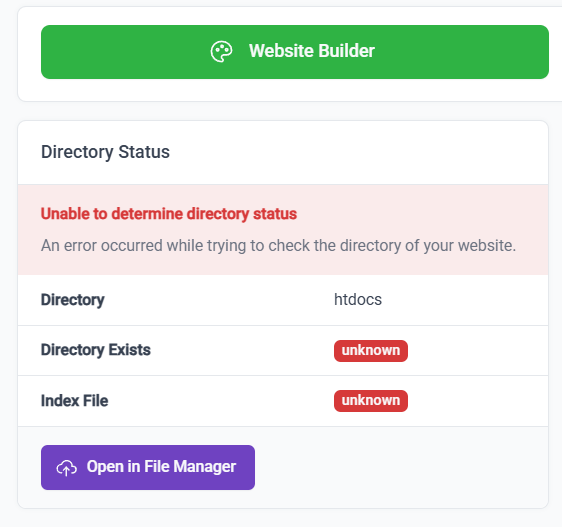
Server or website configuration is blocking you from viewing this page
We are using InfinityFree hosting for college, as a part of our web development class, today we tried to post our Laravel projects to the hosting, according to the way how our teached did it, I was doing the same as he told us, yet I still get this error after few hours of trying to fix it, can somebody help the newbie? Would be greately appreciated
I’m currently updating the only folder that had less folders than it should, but I did check all the stuff said in the post, everything seems to be correct, and adding Options +Indexes didn’t work at all
There seems to be a problem in accessing or redirecting to https. However, regarding the error on the homepage uploaded, I got status code 500.:
Illuminate\Database\QueryException
SQLSTATE[HY000] [1045] Access denied for user ‘if0_39xxx’@‘192.xxx’ (using password: YES) (Connection: mariadb, SQL: select * from `sessions` where `id` = xxx limit 1)
Are you sure these are the correct parameters? Every account has unique credentials, you can’t simply copy-and-paste your teacher’s or somebody else’s. You can find yours on the Account Options → MySQL Databases →MySQL Connection Details.
Did you use the password reset functionality of the control panel? Because doing that causes this issue, it doesn’t fix it. Do not use the password reset functionality of the control panel. It breaks a lot of functionality.
Please reset your account password through the client area to prevent even more issues, and never touch the control panel password reset function ever again.