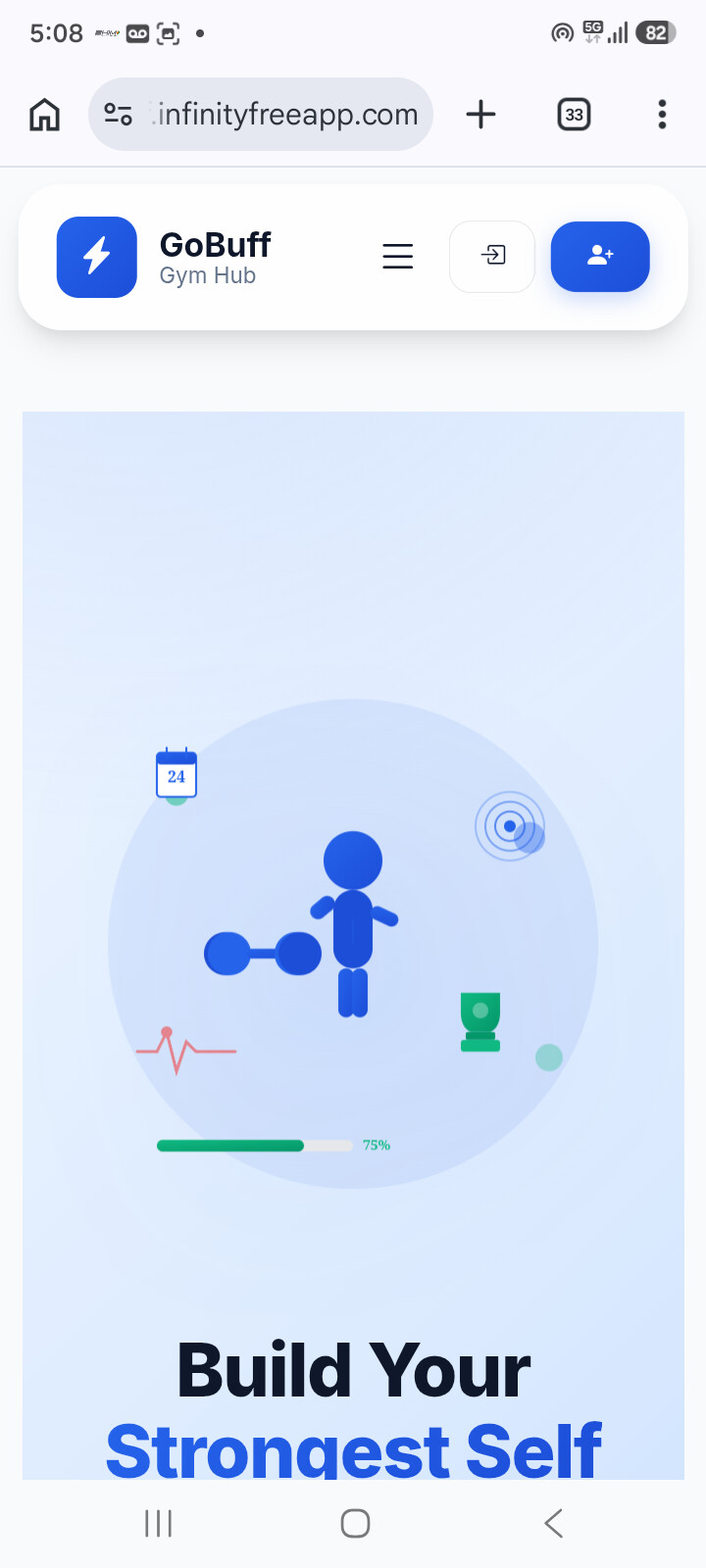
Website URL
http://gobuff.infinityfreeapp.com/
Error Message
This site can’t be reached
gobuff.infinityfreeapp.com took too long to respond.
Try:
Checking the connection
Checking the proxy and the firewall
Running Windows Network Diagnostics
ERR_CONNECTION_TIMED_OUT
Other Information
Hello InfinityFree support,
The website works normally when accessed by my friend from a different network/location, but I cannot access it from my PLDT Internet connection.
Chrome shows:
ERR_CONNECTION_TIMED_OUT
I performed the following tests:
DNS:
nslookup gobuff.infinityfreeapp.com

Name: gobuff.infinityfreeapp.com
Address: 185.27.134.177
DNS resolution works correctly.
Ping:
Pinging gobuff.infinityfreeapp.com [185.27.134.177]
Request timed out.
Request timed out.
Request timed out.
Request timed out.

Packets: Sent = 4, Received = 0, Lost = 4 (100% loss)
HTTPS connection:
curl -I --connect-timeout 10 https://gobuff.infinityfreeapp.com

curl: (28) Connection timed out after 10010 milliseconds
HTTP connection:
curl -I --connect-timeout 10 http://gobuff.infinityfreeapp.com

curl: (28) Connection timed out after 10004 milliseconds
I also tested the server IP directly:
curl -I --connect-timeout 10 http://185.27.134.177

curl: (28) Connection timed out after 10009 milliseconds
Traceroute from my PLDT connection reaches the international transit network but does not reach 185.27.134.177.
The website was last updated/uploaded approximately two days ago. It was working normally, and the website is still accessible to users from other networks.
Could you please check whether there is an issue with the server/IP 185.27.134.177, or whether my connection/IP is being blocked or unable to route to the server?
Thank you.