Website URL
amicizia25.free.nf
Error Message
When I try to upload a file html under htdocs the message is ok but I canno see it in the file manager
amicizia25.free.nf
When I try to upload a file html under htdocs the message is ok but I canno see it in the file manager
Have you tried using an FTP client like FileZilla?
The online file manager seems to be one one this evening (uk time)
Could you have a look and see if any of the explanations in this article apply to your file?
Hi,
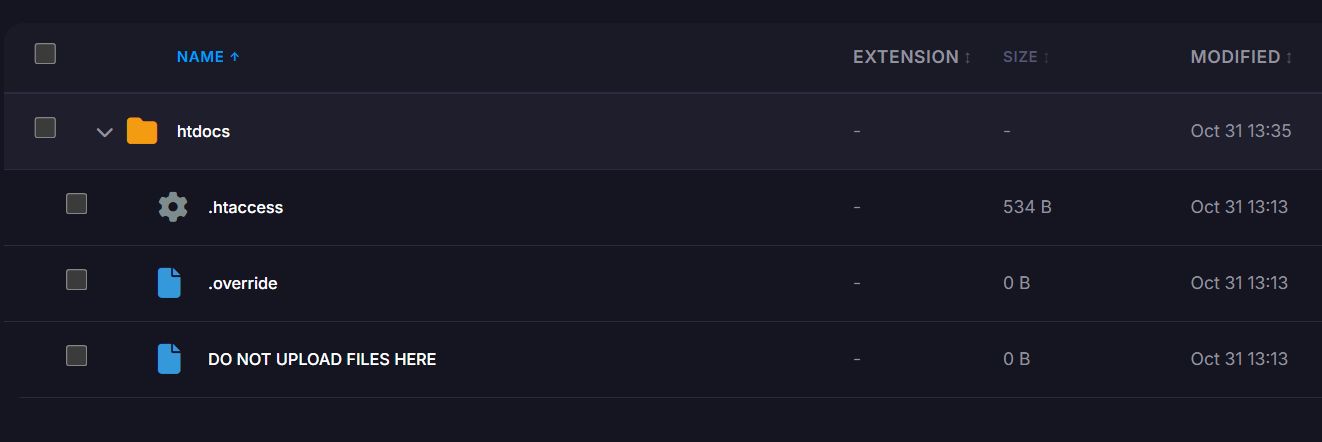
I attach the view of htdocs as I see it on my file manager. I cannot upload anything as you can see
Thank you. I’ve attached a screenshot of my file manager where you can read that I cannot upload anything
Those files are normally along side the htdocs folder, not in it…
is the html file your uploading over 1 MB? Because that would be automatically deleted
Are you referring to the “DO NOT UPLOAD FILES HERE” thing?
That thing itself is just a file. It’s not a definitive setting, it’s just something that’s added to make it clear where you should not upload your files.
It’s normally supposed to be in your account’s root folder, but it appears to have been moved into the htdocs folder. But that doesn’t affect your ability to upload files in any way, you should be able to upload your website files to the htdocs folder as always.
Did you actually try uploading your files, or just saw the file and didn’t do it because the file told you not to do it?
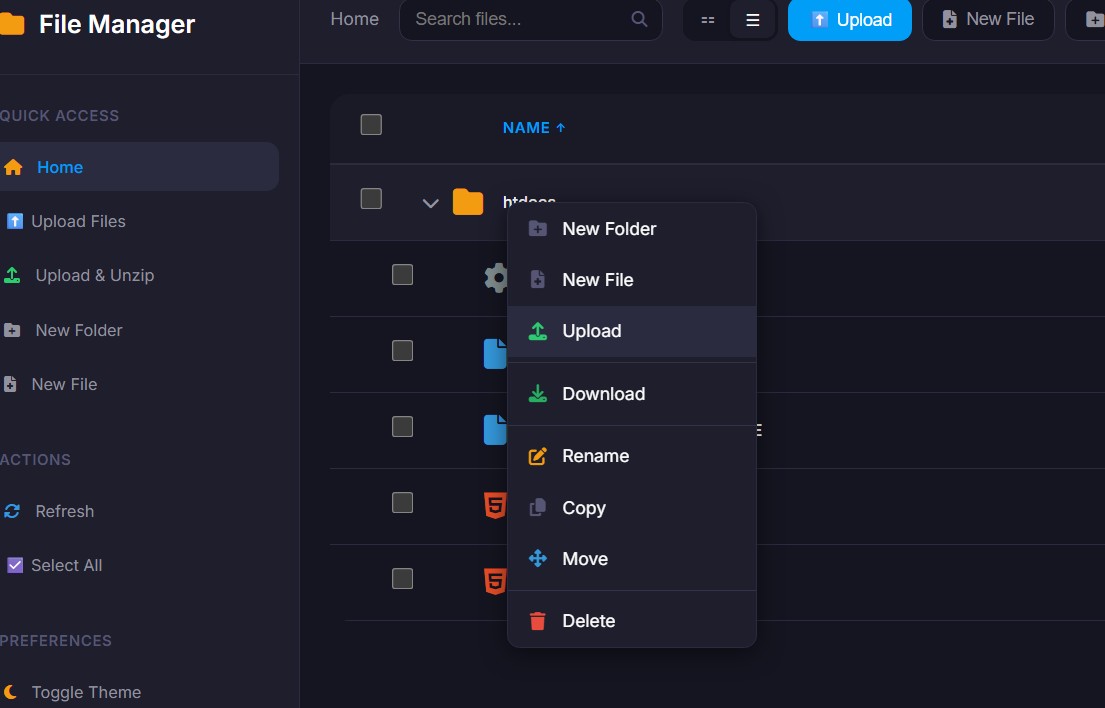
No, the file is less of the limit of 1 Mb. Anyway I succeded to upload the file after using the menu of the directory hydocs.
Thank you for your kind support.
Have a nice day!
Thank you for your support. I finally succeded to upload the file after using the htdocs menu as attached. Unfortunately when I try to use the Upload function of the File Manager (in blue) I receive a success of uploaded file message but nothing appear under the htdocs directory.
Anyway now I have found how I can upload.
Have a nice day!
I’m not sure if you can upload files to subdirectories like that. It might be that using the upload button there still results in the file manager trying to upload the file to the root folder, not the htdocs folder.
Does it work if you go to the htdocs folder first (not just open the tree, but actually navigate to it) and upload the file there?
This topic was automatically closed 7 days after the last reply. New replies are no longer allowed.