webburnstech.dev
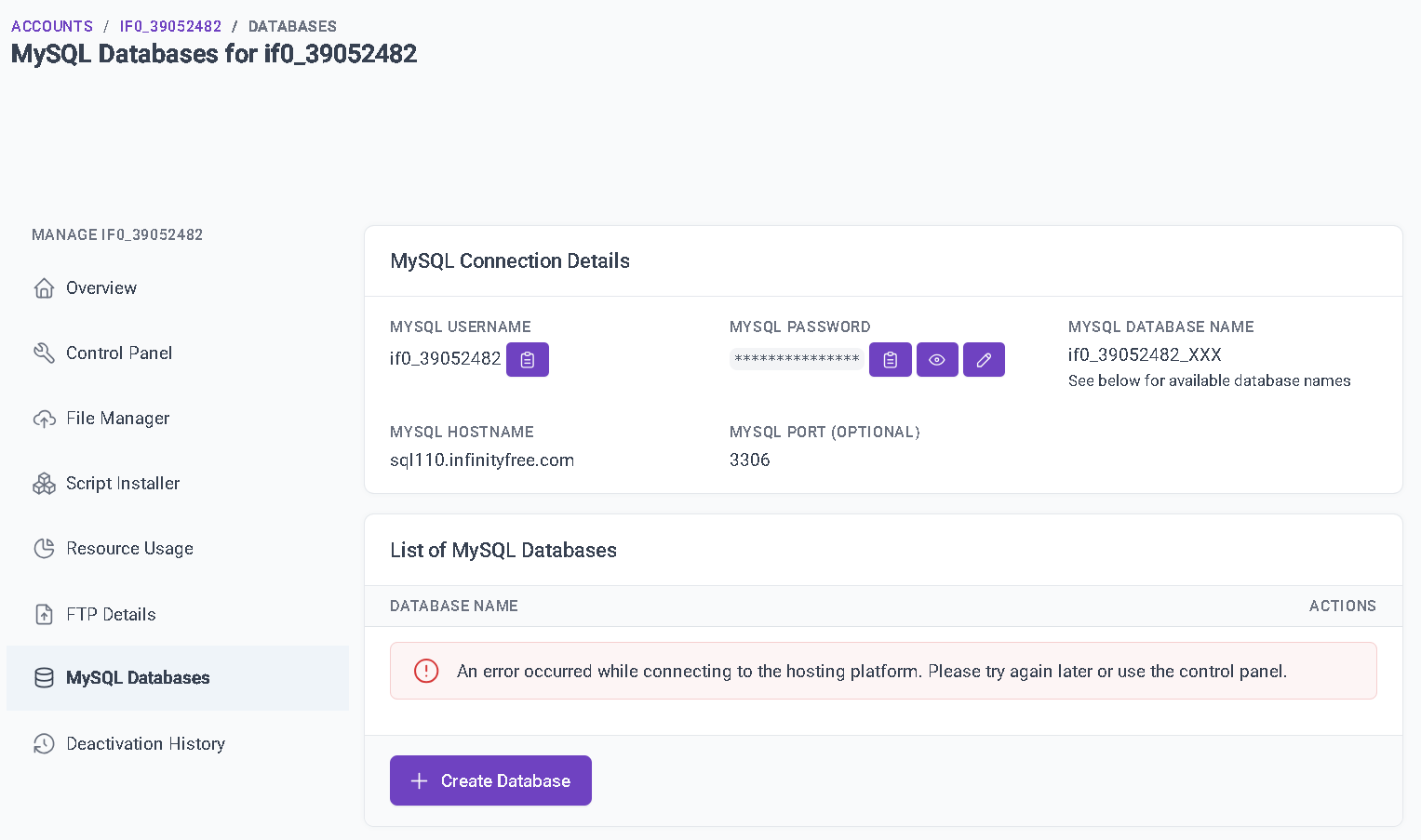
An error occurred while connecting to the hosting platform. Please try again later or use the control panel.
I’m currently unable to access my hosting account’s MySQL Database section and Control Panel.
When I open the MySQL Databases section, I receive the following error:
“An error occurred while connecting to the hosting platform. Please try again later or use the control panel.”
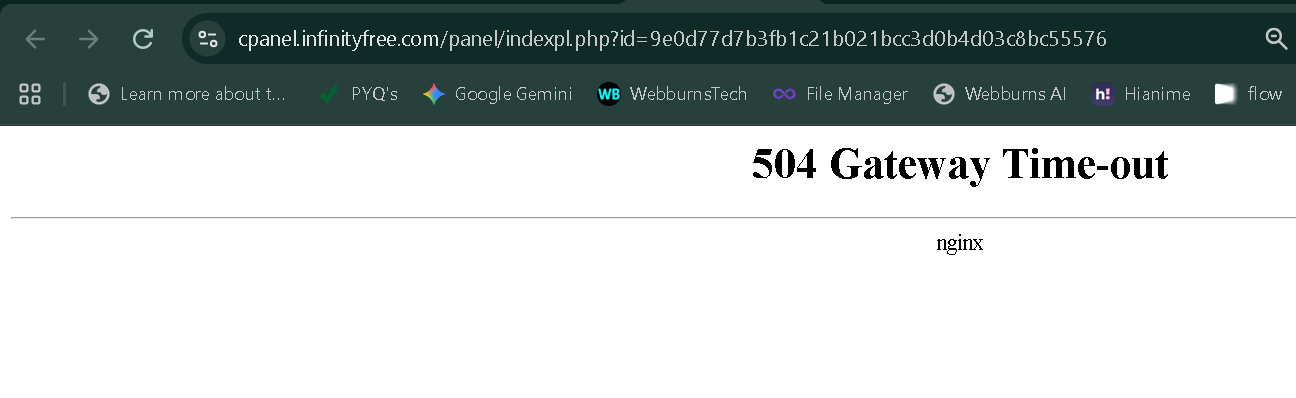
Additionally, when I try to access the Control Panel, the page fails to load and displays:
504 Gateway Time-out
This is preventing me from accessing and managing my MySQL database.
My hosting account ID is if0_39052482, and the MySQL hostname shown in the account is sql110.infinityfree.com .
Could you please check whether there is an issue with the hosting server/control panel or MySQL service for my account/server?
I have already tried refreshing and accessing it again, but the issue persists.
Thank you for your help.
Account: if0_39052482
I checked Status Page there was no issues.
here are screenshots showing both errors. Could you please check whether there is an issue with the hosting control panel or MySQL service for my account ?
@Admin can you please check and confirm whether there is an issue with the hosting control panel or MySQL service for my account.
358233
September 18, 2026, 6:35am
4
@Admin today i have got this issue what is the TAT for this issue resolve
Meishin
September 18, 2026, 6:36am
5
Please do not ping Admin. Admin have ping notifications disabled for this exact reason.
Please wait paitiently.
358233
September 18, 2026, 7:05am
6
do you have any idea that how much time it will take to resolve this issue
Meishin
September 18, 2026, 7:06am
7
I’m not a staff, I don’t know.
Admin
September 18, 2026, 7:13am
8
I just checked and it seems to be working fine now.
It looks like the control panel had a temporary issue, but it looks like it has been fixed.
358233
September 18, 2026, 7:16am
9
just refereshed & checked issue not yet fixed please check
Thanks for response. i checked just now both control panel and mysql databases are still not accessible , the issue persists. since you said it was a temporary issue. i will wait and see.
Dear admin, the issue still persists. nearly 6+ topics were created on same issue. even status page reports it now
dan3008
September 18, 2026, 7:39am
12
Of its on the status page you can rest assured that admin is aware and will be working with IFastNet to get it fixed as soon as possible.
Please be patient
358233
September 18, 2026, 9:22am
13
hi is this resolved for me not yet resolved
it is not resolved yet, you can check status here .
same problem here. my blog is live but cannot access the dashboard
358233
September 18, 2026, 10:29am
16
dear admin when can it will get resolved
dan3008
September 18, 2026, 10:51am
17
Please have some patience. These things take time to resolve. Once there’s an update you’ll be able to see it through the banner at the top of the page