Title: CNAME verification remains “not found” despite public DNS lookup
Hello, I’m trying to add circleofone.org as a custom domain to my existing InfinityFree hosting account. I want it to use the same htdocs directory as circleofone.free.je.
Google’s Dig tool confirms that the CNAME resolves to ns1.byet.org, but InfinityFree still reports “Current CNAME target: (not found) Invalid” when I try to add the domain. This has continued for more than 24 hours.
Could you please check why InfinityFree’s verification system cannot detect the record and advise how I can complete the domain setup without changing my Cloudflare nameservers? I have existing DNS and email records that I need to preserve.
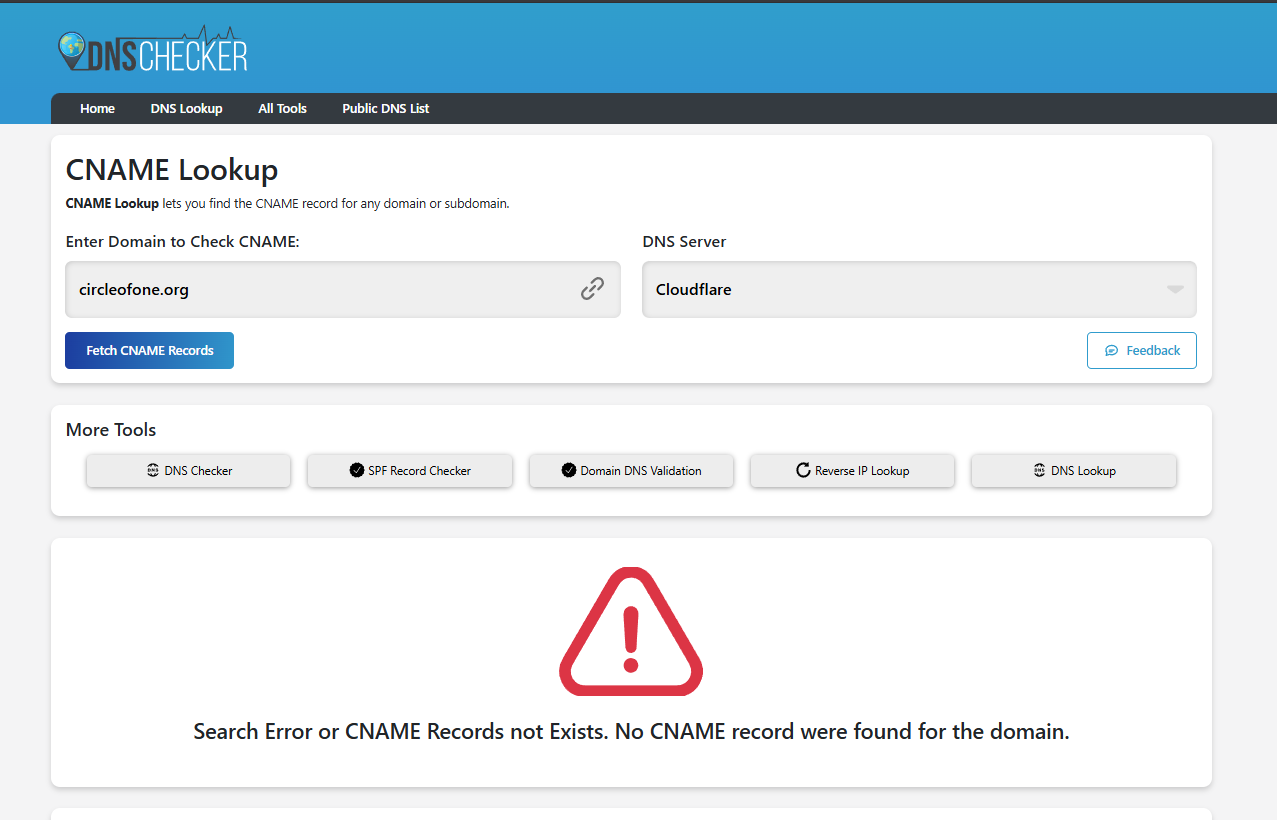
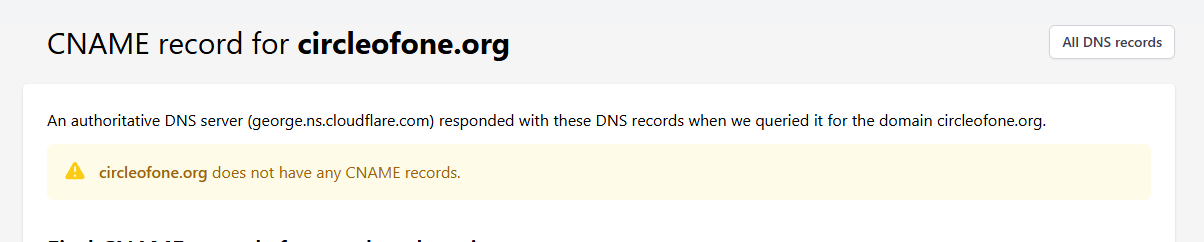
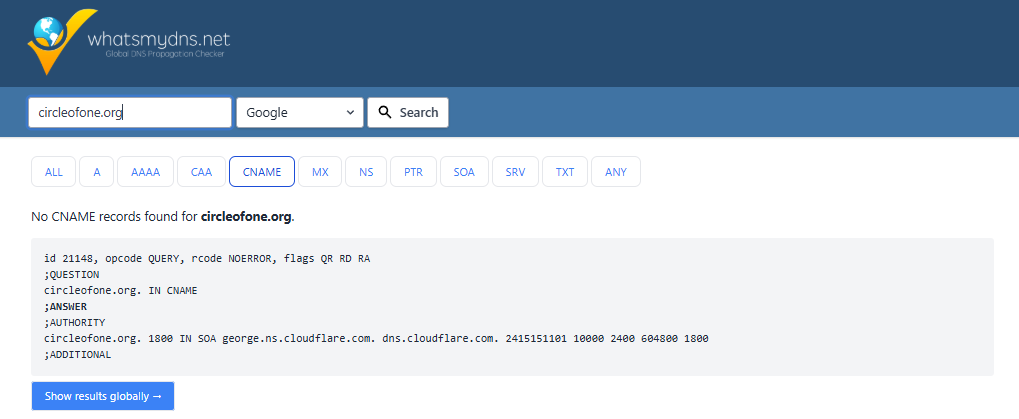
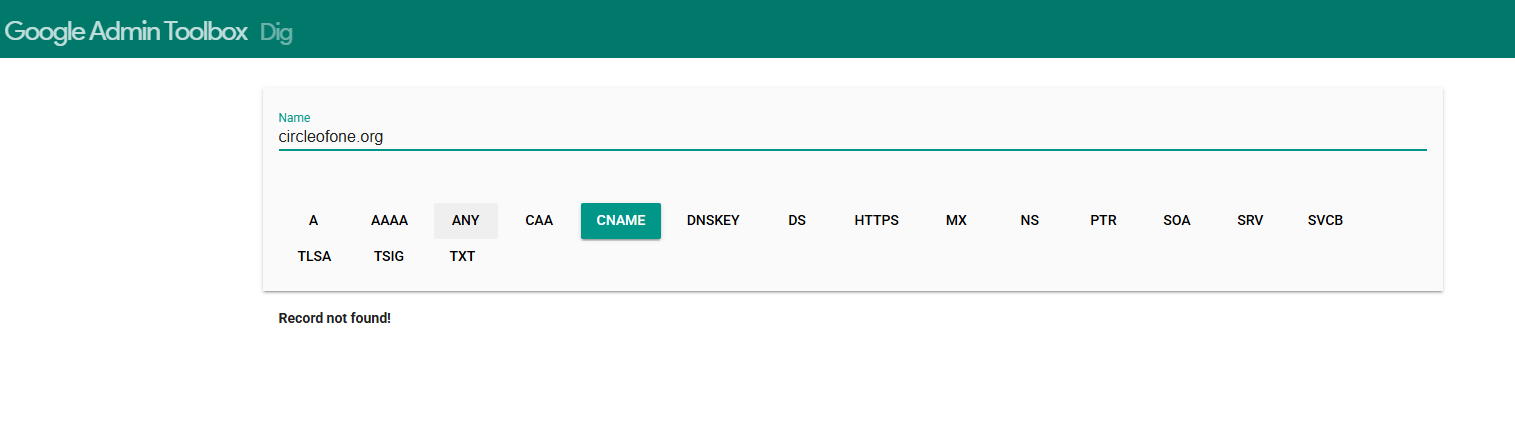
Having tried several tools, I can’t see a Cname Record on circleofone.org at all myself. I know they can sometimes take a while to update across all DNS providers though.
did you add the Cname with Cloudflare or with the company you purchased the domain through?
I get what you’re saying, But the method I’ve found most effective does require a temporary name server change.
I’ve got 7 custom domains, and I couldn’t get CName verification to play ball for me on any of them.
What I did was temporarily change my name servers to the infinity free ones, get it all set up and working, then change back to Cloudflare, and get cloudflare to copy the current settings, and that worked perfectly.
I know that’s not what you were wanting to do, but it’s just a suggestion for a potential workaround that’s worked for me.
Thank you for checking. I added the CNAME in Cloudflare DNS, not at my domain registrar. It is set to DNS only.
The full record is 6e108d1b339e677c3db1efdf56a844d.circleofone.org, pointing to ns1.byet.org.
Google’s Dig tool returned ns1.byet.org for that exact name, but InfinityFree still reports “(not found) Invalid.” I can attach the Google Dig screenshot.
Could you tell me which DNS lookup or error you’re seeing, so we can investigate the discrepancy before I consider changing nameservers? I need to preserve my existing website and email records.
Before continuing, I think its important to clarify that I am not a member of InfinityFree Staff. Infact, Admin is the only member of staff on this forum, as he runs InfinityFree himself. I’m just a community member who likes to help out.
so i’ve had the following results with online tools trying to verify the CName:
Thanks for checking. Could you please look up the full CNAME verification address, rather than just circleofone.org?
6e108d1b339e677c3db1efdf56a844d.circleofone.org
Its target should be ns1.byet.org. Google’s Dig tool found that record when I checked the full address, but InfinityFree still says “(not found) Invalid.”
Thanks Dan. That’s an important reminder. The AI prompted me to seek help here precisely because it needed help. Overall, this has been a good learning experience for me as well.