What should I do then? Infinityfree won’t be hosting provider after I fix the issues, coz I will transfer dns to Cloudflare.
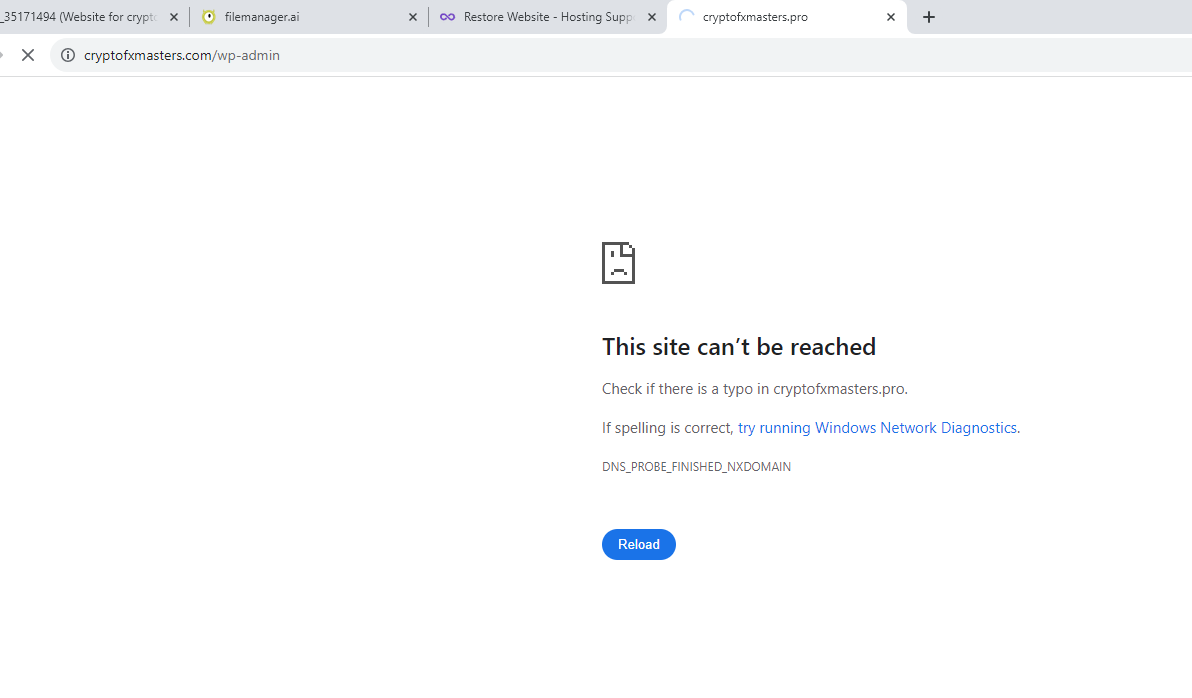
The problem stills happens after I rename plugins to x-plugins and no dashboard at all but I just delete cache plugins and also the ones with problems, like google analytics, seo, 10web optimizer etc. Now after renaming plugins it shows this problem, as in picture and the site there is wrong, www.cryptofxmasters.pro

the correct domain is www.cryptofxmasters.com
I use to have that, but I changed to this cryptofxmasters.com. HOw to fix this website?
That’s not how it works. Cloudflare just does DNS management and website caching. You’ll still need hosting to host your website. There is Cloudflare Pages and Cloudflare Workers, but seeing how you’re building a site with WordPress, those are not going to do it.
cryptofxmasters.com appears to be redirecting to cryptofxmasters.pro. Did you already update your website’s site URL in WordPress?
8 Likes
so here this is site will be banned? I should go to another hosting provider or what?

You cannot host crypto websites here. So unless you are going to change your sites content, then no, you can’t host it here.
9 Likes
Please follow the instructions carefully. There are two ways to change the site URL, and you took the instructions from one method and placed it in the config file of the other method.
7 Likes
Yes but I don’t get the first method which I want to use, I want to make modifications to wp-config but where to place those codes. Please tell me for the website which is banned after it will work? If so, I will try to get another host and not trying to fix it here.
Thanx
answer is
3 Likes
define( 'WP_HOME' , 'http://example.com' );
define( 'WP_SITEURL' , 'http://example.com' );
Where to put those?
I believe you can put it anywhere since I’m pretty sure the wp-config.php is just a bunch of constants.
3 Likes
I put them yesterday after <?php. Admin told me that I took instructions from one method and placed it in the config file of the other method. And still my website didn’t work.
I apologize, but you’re going to have to wait until someone else with more experience with WordPress comes online.
2 Likes
thanks anyway…
If you literally put this in your wp-config.php
define( 'WP_HOME' , 'http://example.com' );
define( 'WP_SITEURL' , 'http://example.com' );
it will not work. Please put in your actual domain
3 Likes
I put them to the actual domain, to wp-config.php and still not working, now I remove them.
Please show how you insert the code.
Screenshot will do.
Remember to blank out the sensitive info
3 Likes