ok sry for the time wasted on your part, now we’ll see if it works
always gave this error what do I do?
Just need you to import the most impt tables(see below) for now. Ignore the rest
xxxx_commentmeta (optional)
xxxx_comments (optional)
xxxx_links (optional)
xxxx_postmeta
xxxx_posts
xxxx_term_relationships
xxxx_term_taxonomy
xxxx_termmeta
xxxx_terms
Can you show me ur sql entry for xxxx_posts?
Screeenshot of sql file will do.
why i have tables with wpc2?and how i can delete all because this is from other database
You can “drop” these wpc2 tables.
how
Like delete?
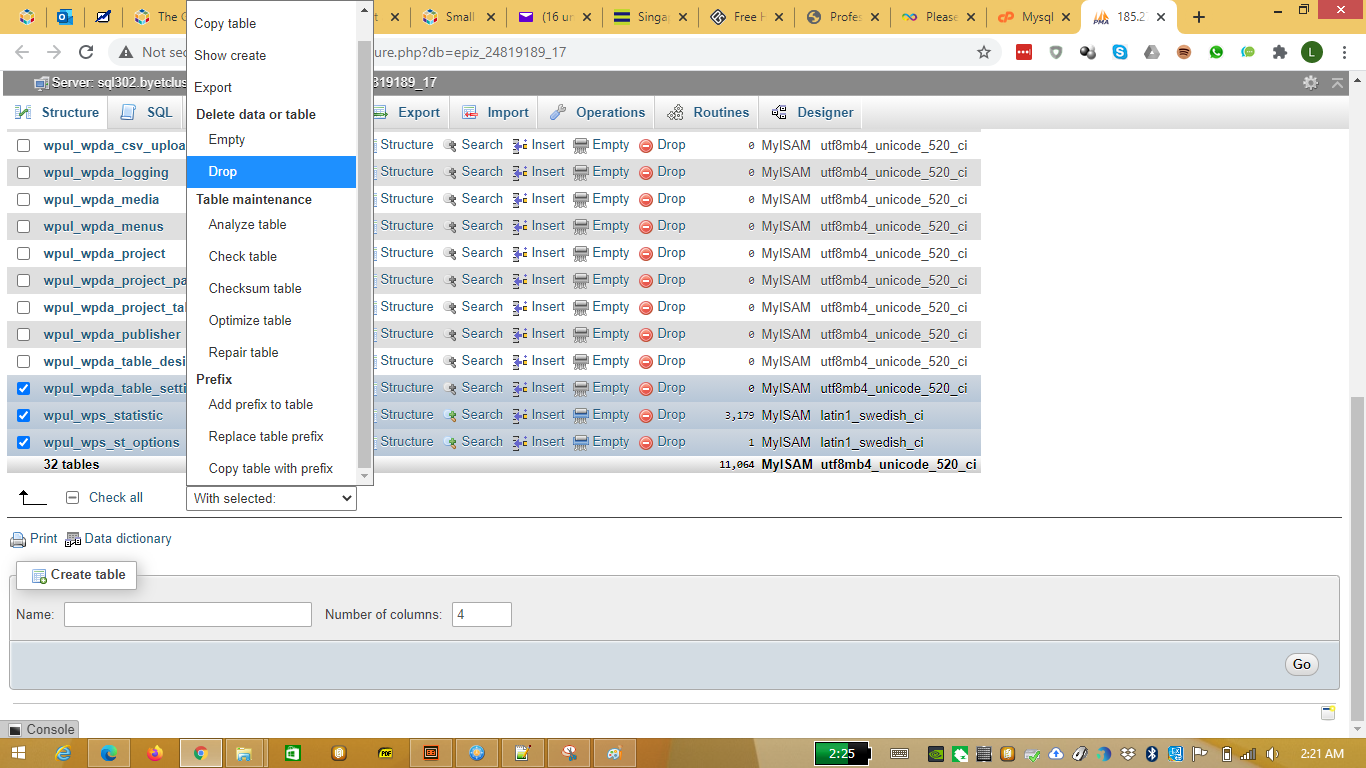
I believe the errors encountered are due to some instructions not being followed.
Let’s start by exporting xxxx_commentmeta from the old database. Once exported, add “DROP TABLE IF EXISTS {wp_prefix}commentmeta;” where {wp_prefix} is wpzv_
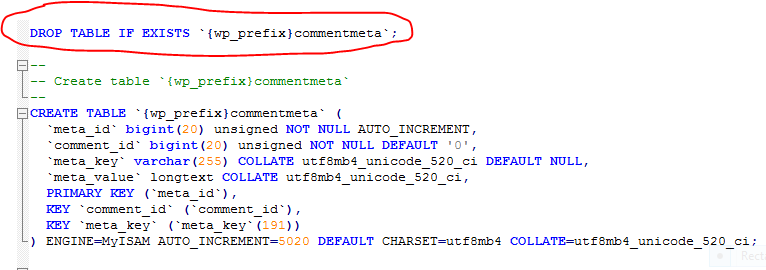
Save the sql file and import to the new database.
Do you see any error?
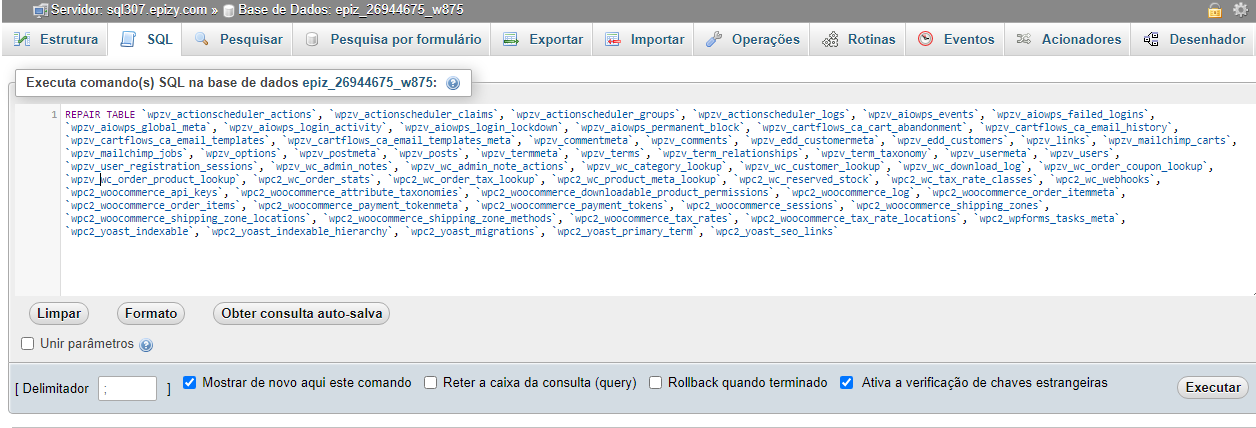
sorry for the delay, i’m changing all prefixes for wpzv_, this wpc2_ from my old database is being replaced by wpzv_ from my new database i don’t know if it will work but i will try
1 Like
did not do anything, I do not understand why not to make the transfer and appear all good because I can do the transfer, there is an error but once I also transferred in the old database and it gave no problems and gave any error but now I can not…
In order to transfer/migrate Wordpress, you need :-
- Wordpress contents (mainly from uploads, plugins and themes)
- Database(s)
The whole transfer/migrate is not a one step process.
Reason why old database generated no error during import is because it’s using a different prefix with respect to your current installation.
I leave it to you since you are not keen.
1 Like
I’m not interested? I already do all to try import my old database to my new.Simply i can’t i don’t know why i receive support from you but I can’t do it anyway and I tried with the procedures you said and it didn’t work either
Ahh and i tried this method too and don’t work,this generate a error too
now i try again and import successfully i just put the DROP TABLE IF EXISTS {wpzv_}commentmeta; and results and now?Please answer


Which method? What error?

Show me the screenshot of the commentmeta table after import.
I also need to see the screenshot of the sql file used to import commentmeta table.
in the notepad++ or after import?

**
I want to see the commentmeta table inside the PHPAdmin
**

**
in the notepad++
**