Can I change/move my existing hosting account to a new domain (for example mysite.rf.gd) without re-uploading all files and the database? Is there a way to simply change the domain / DNS settings so the current hosting account points to the new domain?
Welcome to the forum.
Please don’t hijack other peoples posts, particularly when your question is not related to that post.
If you’re new domain is a custom domain, you can add it as a parked\alias domain ontop of your current one. otherwise if you’re using a new free domain, add the domain to your account, and follow this guide to move it:
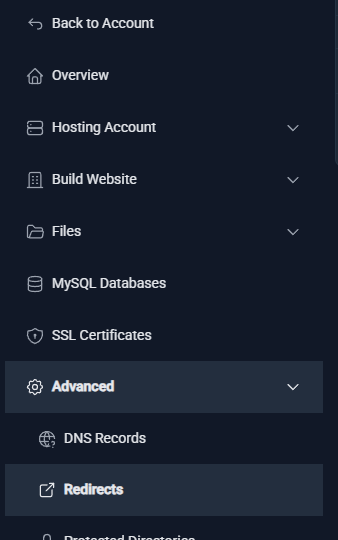
Then you can set up a redirect from the old domain by going into the “Advanced > Redirects” settings in your client area:
My problem is slightly different.
My website is hosted under an infy.click domain, but that domain is currently blocked, so visitors cannot access my website at all.
I created a new free domain (xxx.rf.gd) and I don’t want to re-upload all my files or restore my 800 MB database. I just want the new domain to point to the exact same website (same hosting account, files, database, and IP) without moving everything again.
Is that possible? If so, how can I do it?
You can add the xxx.rf.gd domain in the dashboard, and then follow the guide I liked above to just move your .Htdocs folder to the right place
Ohhh, I got you now! I thought I would also have to move or re-upload the SQL database because I assumed it was somehow linked to the old domain or IP.
If I only need to move the htdocs folder and the database will keep working, that’s perfect.
Many thanks for your help!
As long as you add the new domain on the same hosting account then you can still access the database, and moving the files is really that easy 