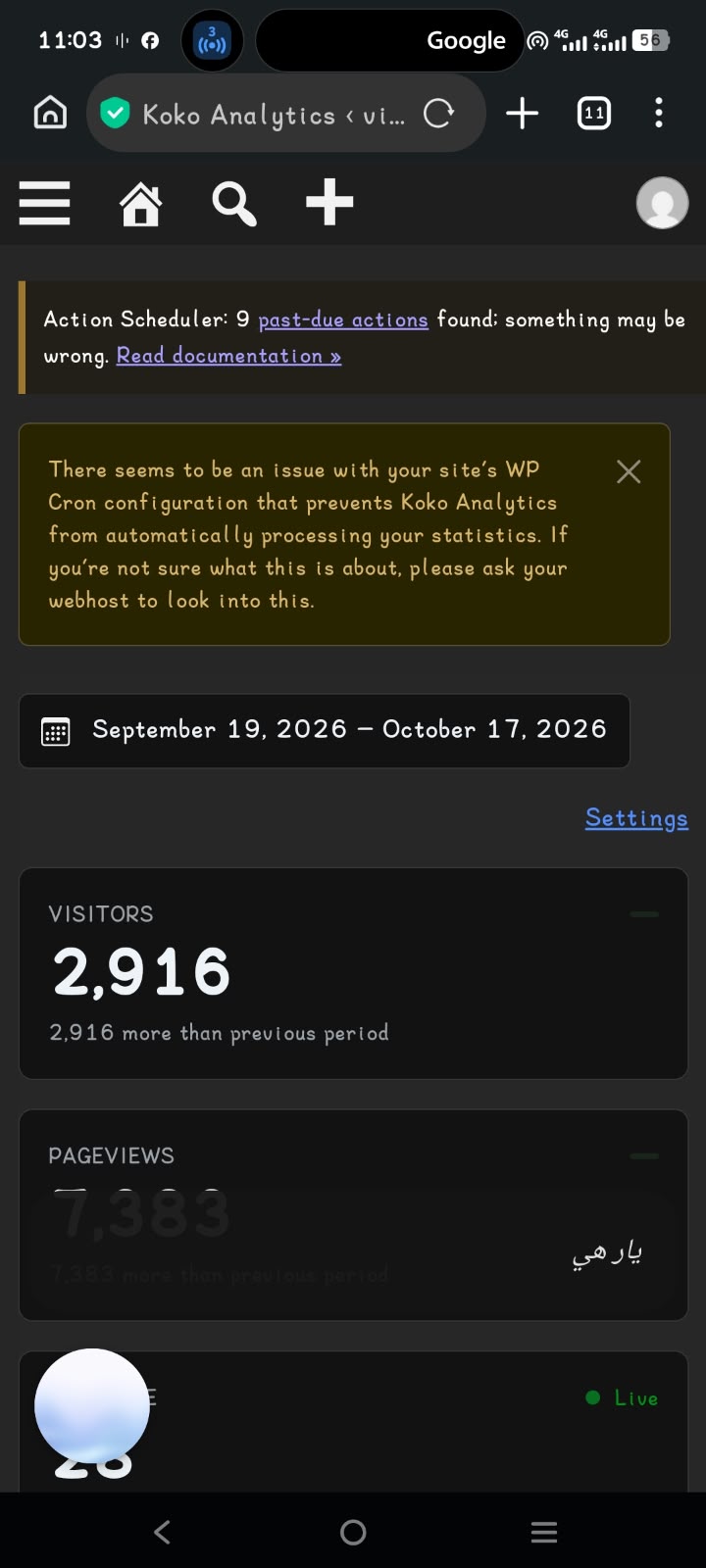
“I am using InfinityFree hosting for my website. I am getting an error related to WP-Cron, which is preventing Koko Analytics from processing statistics. Please help me resolve this issue. Thank you.”
Other Information
My site is
showing a critical error: There seems to be an issue with your site’s WP-Cron configuration.
Please check the server-level cron settings on my hosting ".account
Welcome to the InfinityFree community forum! Good to have you here.
Most people answering here are volunteers. They’re often the fastest source of help. Admin (the only staff member) checks in about once a day for issues on our end.
Volunteers can’t see your account or website. Share what you actually see, like error messages and what happens when you try something. That’s more useful than your theory of what’s wrong.
AI tools often get InfinityFree wrong. If a volunteer’s advice differs from what an AI told you, please try the volunteer’s suggestion first.
Solving an issue is a joint effort. Try the suggestions you get and report back what happened.
Beep boop, I’m a bot! I dug through the forum to get you started. I sometimes get things wrong though, so do with this what you will until a human has a look.
I think the “server-level cron” part of that message is something free hosting can’t do. An older forum answer says free hosting only supports web cron jobs, not command line cron jobs. So you can’t set up a real server cron for WordPress here.
The topic with that answer is here:
I haven’t found anything yet on what’s actually triggering the Koko Analytics warning on your site. Another recent topic has WP-Cron failing with a 403 error on loopback requests, and yours might be the same thing:
To tell the two apart, could you copy the exact text of the warning from Koko Analytics, word for word? Could you also check Tools → Site Health in WordPress and tell me whether it reports a failed loopback request or a specific HTTP code, such as 403?
Ah yes, that’s a classic. What they actually mean to say is this:
Our software is not working, we won’t tell you why, but go ask someone else to help you because we don’t want to deal with this.
But just because the plugin developers don’t want to deal with this does it mean that we can help you with this.
I’ve never heard of this Koko Analytics before and I don’t know why it wouldn’t work on our hosting. I don’t see any reason why it wouldn’t.
We do not provide system level cron jobs and web cron tools are blocked on our hosting. WordPress provides it’s own cron system that requires neither, which many websites on our hosting use without any issues.
However, cron tasks can sometimes get stuck, for example because a bad cron job is blocking further processing, or because you have a particular plugin that loads way too much stuff in to the cron handler (Woocommerce is known to cause this).
But all of this happens within WordPress. As a hosting provider, we don’t have any more tools to debug this than you do.
So what you actually need is someone to help troubleshoot your website for you, and extensive debugging of websites is not a service we provide.