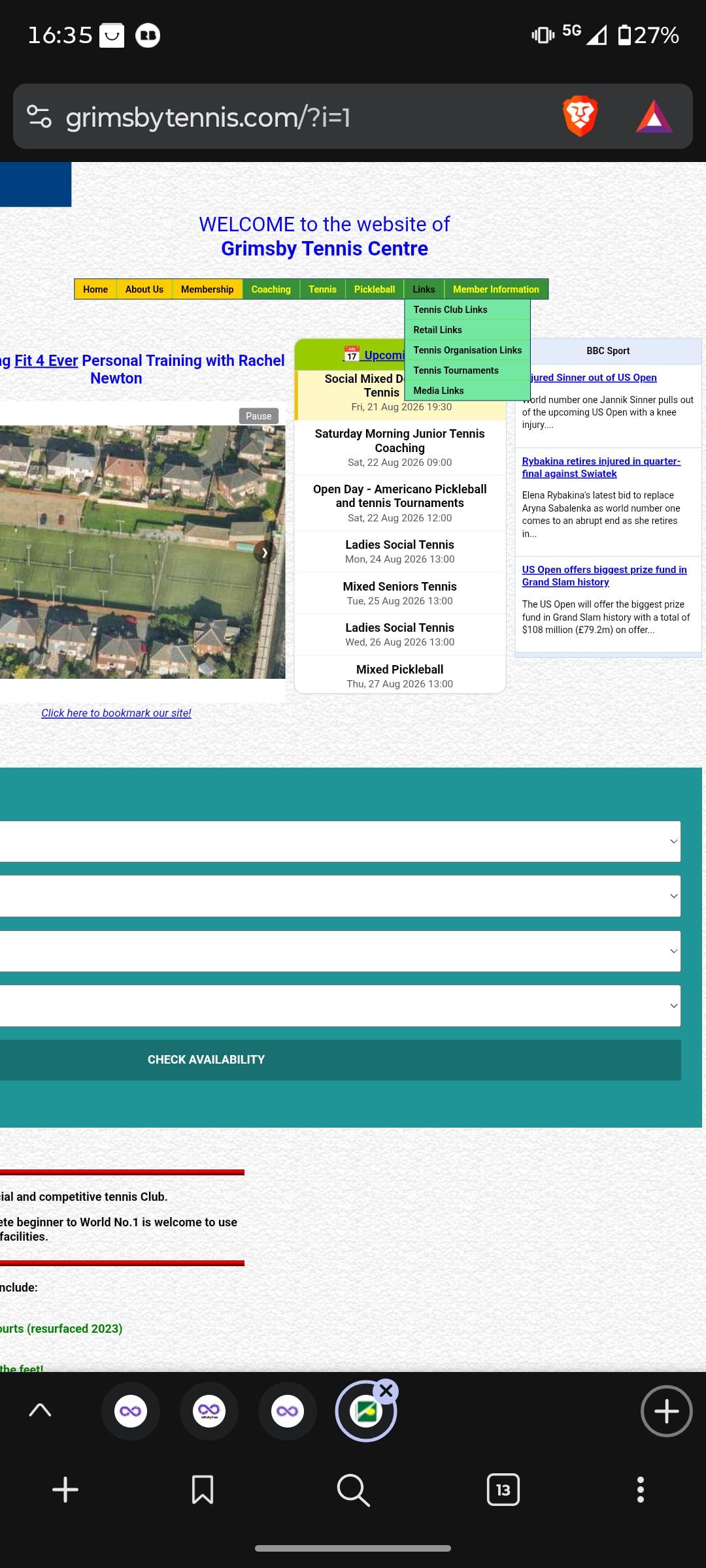
I have a website which is functioning well but today I tried to post a few updates and could not.
My website is grimsbytennis.com and I tried to upload amended files to grimsbytennis.com/htdocs but although the files appear to be uploaded ok they do not appear?
I also tried to use the inbuilt Filemanger to upload files to the grimsbytennis.com/htdocs folder but see a message: ‘Upload failed: Uploads are only allowed to htdocs folders for security reasons’… seems strange… is there a system problem or am I doing something incorrectly?
I have tried Filezilla and files appear to upload. What is trange is that two files, one which is a .txt. file to populate a scrolling window, and the other is an .html file … do update - but the other files - image files and a ‘menu.js’ file do not function even though they appear to have uploaded.
Try using an in-cognito window to make sure your not loading a cached version of the page
So, the issue with the images is resolved… the system did not like spaces and underscores in the filenames… working still on the ‘menu.js’ issue
Still cannot find out what is causing the issue with ‘menu.js’.
My main directory at the base Level in File Manager, is ‘grimsbytennis.com’. This is on the same Level as ‘DO NOT UPLOAD FILES HERE’, ‘.cpanel’ and ‘.override’.
Below that is ‘htdocs’, which contains all of my files for the website.
When I am accessing ‘htdocs’ it is not possible to ‘upload’ files using File Manager.
I think this is a side issue, because when I edit the ‘menu.js’ file to check, it is the new version and yet it is not displaying on the webpage that calls it! I used Filezilla to upload the ‘menu.js’ file and it uploaded successfully, judging by the date and time. The route to the menu.js file checks out in the web page butI cannot understand why it is not displaying? The pre-edited version is showing on the page.
I have tried different browsers, cleared caches etc… al to no avail.
Can anyone help?
Your menu looks to be working to me…
I can click into any of the menu items and everything seems to work.
Can you explain the expected behavior and what you’re actually seeing
Hi there, I really appreciate your quick response and I have been checking with Claude.ai which pointed me to Cloudflare which, apparently ‘aggressively caches static files like Javascript’! Once I had purged the chache in CloudFlare, the menu is working as it should.
I had added another menu item linking to an new page. The new page would display if I entered the route directly in the browser - but the menu would not show the additional item.
Anyway lesson learned!
Thanks again.
Ah yes. Of your making changes to your site, put cloudflare into Dev mode so pages update. I fell foul of that last week