No It Is Not Releated To The current cookies.
looks like this problem is presented only on rf.gd and gt.tc subdomains, others are still working fine
No All Domains And Sub-domains Hosted on infinityfree will not work, the sites you are saying Working Either are not hosted on infinityfree or if hosted on infinityfree they might be working because of cache. Check By Force Reload (ctrl+shift+r). Then Post
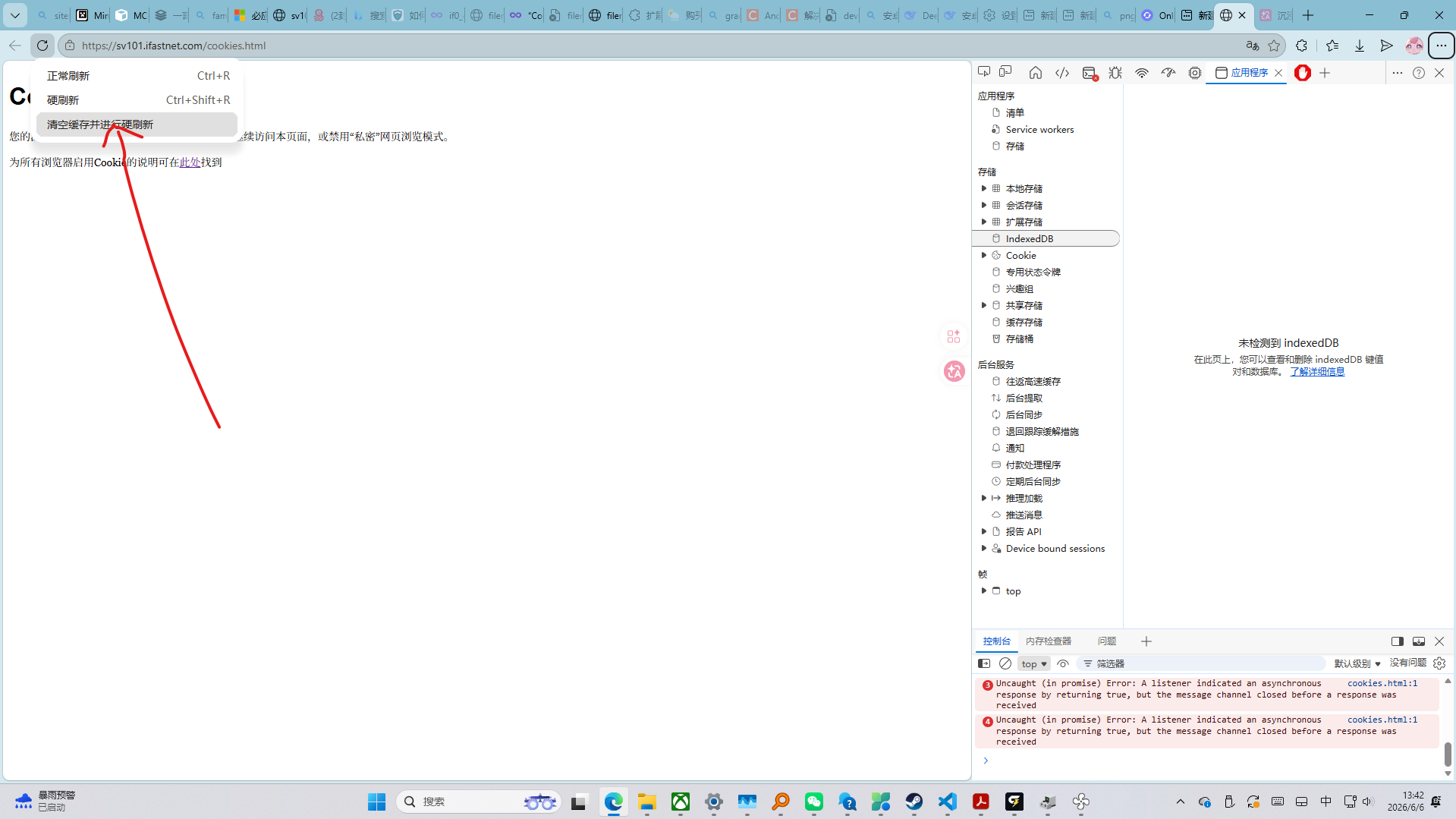
The cookies.html page appears to be owned by ifastnet. From what I read, they also own profreehost, which also redirects users visiting free plan websites onto the same “Cookies are not enabled” page, whether cookies are enabled. I believe this issue is on ifastnet’s end.
I am aware of how this __test cookie is created on the client (utilizing aes.js), and I don’t think that’s the main issue here. The __test cookie is working correctly on its own.
The problem arises when user-generated (excluding __test) cookies are added to the site. The server then seems to disregard all cookies sent by the client, including this “bot verification” cookie, which then redirects the user to this ‘cookies are not enabled’ page.
Available fixes:
- Disable all tracking / user session cookies (make sure no cookies are stored except
__test); - Try to switch to a paid plan (not tested).
thought there was something wrong with my codes, turnsout its a problem on the hostung.
It would appear that Firefox and Brave are affected, however Edge does not appear to be affected. Not atm anyway
As specified by our Moderator.
Investigating - The network administration team is aware of the issue.And administration team is located in Europe where it is currently outside normal working hours.So it may take slightly longer before a resolution is reached.
No, that’s just a cache. There will be problems if you try to refresh it manually.
Sorry, But It i a Server-Side problem it doesn’t depend on Browser. in Microsoft Edge it might be working because of cache. Check By Force Reload (ctrl+shift+r).so please check Then Post
It does not appear to be the Cache in Edge as I can navigate (and refresh) around my website as normal on Edge. However Brave and Firefox just go straight to the Cookie webpage.
Well I thought I had broken something as I was trying a new browser, thank you for the post and I look forward to the fix.
Edit: I changed the useragent to Edge and it still doesn’t work. Back to just waiting.
I think that’s because you’re not logged in on brave etc. that requires cookies.
Logged in on all browsers. I dont know whats going on, Im just reporting things as I see it. 
We understand that it’s very frustrating to be unable to access your websites. However, as described in this topic, the team is already aware of the issue, and should there be any updates about the issue they will be posted here.
Please refrain from posting generic “me too” or “please fix” messages. Such messages will be flagged and deleted without prior notice.
Hello, if it takes a long time to resolve the ‘cookies are not enabled’ issue and so on, how can we fix it? Do we need to switch to a new server, or is it enough to change the domain address on our current Infinity Host account?
It is the issue by ifasnet the service provider to infinityfree. So changing domain will not work, the issue is on All Domains And Sub-domains Hosted on infinityfree.
If You are talking about Changing Nameservers It is totally dependent on you
In fact, going into their own forum, they also have the same issue pinned on top
So it’s practically all of ifastnet that uses their bot detection programme