Website URL
Error Message
Hello, I’m trying to link my Cloudflare to InfinityFree. I have a custom domain, but I entered the IP address in the control panel, and it goes to https://suspended-domain.net/index.php?host=musaplayz.qzz.io
Hello, I’m trying to link my Cloudflare to InfinityFree. I have a custom domain, but I entered the IP address in the control panel, and it goes to https://suspended-domain.net/index.php?host=musaplayz.qzz.io
I am not big expert, but usually this happens when a Domain gets suspended for hitting the usage limits. This has happened to me three four times, I recommend check your emails (spam section) or your infinity free dashboard it’s details are usually there.
No need to worry it’s usually temporary for about 24 hours and automatically fixes after that time.
Here’s a full guide to setting up cloudflare:
I did that, but doesent work
that would suggest you made a mistake somewhere down the line.
(remember that the DNS changes can take up to 72 hours to take effect)
I found the easiest way to get it to get the domain working on InfinityFree, then add it to cloudflare, getting cloudflare to copy the current settings. Then change it to Cloudflare’s name servers
To add it to your account you need to configure the name servers, ideally to point to the infinite free name servers
Already did that

You set the name servers with your registrar not cloudflare.
I want it to go through cloudflare.
Ok, so is your domain pointing at the Cloudflare Name Servers?
Because that error suggests not
I want to use cloudflare for security and then infintyfree also on it.
You can accomplish that by adding your domain to InfinityFree first and then setting up Cloudflare, or by adding your domain to InfinityFree with CNAME verification instead of changing the name servers.
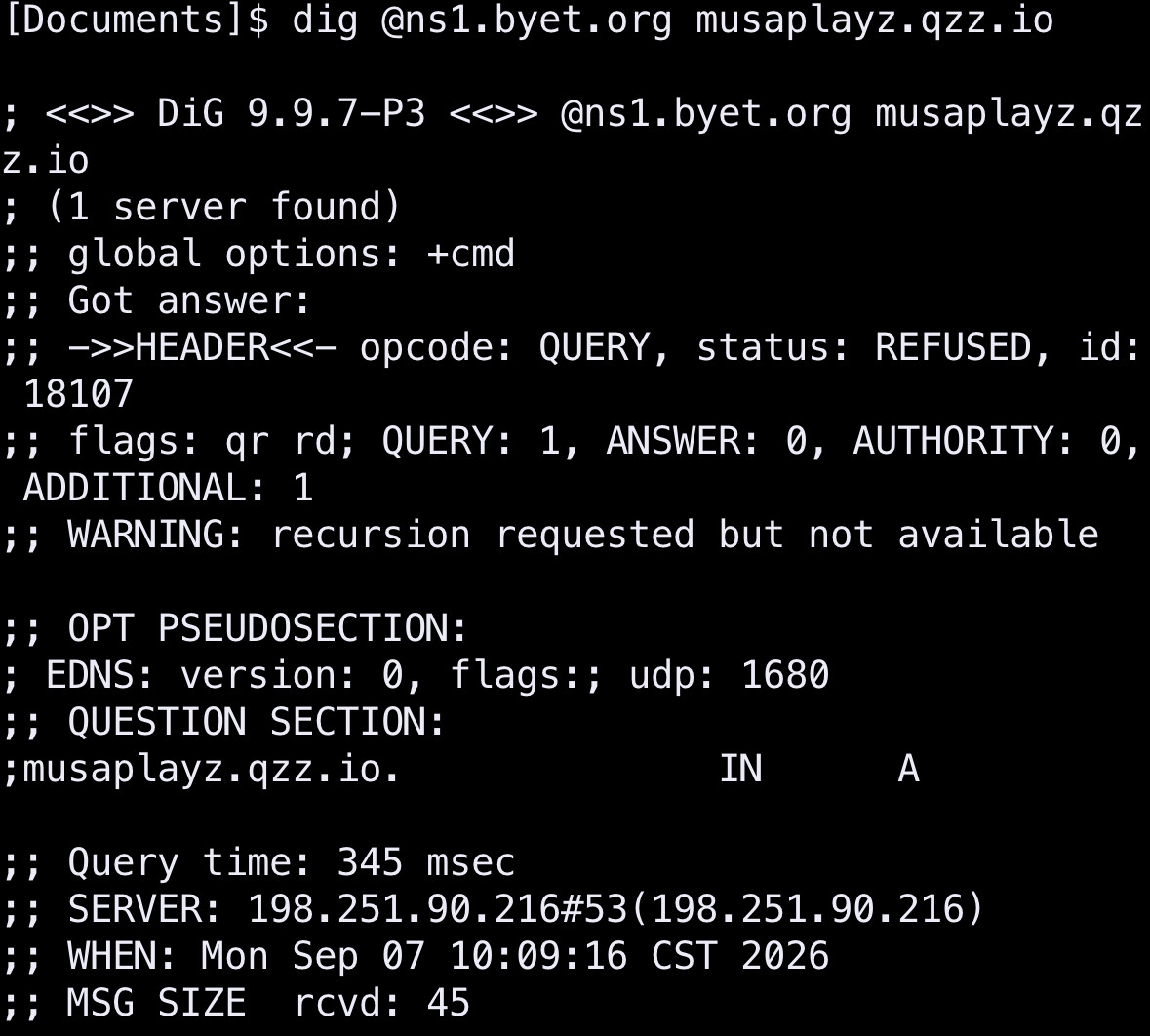
The error message would seem to imply that, but a dig lookup on OP’s domain name shows it as being set to Cloudflare’s name servers. However, a whois lookup still shows it as being set to DigitalPlat’s name servers.
This seems like there’s an issue with the qzz.io servers, which is actually something that’s come up multiple times on the forum before.
You are adding an A record. You are not changing the nameservers.
Please actually follow the advice others gave you instead of keep making up your own steps.
Short answer: you can ignore the “no nameservers” warning. You can just use CNAME verification as usual.
Longer answer: we need to untangle a few things here.
When you go through the domain addition process, the system first tries to add the domain without additional checks. If your domain is valid, using our nameservers or has the CNAME record setup, it will just be added. If not, you’ll be brought to a page that tells you why your domain couldn’t be added.
As part of that, it will check your domain to see what you need to do, which includes checking your domain’s current nameservers. This returns no results, instead of Cloudflare’s nameservers, probably because DigitalPlat’s nameserers are not behaving as they are supposed to. And “domain has no nameservers” is usually a critical error, because it means the domain is not available at all.