Geometry Dash
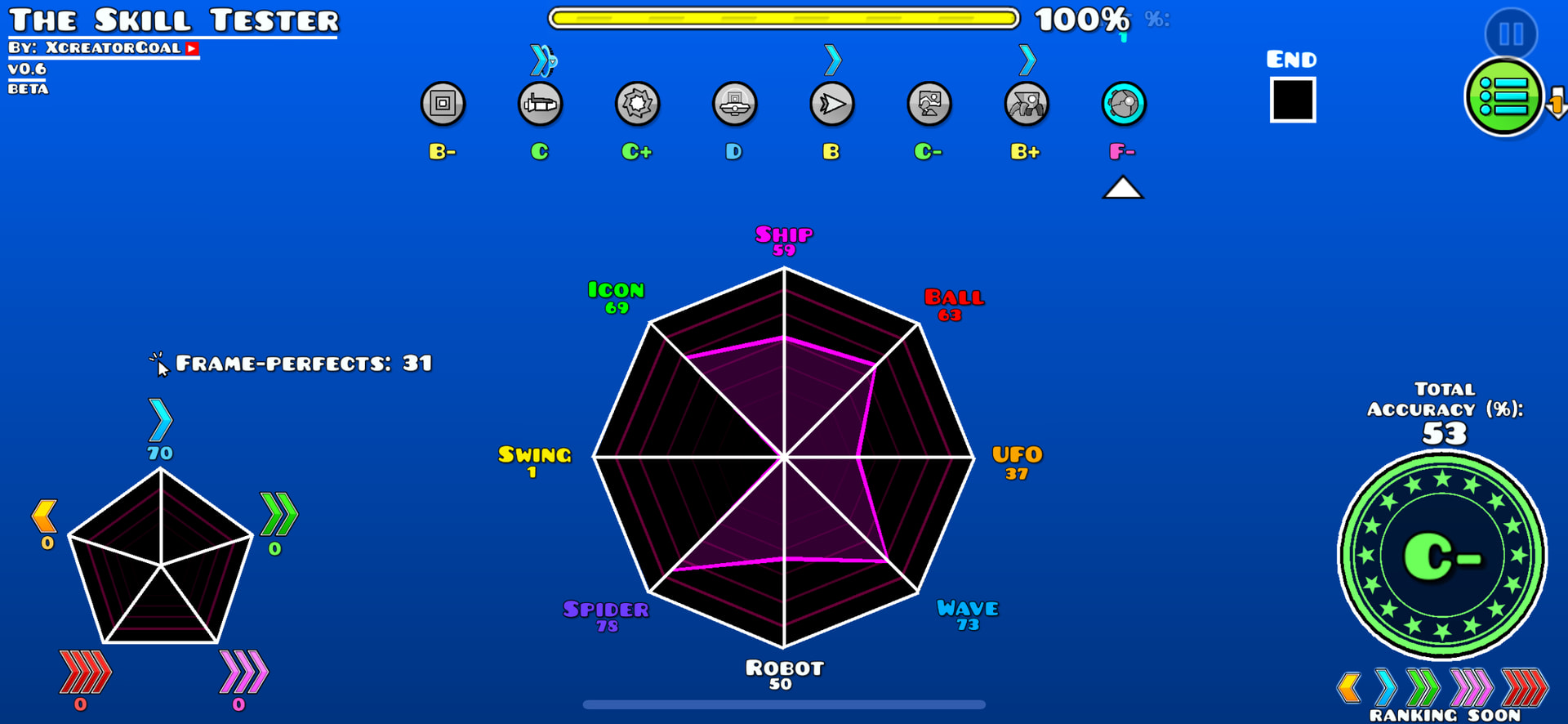
I suck at this game 
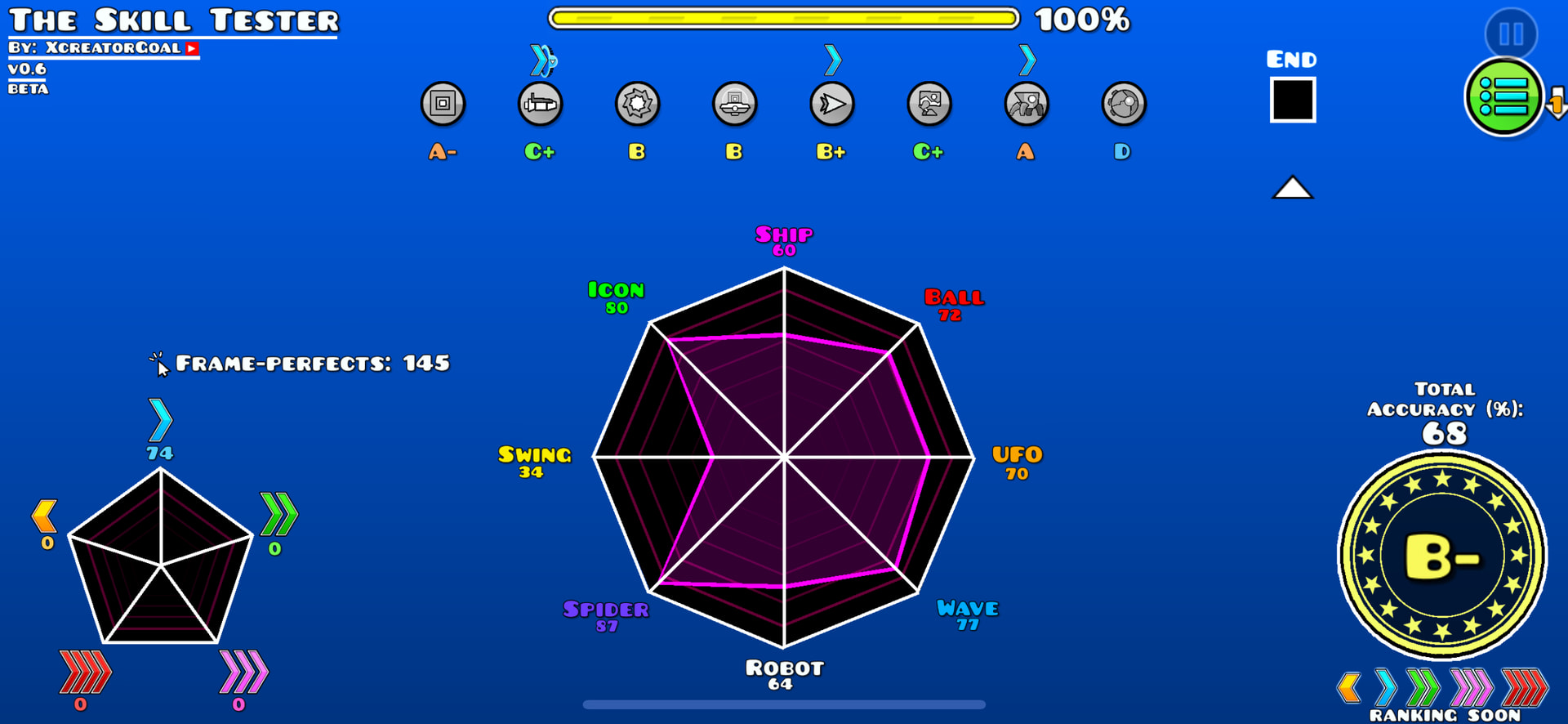
I think it’s a little better
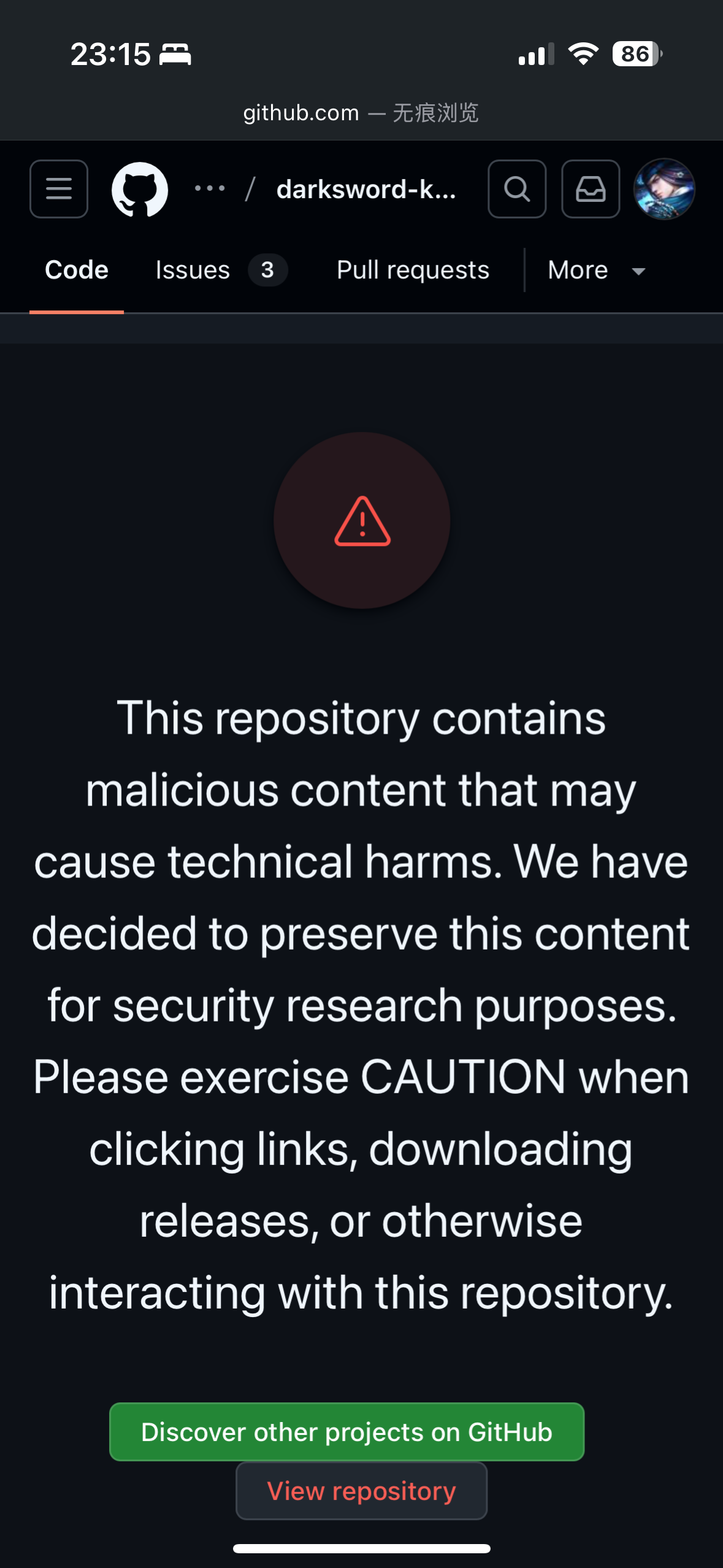
First time seeing this on GitHub
i think admin should put the control panel to the missing button there, 3 button and one empty place look quite off
I think the page is designed around a larger desktop or laptop screen:
I tested the layout on a phone screen size (where the buttons are stacked) and on desktop (FHD) size (where the buttons are three in a row). I neglected to properly test the layout on screen sizes in between.
But no, there is absolutely no way I’m going to put a control panel button in there. I do not want people to use the control panel.
Just this morning, I responded to an email for a domain name which was “missing”. It wasn’t missing, just hard to find due to the terrible UX of the control panel.
I’ve worked hard to make a management system that’s better than the control panel. So putting a control panel button front and center is not what I want.
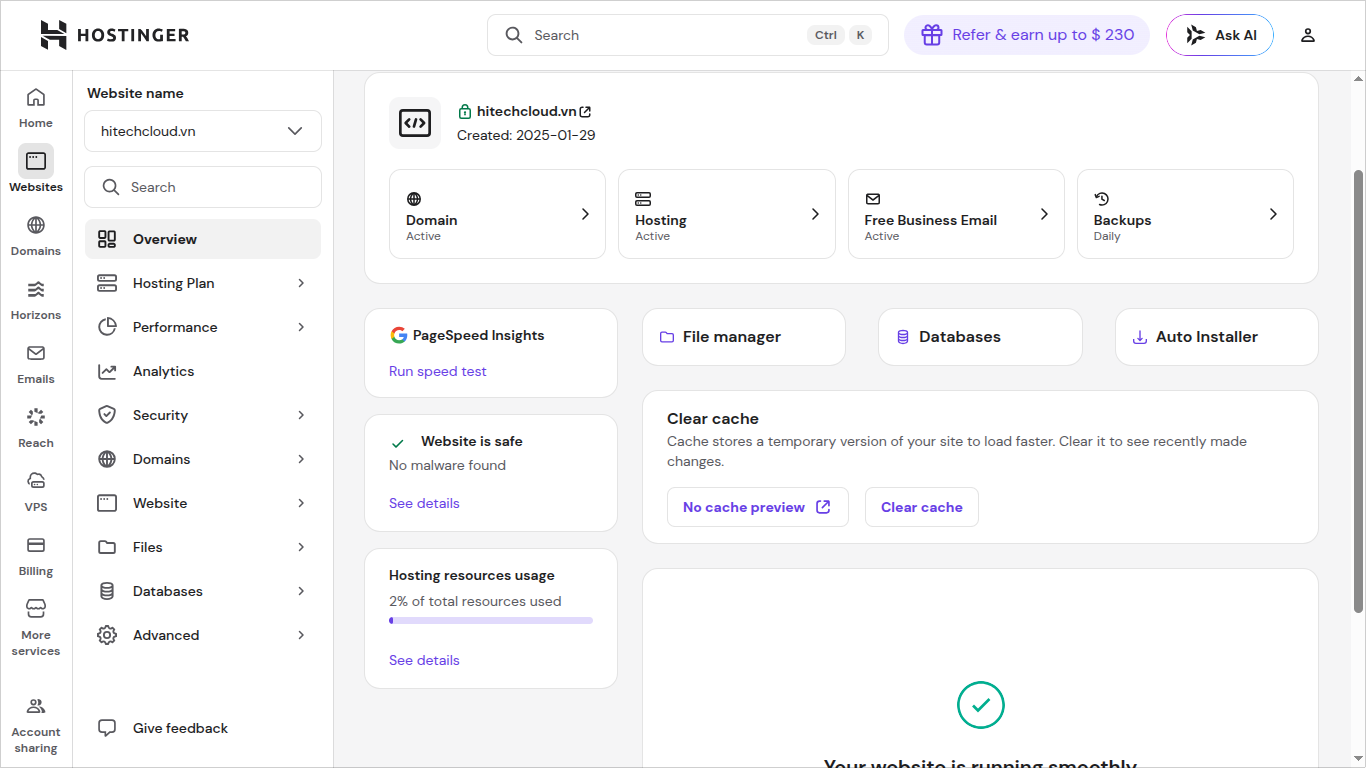
i think you should build a dashboard like the custom hpanel dashboard from hostingarbage, their hosting are garbage but the dashboard is quite good, everything are on the screen even on small laptop screen
no need to scroll much, everything stays on the screen and i can easily search for the thing i need to use this piece of crap as the second server that i will never want to use again
worst purchase so far
For the most part, Admin’s Client Area is better than the screenshot you’ve shown us a couple times before because the Client Area is more colourful and better to navigate for the most part. My phone doesn’t like to handle ads very well, but that’s a skill issue related to my phone and not the Client Area.
Yikes, it’s been a bit since I’ve been on the InfinityFree Forum. I have been busy with work and website work and life and… lots of stuff. Sometimes Jake had to help me with time management because I was focusing on one thing too much. I’m very surprised I still have the Regular tag.
By the way, Hello everyone!
my regular tag gone ;-;
btw hi jri-ala like koala but jri ykyk…sheet im sucks at joking like this
No hard feelings here, but I also think that hPanel is superior to the InfinityFree Client Area. Client Area… almost feels like a failed attempt to imitate such panels and just makes me sad when looking at it.
I have forgotten that there’s a heart limit here, and I just hit the limit catching up on all of the missed conversations.
No
So, I decided to go with AWS Free Tier for a couple projects I’ve been working on, so far it’s been pretty good. I like how they actually let me sign up unlike Oracle Free Tier.
Considering that most of the stuff I do is already optimised for Free Hosting, I basically recreated a typical Free Hosting account. But now I can set up things like CRON jobs and stuff, so it’s nice.
When the credit runs low, I think I might switch the account to Paid and keep it going. But for now, I have until September.
Everyone has an opinion on web dashboards… The newest CloudFlare one isn’t great, especially on phones.
Do you know that the Control Panel button is actually there before and is just removed some time ago?
And to my knowledge, you’re not the only one that would’ve liked to see the Control Panel button being returned back. (Initially, I wanted the same thing, until I got used to two things: Admin’s dislike of the Control Panel, and the placement of the Control Panel button). @redsusvn
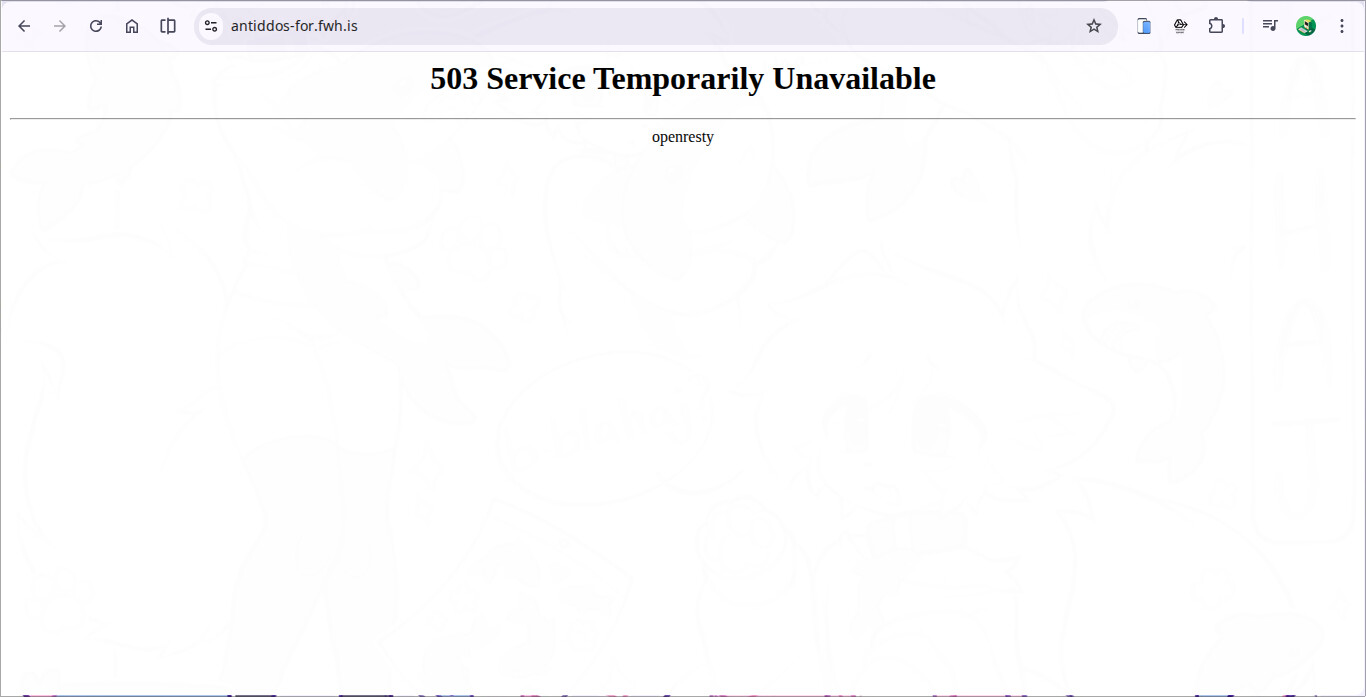
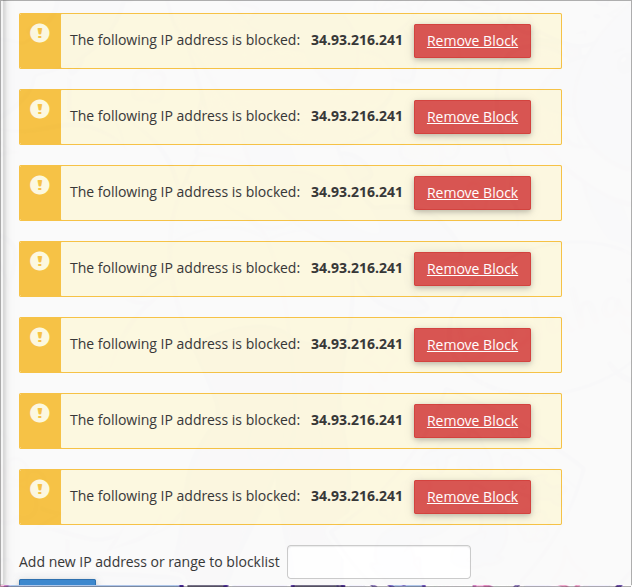
my small concept of using the build in ip blocker feature on infinityfree to prevent ddos
it work like this, if the user reach the limit of maximium requests on a specific amount of time, they will be redirect to the verify page, which i can set how many times they can redirect like 3, 5 or 10, after those attempt of redirect but they dont verify, their ip will be blocked on the infinityfree dashboard, not php block, just simply ip block on the infinityfree, that way it can prevent the ddos very efficient because it can block the ip and stop the attack immedially
I mean the attack can still be linked to you since the blockage origins from your account; I don’t know how is this IP block achieved on the system but it probably still adds to your account limits then what’s the point
lemme test it out rq
lol admin what are you doing XD
yeah…that sucks
so the whole point of ip blocking is just use php to block the requests and the hit usage still count and the server still down
love this feature, 10/10
i should test the ip blocking feature first before making this
In my opinion, the control panel is practical for only one thing nowadays, adding custom domain. Who the heck knows why in client area (using cname,) even on cloudflare domains, it took a while for it to pick up, when the control panel picks up the cname 5 minutes later. Admin, can you just rely on the control panel for NS/cname checks instead of doing one on your own?
From what I can tell there’s no independent endpoint in Control Panel that checks the CNAME so the only way to use it is to add the domain right away. But who knows, maybe this is better UX…
Thanks for all the feedback! It’s really helpful.
It makes me a bit sad to hear this, but I see the point.
I looked at hPanel while working on that new account sidebar design. Their panel is built pretty well, but some of the concepts just don’t translate that well to our underlying hosting model (multi domain hosting is a fundamentally stupid design idea IMO). And the fact that they don’t have to deal with ad placement.
But I must say I mostly looked at screenshots, I didn’t navigate the panel myself due to their rather steep pricing.
What I don’t understand is why people prefer using the control panel over the client area. The client area has a few extra features and, in my opinion, the features are better executed and easier to use. But clearly that’s not shared by everyone.
What are the reasons you prefer the control panel? Is it just familiarity or do you feel that it’s actually the superior interface?
Whoops, forgot one button. Fixed now!
There is no API for the DNS checks so I have to run the checks myself to be able to offer the current UX (including showing the current DNS settings which is much better than the control panel where showing the DNS settings is clearly an afterthought).
And yes, it takes longer to update. And I have no idea why that is. I’m running my own DNS resolver with most caches either set to off or set to no more than 60 seconds. I have done packet capturing and comparison to see what’s causing the difference and saw two practically identical DNS packets get different responses from the DNS servers. My money is on the free hosting DNS servers just responding inconsistently, but then I still have no idea what to do about that.
I’m with you on that. I’m not a fan of control panel… To me it feels like it’s designed for sys admins, not regular users. Where the client area is the other way round …
Now I think about it, control panel is probably is designed for sys admins